Use cases
PRODUCT VIDEO CONTENT FOR SMALL BUSINESSES
Make product videos without being the whole marketing team.
Orders, stock, customers—and now another video to make. Snaptale gives you reusable Recipes with previews, so you can choose a direction and create product content without figuring out every production choice yourself.
Create a product videoTHE OWNER DOES THE MARKETING, TOO
When you do every job, marketing is another unfinished task.
The orders need packing, a customer needs an answer and a new item needs listing. Product content can wait until the quiet moment that never arrives. Even when you find time, you still have to choose an idea, work out how it should look and decide whether the result is ready to share.
Get a starting point when no one owns production
You do not need every video to begin with a new visual concept. A reusable Recipe provides a format you can preview and adapt with your product references. It gives a production task a place to start when there is no dedicated video person to hand it to.
See the direction before committing to it
If video is not your specialty, an open-ended prompt can leave you unsure what you will get. Explore the finished Recipe preview and its inputs first. Choose a presentation that suits your item, then check how your own product appears in the generated version.
Keep the next piece manageable
Start with one item and one job: introduce an arrival, show a familiar product in a new setting or prepare content for a real promotion. Make the piece you need first, then return for the others as the business allows.
PREVIEW BEFORE YOU CREATE
Choose a format by the job your video needs to do.
A polished product reveal, an everyday scene and a promotional video serve different purposes. Recipe previews help you see the difference before you start making your own.

Help customers notice the product
For a new arrival or a returning favourite, look for a format that keeps the item easy to see. Let the product’s appearance lead the video.
Help customers picture a setting
For a familiar product, a lifestyle format can give the next post a different angle. Choose a setting that makes sense for the item and the people you sell to.
Help customers understand the offer
For a promotion, keep the product, offer and next step clear. Review the finished video at phone size so the message is easy to follow.
EVERYDAY BUSINESS NEEDS
New arrivals, familiar products, the next sale. Start with what’s happening in your shop.
You don’t need a new campaign idea every time you post. A product arriving, a bestseller returning or a confirmed offer can give your next video a clear purpose. Here are four places to start.

Illustrative UI with example inputs · Published Recipe previews.
A new jacket arrives. Give it an introduction.
Customers can see the jacket on your product page. A short video gives you another way to introduce its look and styling when you announce the arrival.
What to show
Keep the jacket at the centre of a fashion-led scene, with a clear view of its shape and details.
Have ready
Product photos showing the actual colour and design, plus the name and details you want to introduce.
Your water bottle is back in stock. Give it a fresh setting.
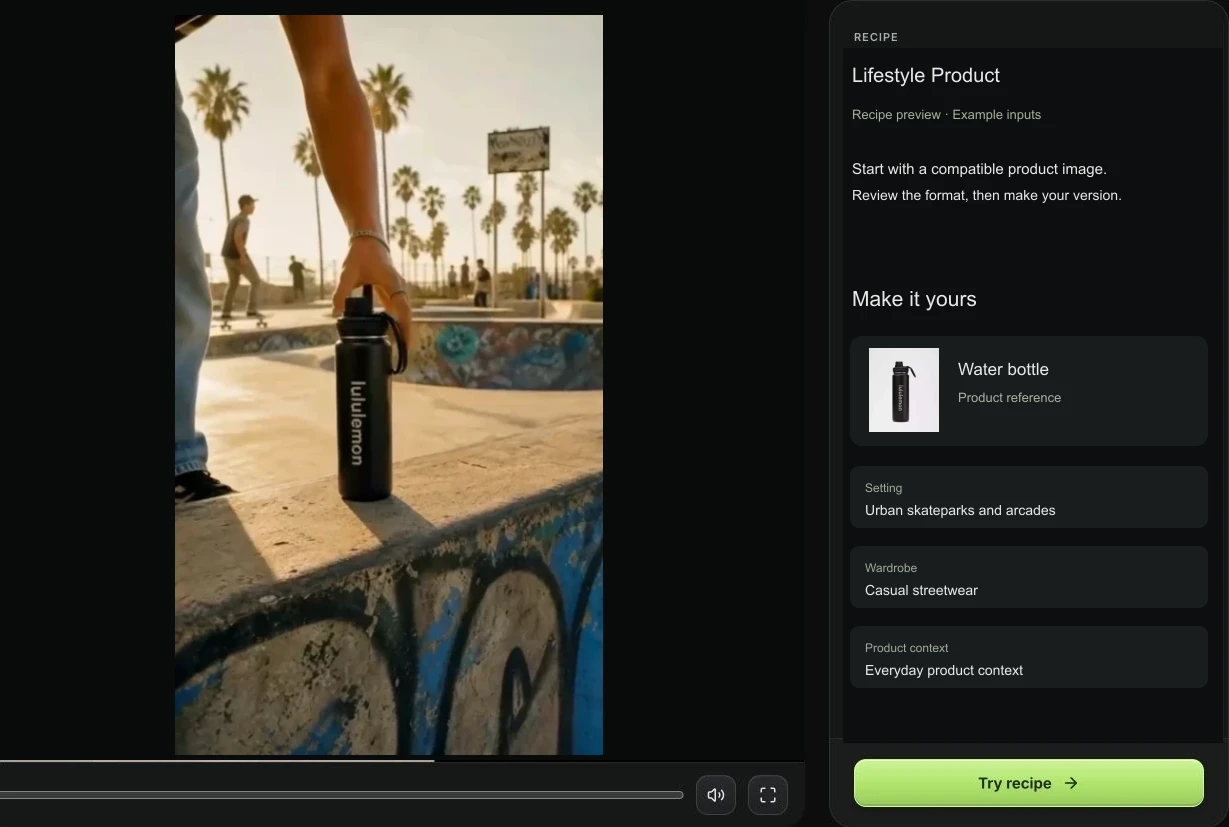
You have already posted the catalogue photo. This time, show the bottle in an everyday setting that helps customers picture it as part of their day.
What to show
A lifestyle sequence built around the bottle, such as an urban outing or a day by the beach.
Have ready
Your product image and logo. The Lifestyle Product Recipe also lets you choose a setting and wardrobe.
Your weekend offer is ready. Make the offer easy to notice.
Between updating prices and handling orders, creating the sale announcement becomes another job. Start with one featured product and one clear offer.
What to show
Bring attention to the product, then make the offer and end date easy to understand.
Have ready
Product references, the confirmed price or discount, and the promotion dates. Keep the final message consistent with your store.
Next week is coming. You haven’t decided what to post.
When you sell several products, choosing the next subject can take as much effort as making the video. Start with your store’s range and priorities.
What to plan
A mix of product introductions, everyday settings and timely announcements across the month.
Have ready
Your store homepage and the products or events you want to focus on. Review the suggested concepts, adjust the mix and make the ones you need.
Example tasks for a product-based business. Open each Recipe to review its preview and required inputs.
Make your next video with a clear starting point.
- 01
Choose the subject and format
Pick the product and the question you want the video to answer. Explore a suitable Recipe, check its required inputs and provide the relevant references. A clear product photo can be a starting point when it meets the format’s needs.

Illustrative UI · Example data - 02
Prepare the details
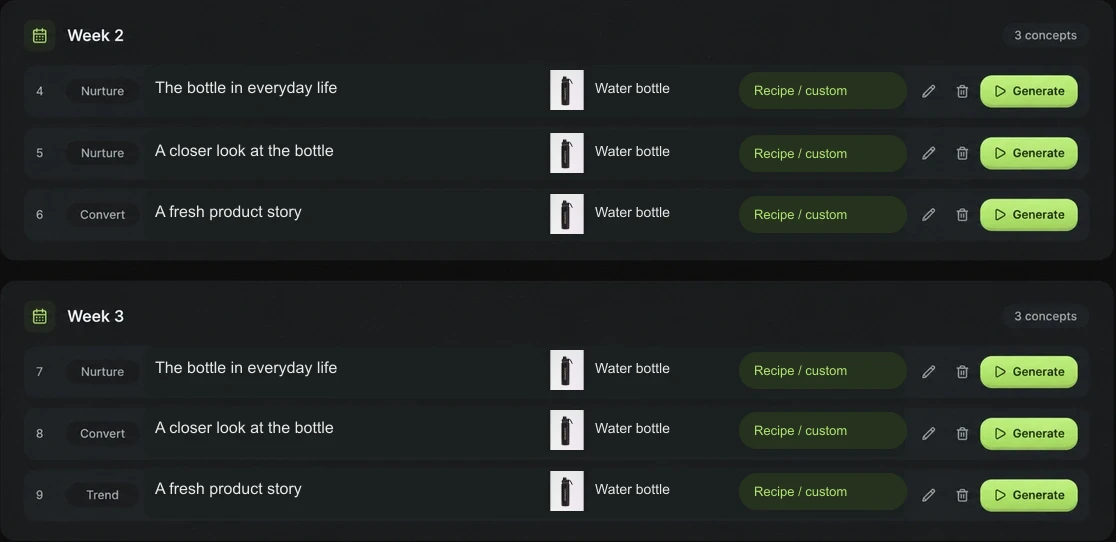
Review the concept, script and visual direction in the project. Bring the product facts and message you want to communicate. If you are announcing a restock or promotion, supply the current details yourself.
Illustrative UI · Example data - 03
Review and share through your channels
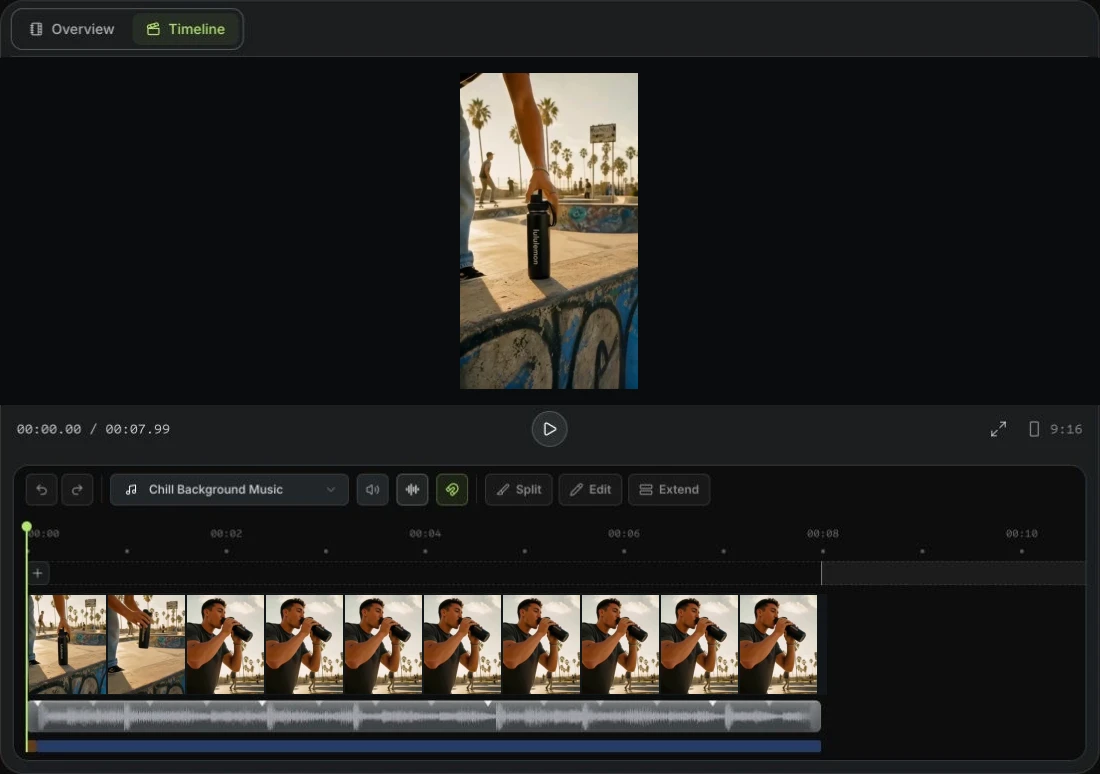
Generate the selected video and inspect the product, scenes and message. Export the finished piece, then publish through the channels you manage. Return for another story when you know what the next video needs to do.
Illustrative UI · Example data
PLAN WHAT COMES NEXT
Know what to make next, even when the shop gets busy.
A new arrival this week, a returning bestseller next week, a promotion later in the month. Planning helps you organise those priorities before each one becomes a last-minute content task.
Start with your store homepage to get proposed video concepts across four weeks. Review the products, topics and goals, then adjust them around what is actually happening in your business.
You choose which concepts to make. Generate the selected videos individually, review them and export them for your own channels.
Frequently asked questions
Can I use Snaptale without a marketing or video team?
Recipes provide previews and defined inputs so you have a concrete format to start from. Bring suitable product references, create your version and review it before use. Planning can also suggest product video ideas when you need help deciding what to make next.
How do Recipes help me choose a direction?
Watch the published preview and check the required inputs before creating. It shows the format’s intended presentation, helping you assess whether it fits your product. Review your own generated version for product accuracy and message before sharing.
How often should my business post?
Choose a pace you can sustain and review it against your own audience and workload. A monthly plan can help you see the mix of ideas, but it does not require you to generate or publish every suggested video.
Can I start with one product photo?
A product photo can be a starting point. Check the required references and details for the Recipe or format you choose, then review how the final video represents your product.
Can I use my existing products again?
Yes. Give the next concept a different question or purpose, such as an introduction, a detail or another setting. Check that the product information and any promotion remain current.
Do I need a store link to make one video?
When you know the video you want, start from a compatible Recipe and its required inputs. The store-link workflow is for Planning around your store and product context.
Does Snaptale publish to my social accounts?
You review and export the finished videos, then publish through your own channels. Planning organises the product video ideas you choose to work on.
What do the hero examples show?
They are short previews from published Snaptale Recipes. Open a Recipe to inspect its inputs and make your own version. They are creative examples, not verified small-business results.
One less production task to figure out alone.
Choose a Recipe you can preview, bring your product and make the next video your business needs.
Create a product videoKeep reading
Scale your marketing video output across clients.
Create product branding and marketing videos across client accounts. Reuse visual formats and plan ongoing content with Snaptale.
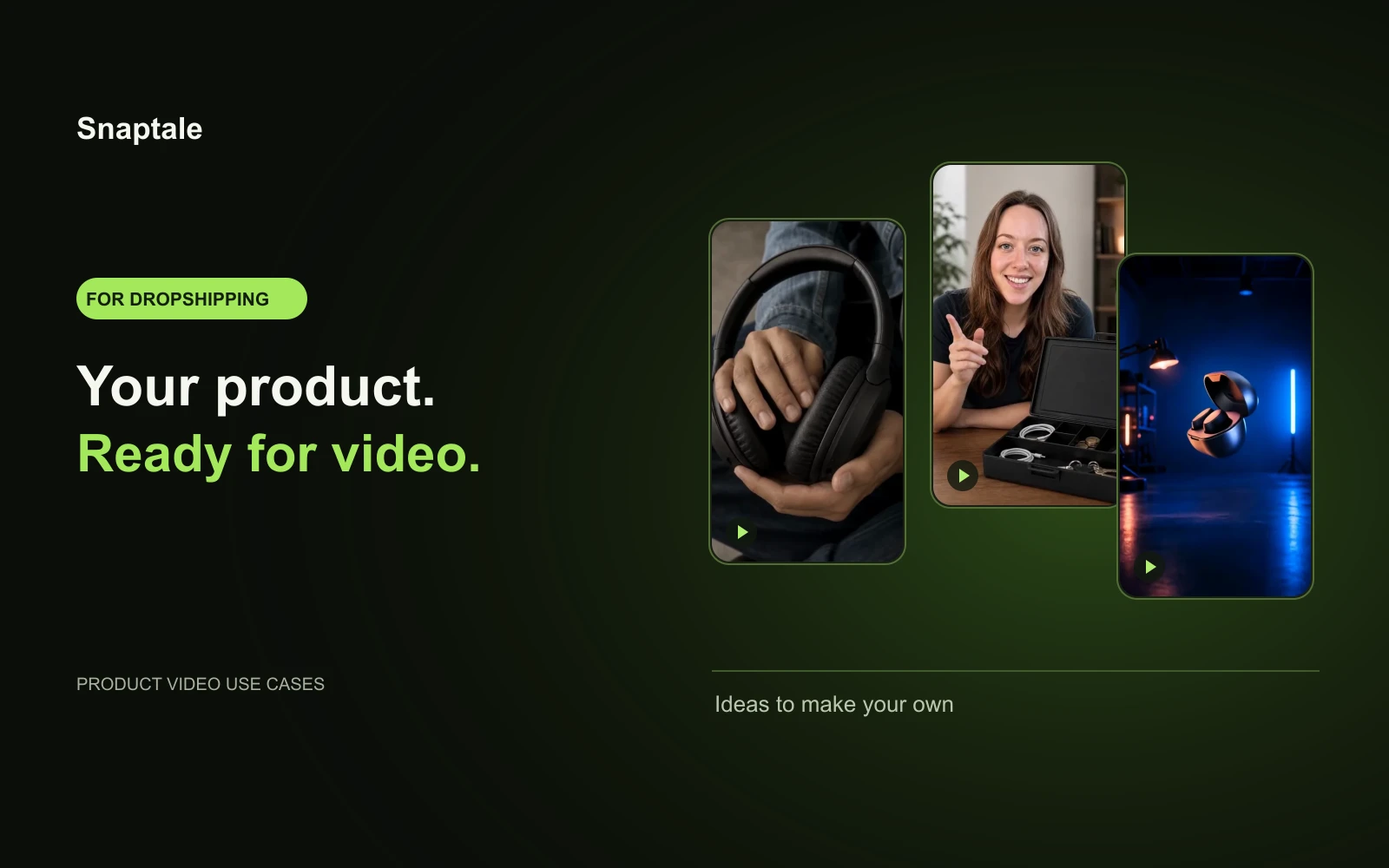
Make dropshipping video ads without a production team.
Create dropshipping video ads from suitable product references and reusable Recipes. Get a visual starting point without planning a new shoot.

Plan a month of product videos from your store link.
Build a monthly video content plan from your store link. Review topics, products and weekly goals, adjust the mix, then make selected videos.
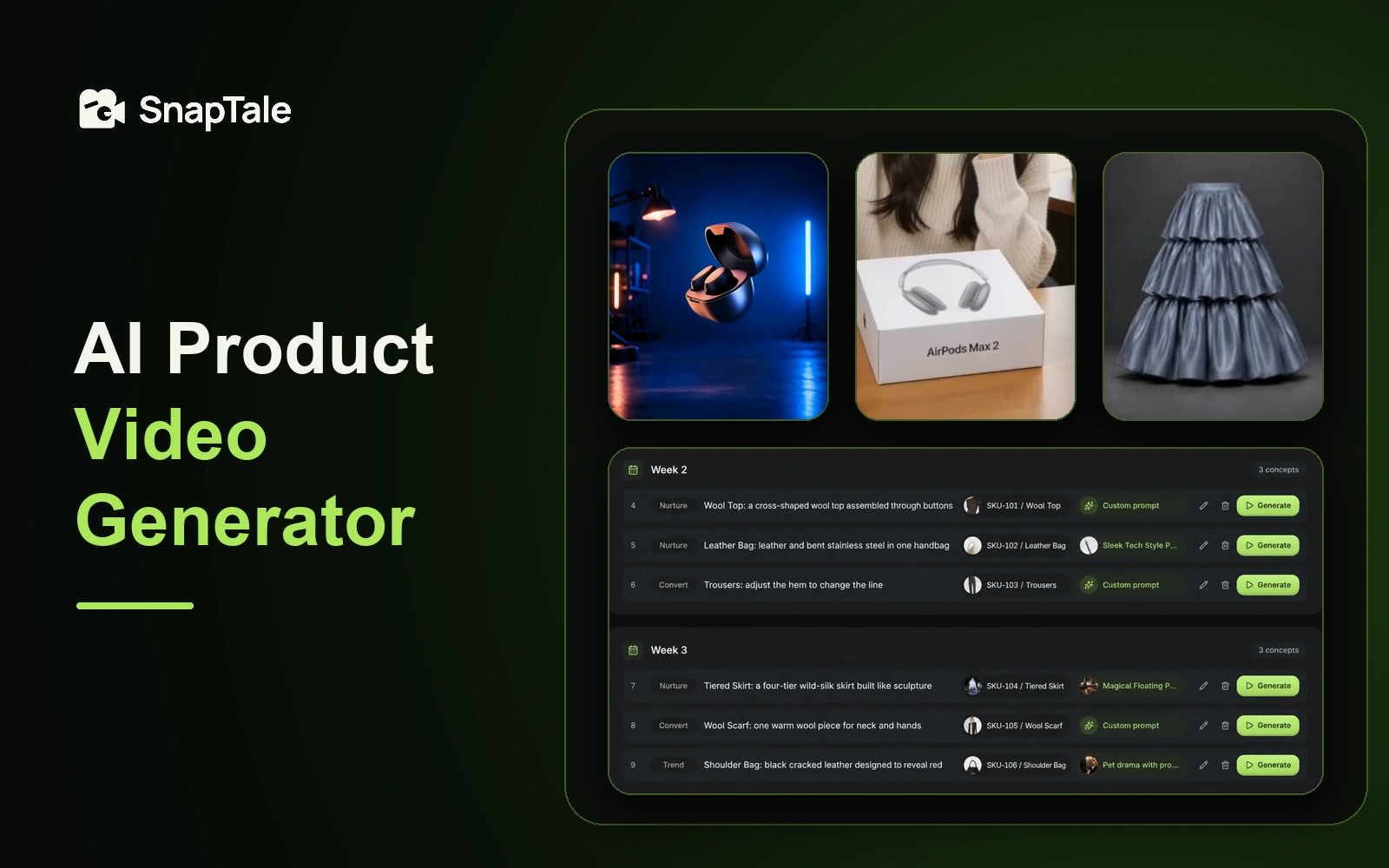
Create product videos from your store link.
Paste your store link. Snaptale reads your catalogue, decides which products need a video this month and why, then makes each one.

Create video ads with a clear hook, message and CTA.
Create ad creatives around your products and offers.