Use cases
PRODUCT VIDEO CONTENT FOR AGENCIES
Scale your marketing video output across clients.
More clients mean more launches, campaign assets and delivery deadlines. Use Snaptale to create product branding and marketing videos from reusable Recipes, then plan the next content your clients need.
Create client videosTHE DELIVERY PRESSURE
Every new client adds work. Existing clients still need their next delivery.
A new account brings product references, brand expectations and delivery dates. Meanwhile, existing clients still need launches, promotions and fresh creative. Your team needs a repeatable way to produce those assets while keeping each brief specific.
Keep deliveries moving
Product introductions, lifestyle videos and offer announcements keep returning to the production queue. A reusable Recipe gives these familiar tasks a visible starting point, so your team can begin with a format instead of defining every scene from scratch.
Keep different brands distinct
A beauty launch and an outdoor product campaign need different visual treatments. Choose the format around each client’s product, audience and brief, then use their own references and message to make the asset.
Make room for the next request
The launch video is rarely the last deliverable. A client may need another product featured, a different setting or a new promotion. Reuse a suitable production approach while updating the inputs and reviewing each new result.
REUSABLE PRODUCTION
Give your team a production starting point they can evaluate.
Recipe previews show the intended visual treatment before your team prepares the inputs. Use them to assess whether a format fits the brief, then create the client’s version with the required product references and details.

Choose by the deliverable
Start with what the asset needs to communicate. A product introduction needs a clear view of the item. A lifestyle creative needs a relevant setting. A promotion needs an offer customers can understand.
Reuse the format across suitable products
When a Recipe fits a recurring task, use it again for another compatible item. Supply that product’s own references and message, then generate and review its version individually.
Keep review focused on the brief
Check the product details, setting, wording and final cut against the client’s requirements. Export the reviewed asset into your agency’s existing feedback and sign-off process.
ACROSS CLIENT ACCOUNTS
Turn each account’s next request into a clear video task.
Different clients need different deliverables. These examples show how your team can turn a campaign request into a focused production task.

Illustrative UI with example inputs · Published Recipe previews.
A beauty client is introducing a new range
The client needs individual assets for selected products, with a recognisable visual direction across the launch.
What to make
Product-focused videos that give each item its own introduction.
How to approach it
Choose a compatible Recipe with a treatment that suits the range. Prepare references for each item, then review packaging, colour and wording separately before delivery.
An accessories client needs fresh social creative
The product is already familiar to the audience. The next asset needs a new context while keeping the brand’s presentation consistent.
What to make
A lifestyle video built around one product and one relevant setting.
How to approach it
For a compatible item such as a reusable bottle, explore the Lifestyle Product Recipe. Use the client’s product image and logo, then choose a setting and wardrobe that fit the brief.
A homeware client is preparing a promotion
The client has confirmed the featured product, offer and campaign dates. Your team needs to turn that information into a clear promotional asset.
What to make
A video that brings attention to the product and makes the offer easy to follow.
How to approach it
Explore a promotional format such as Countdown deal promo. Bring the confirmed campaign details and check the generated message against the brief before sending it for approval.
An existing client needs next month’s content
The account needs more than a single launch asset. Your team has to propose what to feature next and why.
What to prepare
A mix of product introductions, supporting stories and timely offers.
How to approach it
Start Planning with that client’s store homepage. Review the suggested products, topics and goals against the account’s priorities, then choose the concepts to produce.
Move the next client asset into production.
- 01
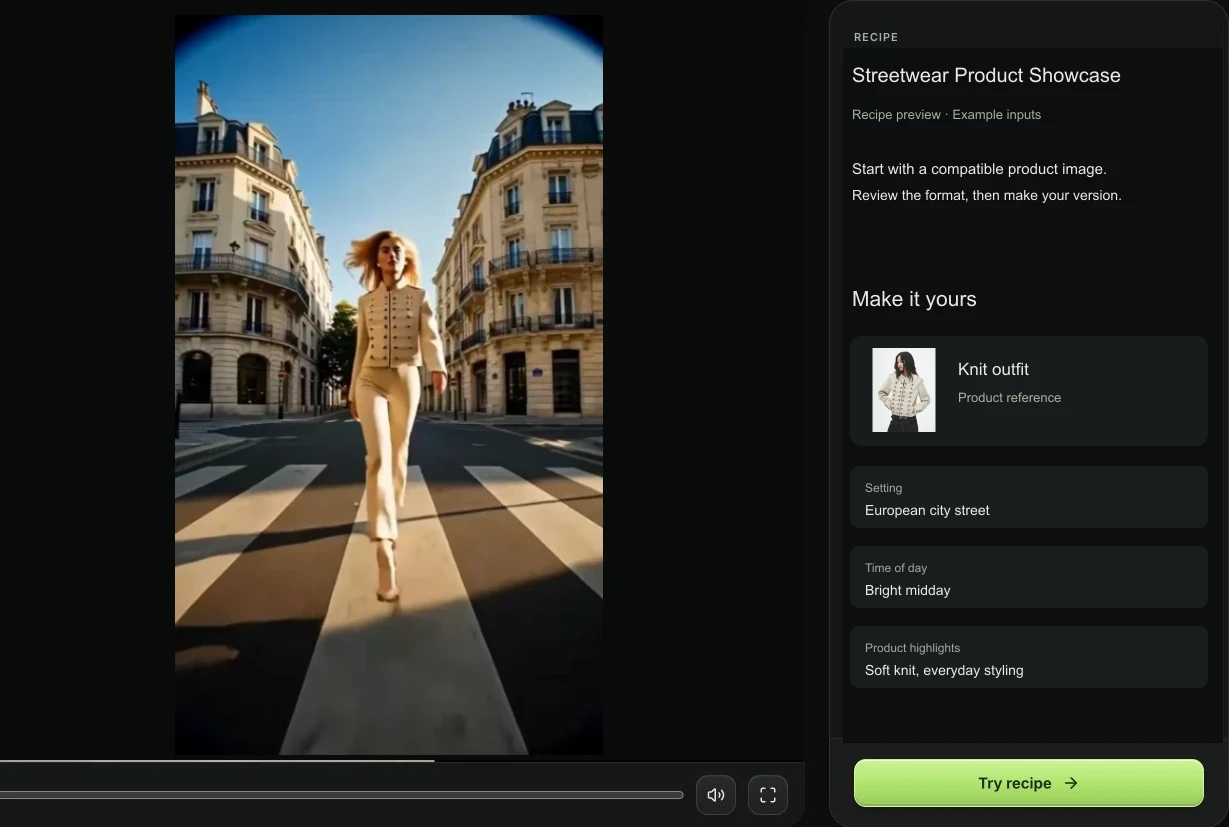
Choose the product and suitable format
Start from a compatible Recipe when the direction is clear. Review its required inputs and supply the product references. Keep the selected variant and approved product details consistent with the client’s brief.

Illustrative UI · Example data - 02
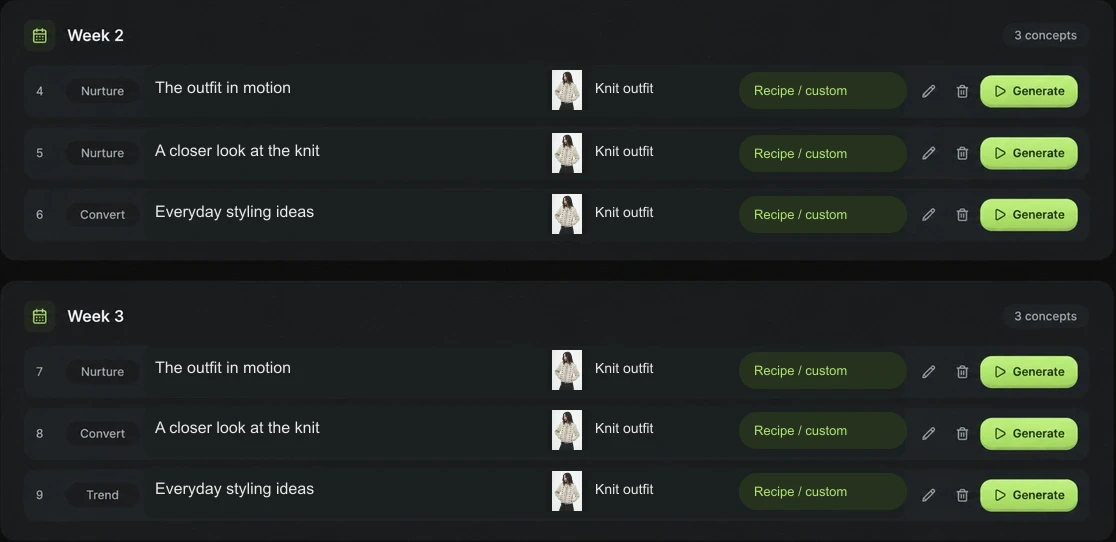
Prepare the message in the project
Bring the intended question, product benefit and next step into the concept. Review the script and visual direction in its video project, including any client-supplied offer details, before generating.
Illustrative UI · Example data - 03
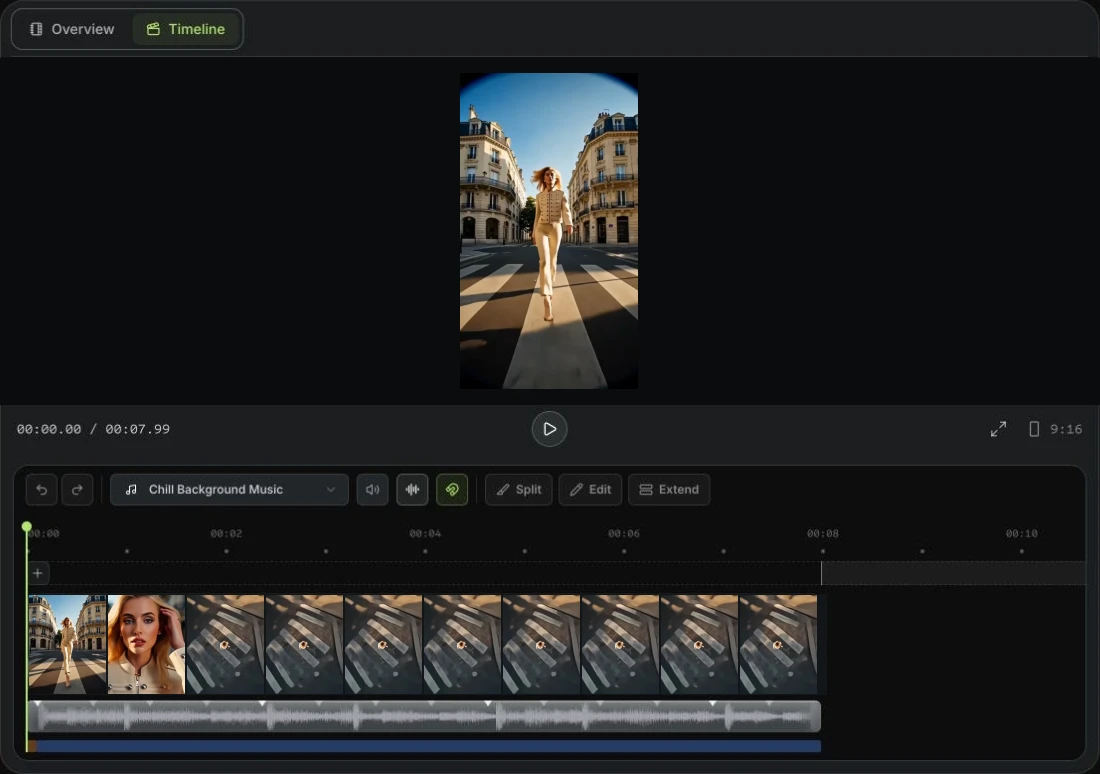
Review and export
Check the generated product, message and final cut together. Export the selected result for your agency’s existing feedback, approval and delivery process.
Illustrative UI · Example data
PLAN WHAT COMES NEXT
Prepare the next client month before the next deadline arrives.
A launch may need an introduction followed by a closer product story. An established range may need fresh settings or content around an upcoming offer. Planning helps your team organise those priorities into a proposed mix of videos.
Start with one client’s store homepage to get concepts across four weeks. Review the products, topics and goals against the account brief, then edit or add concepts where the campaign needs something different.
Choose the videos to produce and generate them individually. Return to the saved store group when preparing that client’s next plan, and refresh the product information when their range changes.
Frequently asked questions
How does Snaptale help an agency produce more client videos?
Recipes provide reusable visual formats with previews and defined inputs, giving recurring production work a starting point. Planning helps you review ongoing product content for a store. Choose and generate the videos individually, then review and deliver them through your agency’s existing process.
Can I use Snaptale for several clients?
Work through each store’s context and concepts separately. Saved store groups provide a starting point for future planning. Select the intended store and check its product information before making a new plan.
Does Snaptale handle client approvals?
Use your agency’s existing process for client feedback, sign-off and delivery. Snaptale supports the planning and creation of the selected product videos.
Can the same product have different creative directions?
Yes. Give the introduction, explanation or offer its own concept and generate each selected video individually. Keep the product references consistent while changing the topic and message.
Do the examples show agency client results?
The hero previews are published Snaptale Recipe clips. They demonstrate available creative formats; they are not verified agency case studies or campaign results.
Keep the next client delivery moving.
Choose a reusable format, bring the client’s products and make the next marketing assets. Plan the ongoing content when the account needs more.
Create client videosKeep reading
Make dropshipping video ads without a production team.
Create dropshipping video ads from suitable product references and reusable Recipes. Get a visual starting point without planning a new shoot.
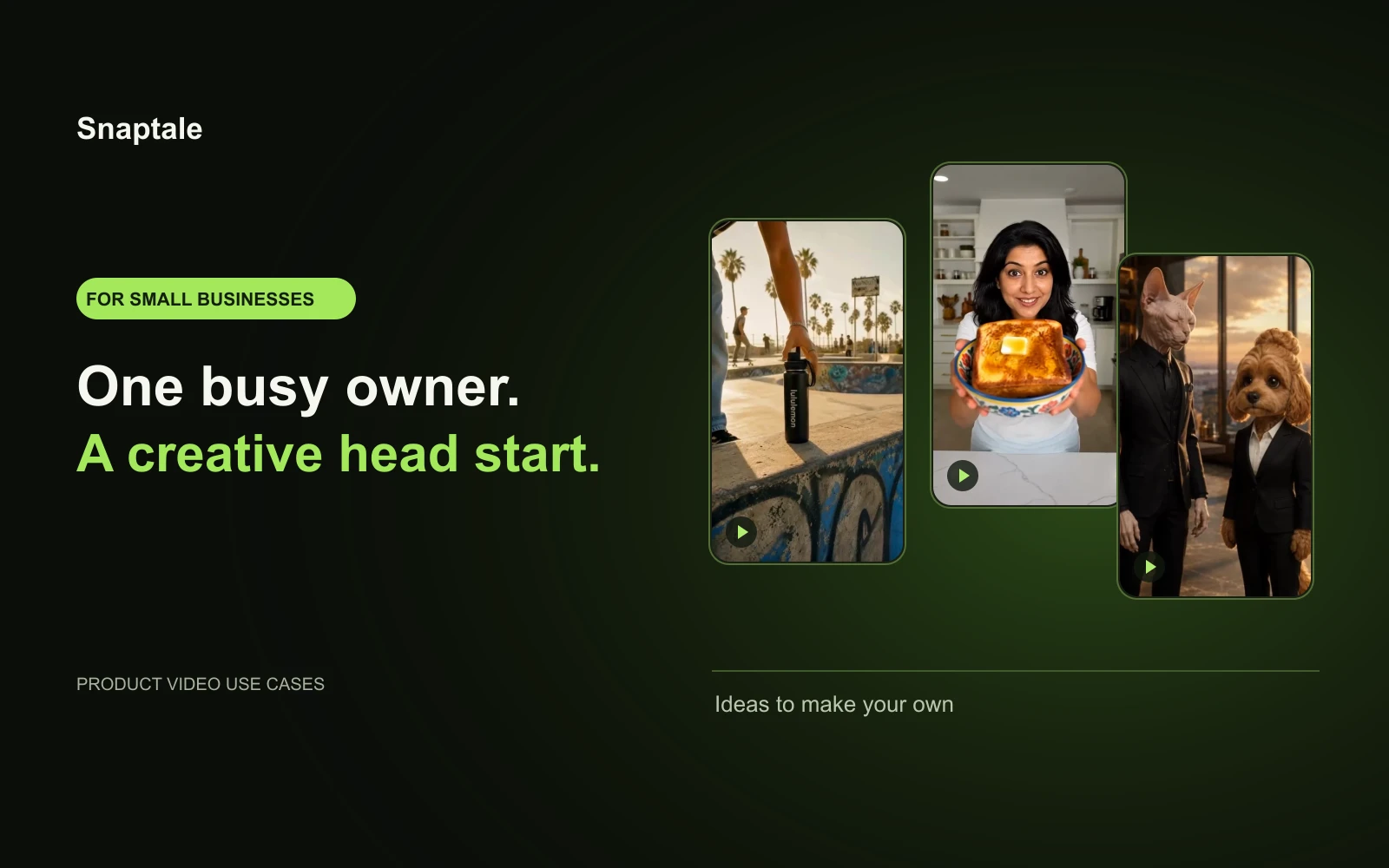
Make product videos without being the whole marketing team.
Make product videos for your small business with reusable Recipes. Preview a format, bring your product and create without a dedicated video team.

Plan a month of product videos from your store link.
Build a monthly video content plan from your store link. Review topics, products and weekly goals, adjust the mix, then make selected videos.
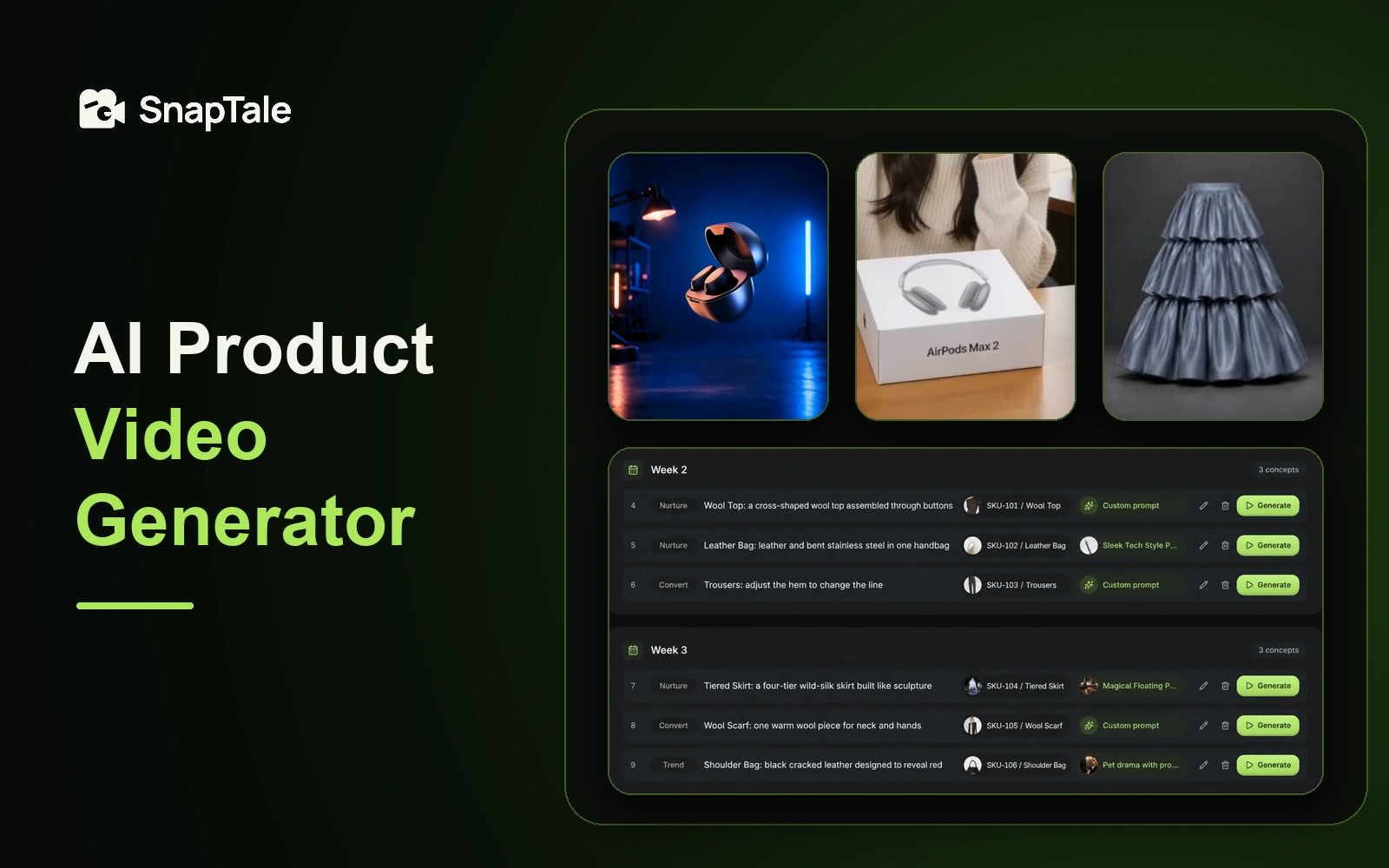
Create product videos from your store link.
Paste your store link. Snaptale reads your catalogue, decides which products need a video this month and why, then makes each one.
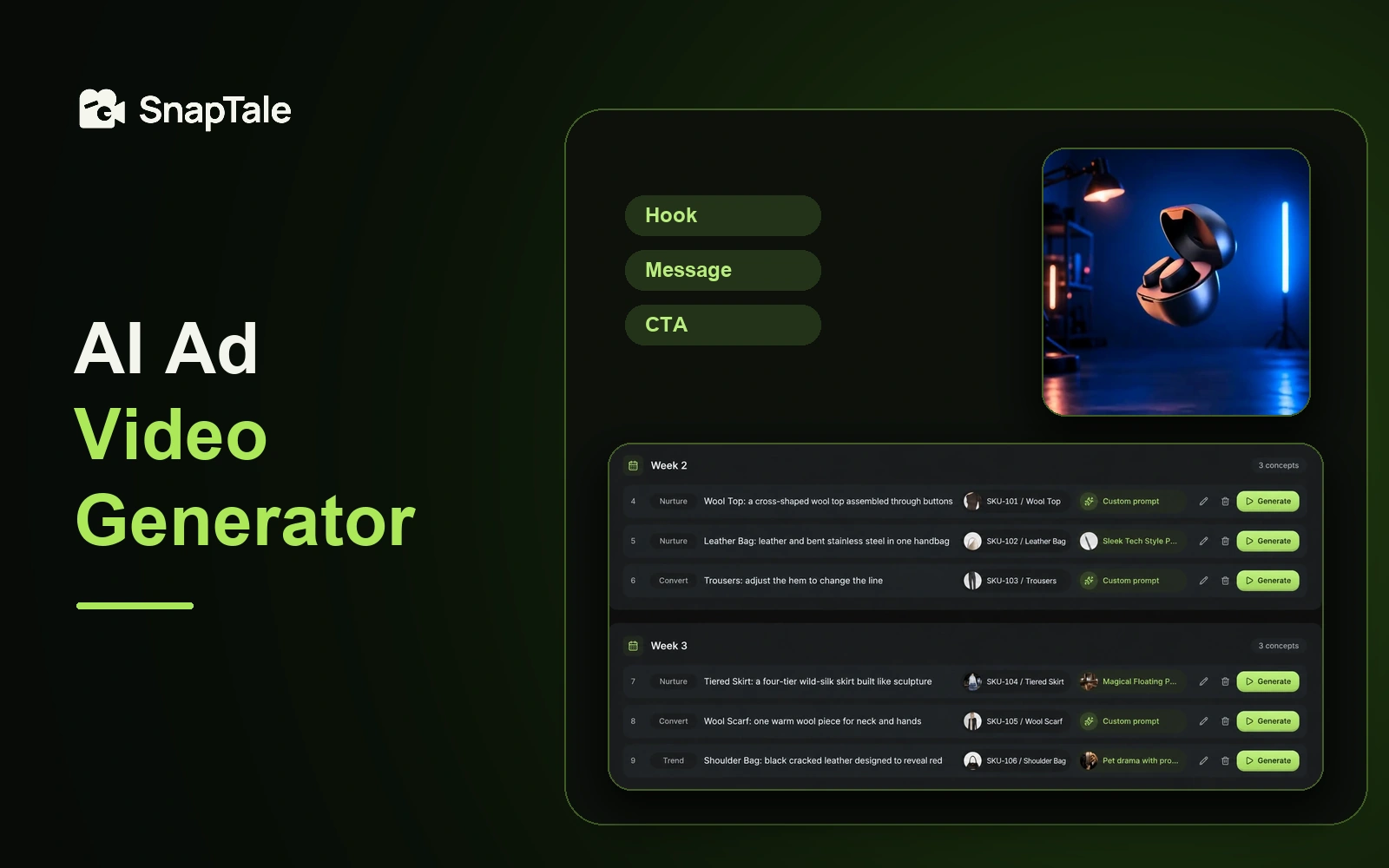
Create video ads with a clear hook, message and CTA.
Create ad creatives around your products and offers.