Deal Countdown
Put a real offer and its deadline up front. Give shoppers a clear reason to act while the promotion is live.
AI AD VIDEO GENERATOR
Create ad creatives around your products and offers.
Start with your store homepage URL, review the proposed concepts, then refine the opening, message and call to action before generating each ad you choose. New arrivals, bundles, Black Friday offers. Give each message its own creative.
I already have a photo and an ad idea →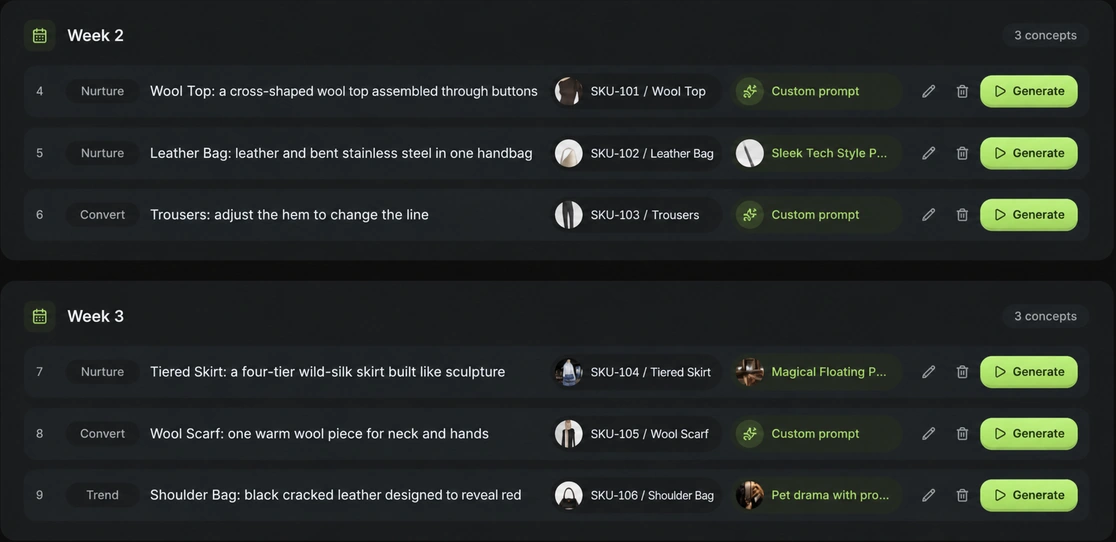
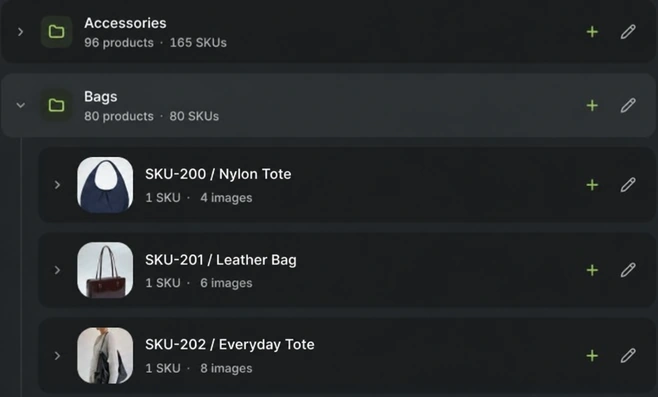
Paste your store homepage URL. Snaptale imports available product details and images into your library. Review the business profile and products so the concepts start with what you actually sell.

Review the proposed products, formats and reasons in your Playbook. Choose concepts for your paid campaign. Use the topic and scene plan to describe the opening, benefit or offer, and what the viewer should do next. Confirm prices and promotion dates yourself.
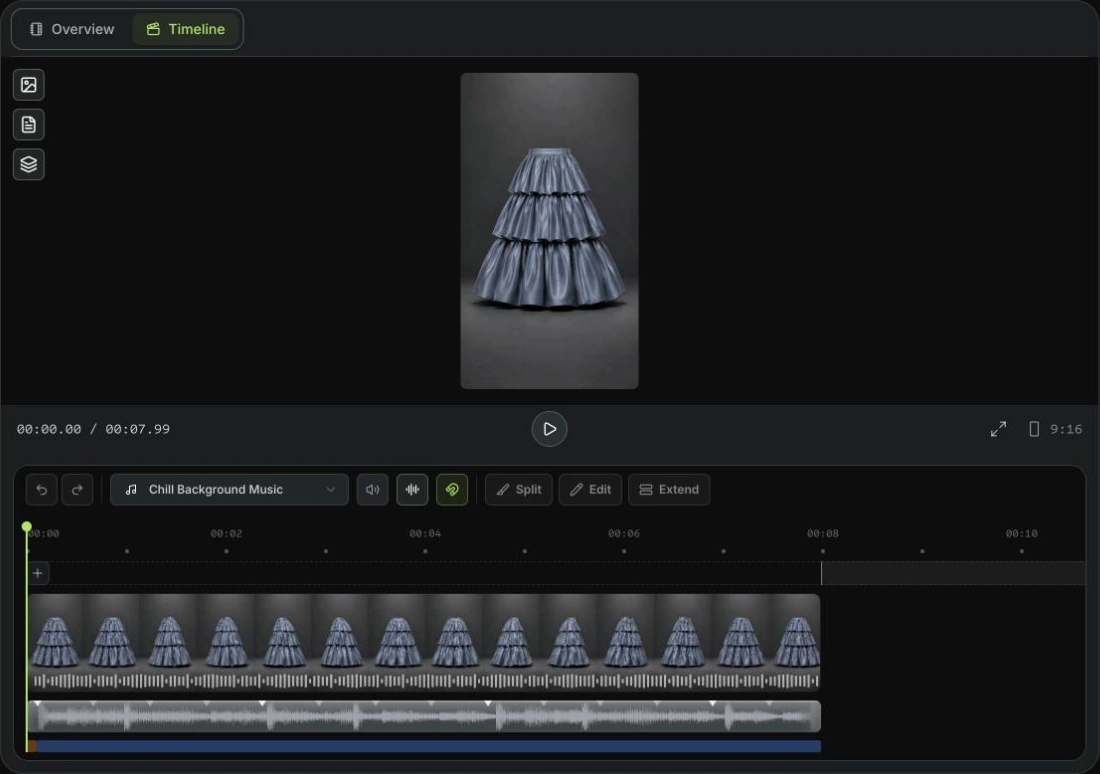
Choose a row and generate the video. Review the shots, voiceover, music and captions together, then adjust the cut and on-screen details in the editor. Export the ads you want to take into your advertising workflow.
02 · Video ad recipes
A deadline needs a different opening from a new product. Review the format on each planned concept, and change it when another approach makes the offer clearer.
Put a real offer and its deadline up front. Give shoppers a clear reason to act while the promotion is live.
Give a new arrival a focused introduction. Show what is new, why it matters and where to go next.
Show the product in a setting your audience recognises. Build the message around a specific use and benefit.
03 · What you can make
Black Friday can mean a bundle, a new arrival and a limited offer at the same time. Give each a separate concept in the Playbook, confirm its message and generate the pieces as the campaign takes shape.
Lead one version with the problem and another with the benefit. Edit separate concepts for the same product so each ad has a clear idea behind it. Choose the versions to test in your own ad account.
Help the viewer understand what comes together and why. Use an appropriate bundle image or product reference, check what the selected recipe needs, and make the offer easy to follow.
A launch announcement and a later promotion need different words. Add a new concept using the saved product and write the new message before generating. Each version gets its own project.
If the opening promises a bundle, the ending should make that same offer clear. Review the full creative and refine its on-screen text so the hook, benefit and next step tell one story.
04 · Made for the message
Put the hook, benefit and intended next step into the concept before generating. Review that direction against the offer you actually want to advertise.
Create separate concepts for different messages about the same product. Review each proposed direction before choosing which creatives to make for your own ad tests.
Shots, voiceover, music and captions give you a complete creative to review. Check how the opening, message and final call to action work together.
Use the editor to refine the pacing and on-screen text. Check the product, price and deadline before exporting the ad.
No. Start with your store homepage URL and review the product images Snaptale imports. You can add or replace an image if the selected product needs a better reference.
It can include different content goals. Choose the concepts suited to paid ads, then refine their products, messages and formats for your campaign.
Confirm the offer yourself. Add or correct the price, terms and dates in the creative direction and check them again in the finished video.
Yes. Create separate concepts with different openings, benefits or formats, then generate the pieces you want. You choose which versions to test.
Yes, when a suitable recipe and its required inputs are available. A creator-style delivery is one way to present the ad; other formats can put the product or offer first.
Yes. If you already have the product image and know the message, choose a recipe and make that ad without first building a monthly plan.
No. You export the creative and use your advertising tools for campaign setup, testing and reporting.
Start with your store link. Review the concepts, sharpen the offers and make the ads you choose.
Start planningAlready have the photo and idea? Start with a recipe →
Review the plan first.