Product Showcase
Shape, material, finish. Give a shopper the closer look the listing photo never gives them.
AI PRODUCT VIDEO GENERATOR
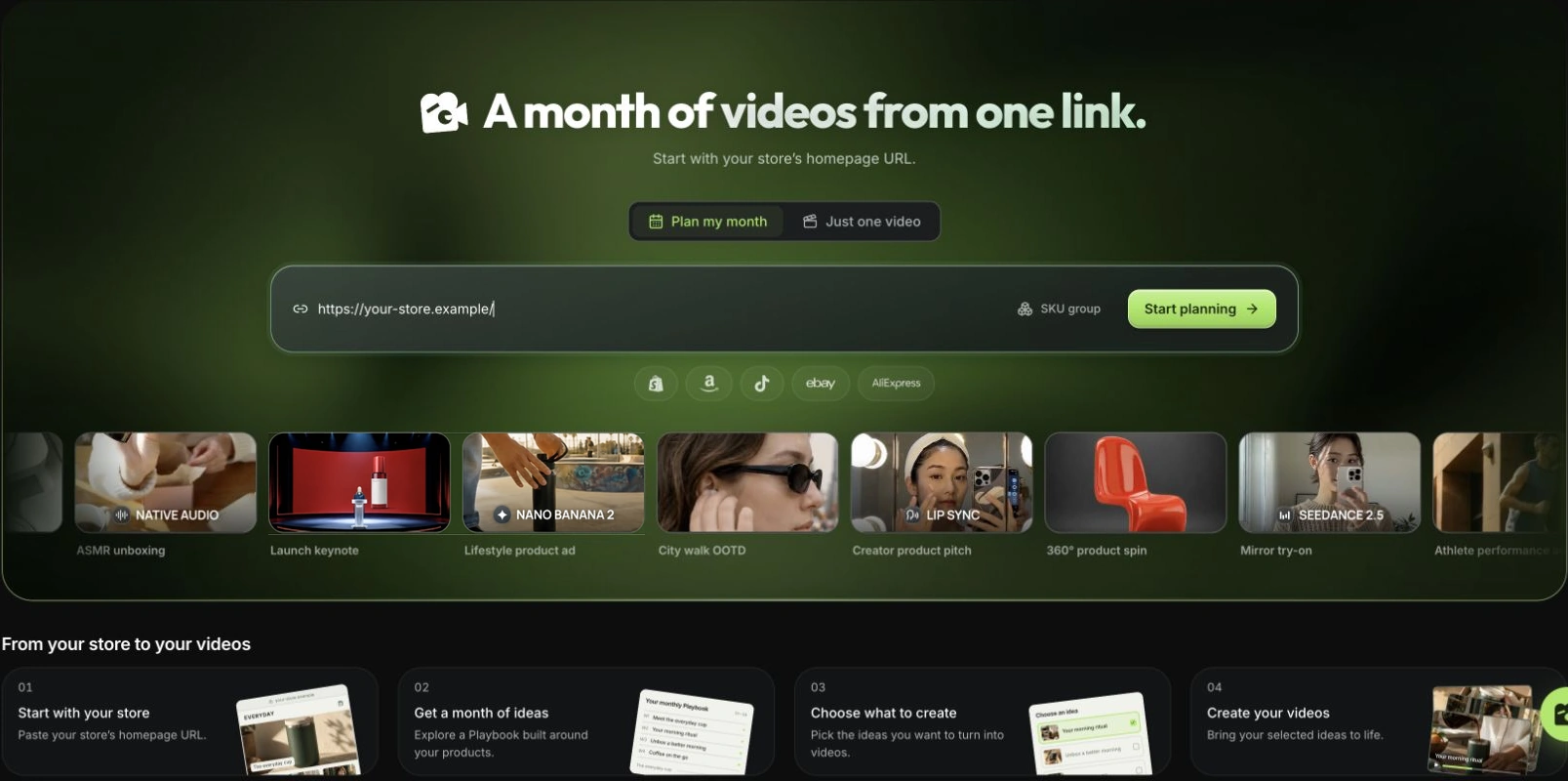
Paste your store homepage URL. Review the imported products and proposed video ideas, then choose which product showcases, demonstrations or unboxings to make. Snaptale helps you plan the work before generating each selected video.
Your busy season needs a video for twenty products, not one.
I already have a product photo →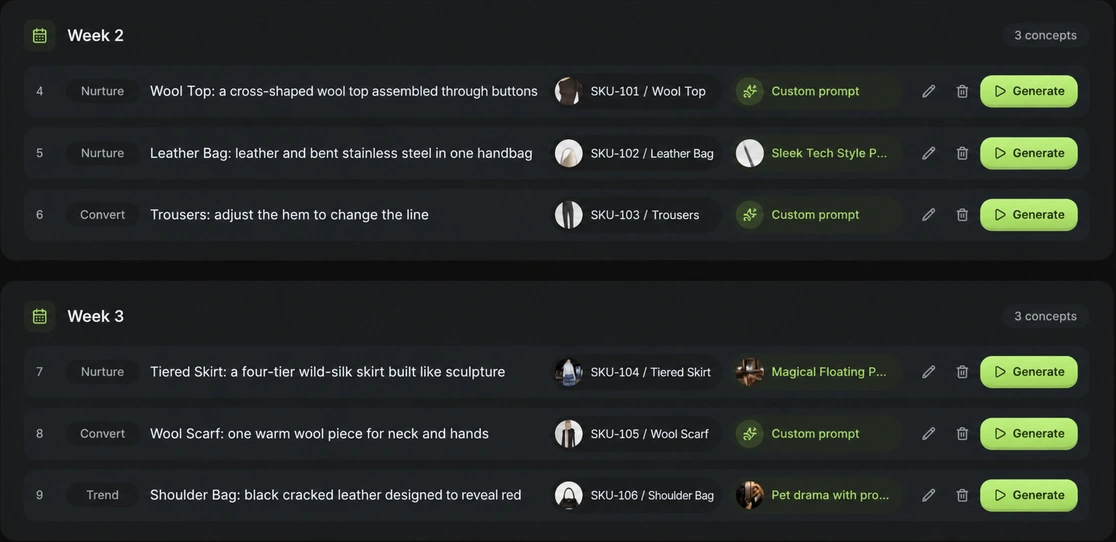
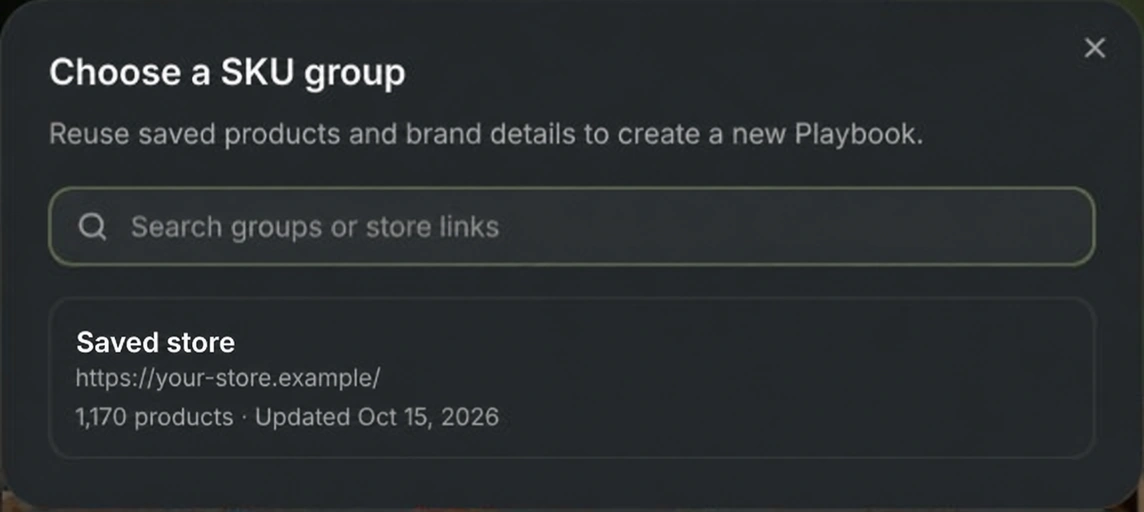
Snaptale imports available product names, descriptions and images from your store homepage. Review what came in and add or correct missing details. Choose a saved store group to reuse its information, or use Update products when you want to refresh it.

Every row names a product, a format and a goal — Convert, Nurture or Trend — with a line on why that product needs that video now. The month is laid out week by week. You set how many videos it should hold, and swap a product or a format on any row you disagree with.
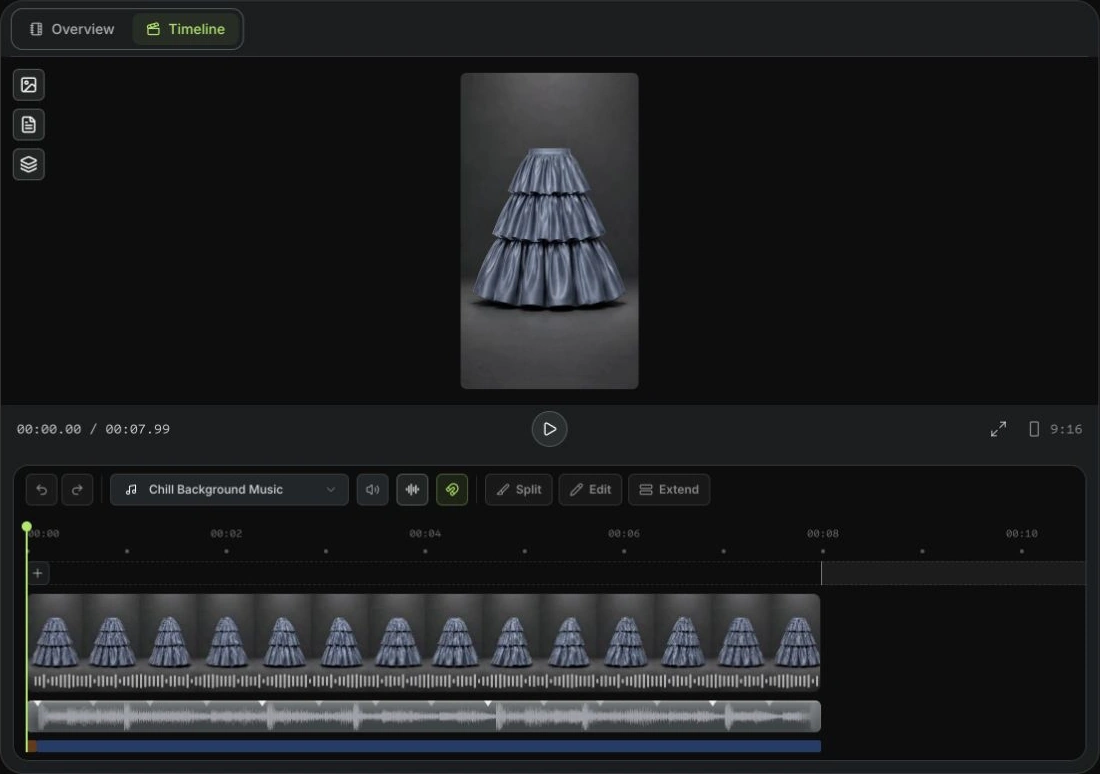
Pick a row and make it. The video comes back with its shots, voiceover, music and captions. Trim, reorder, add text and apply your brand details in the editor, then export ready to post.
Product video recipes
A close-up answers "what is it made of". An unboxing answers "what do I actually get". A countdown answers "why now". Your plan picks the one each product needs — and you can change it on any row.
Shape, material, finish. Give a shopper the closer look the listing photo never gives them.
Packaging, hands, sound. Turn the moment the box opens into the reason to buy.
Put the product on someone without booking a shoot. Works for what people wear, carry or hold.
What you can make
Black Friday doesn't need one video. It needs one for the bundle, one for the hero SKU, one for the thing you're clearing out. Paste your store once, and the plan lays out which product carries which message across the weeks — then you work down the list and generate as you go.
Most catalogues have five products with videos and forty without. The ones without are usually the ones nobody got around to. The plan reaches them because it reads the whole catalogue, not just the bestsellers.
The product photo lands before the shoot does. Start the showcase or the reveal from the photo you already have, check the result against the real product, and ship it while the launch is still a launch.
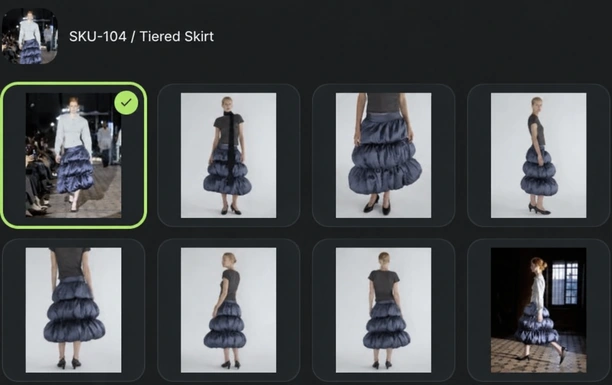
A showcase and an unboxing sell to two different hesitations. Run the same product through another format when the first one didn't move it.
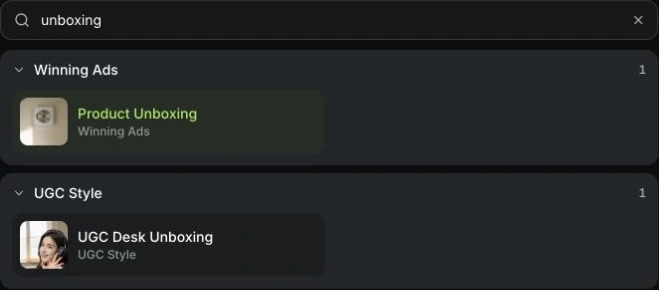
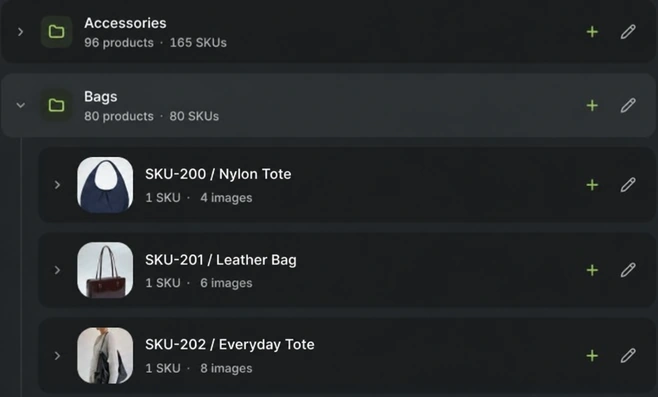
Your products, groups and brand details stay in the library. Choose your saved store group for next month's Playbook, then review the new ideas — no need to import and confirm the same catalogue again.
Other tools make the video you already decided on. Snaptale decides first: which product, which format, which goal, and a line on why that one now. You're approving a plan, not filling a blank prompt.
Products, images, groups and the business profile you confirmed all stay in a shared library. Edit a product, regroup your range, add something that isn't on the store page. Next month's plan starts from what's already there.
Snaptale builds a style reference, characters and scenes before it generates anything. The shots follow that direction, which helps a set of videos for the same product line hold together.
Voiceover, music, captions, and lip sync when someone speaks on camera. You review picture and sound as one piece, not as a video you still have to score.
Save fonts, colours and your logo as a brand kit once. Every later video picks them up instead of being finished by hand again.
No. Paste your store link and Snaptale pulls your products and their images in for you. A photo of your own is only needed if you're skipping the plan and starting straight from a recipe.
Paste your store homepage rather than a single product link or a social profile. Review the products and images Snaptale finds before continuing.
You set that. The plan is laid out by week, and every row names the product, the format and the goal, so you can see the mix before you generate anything.
Yes — the plan covers the month across your products rather than one video at a time, and you generate the rows you want as you work through it. Your catalogue stays in the library, so the next plan doesn't start from scratch.
Check the details against the real product before you post. Style references hold the look, but fine text, logos and small product details can still drift.
Yes. Swap the product, change the format, or rewrite the angle on any row, then generate it. The rest of the plan stays as it is.
This page is about showing the product. If you want an offer-led ad with a specific message and a specific audience, start from the AI Ad Video Generator.
Get the plan first, then make the videos your products actually need.
Paste my store linkOr start from a product photo →
Review the plan first. Generate selected videos.
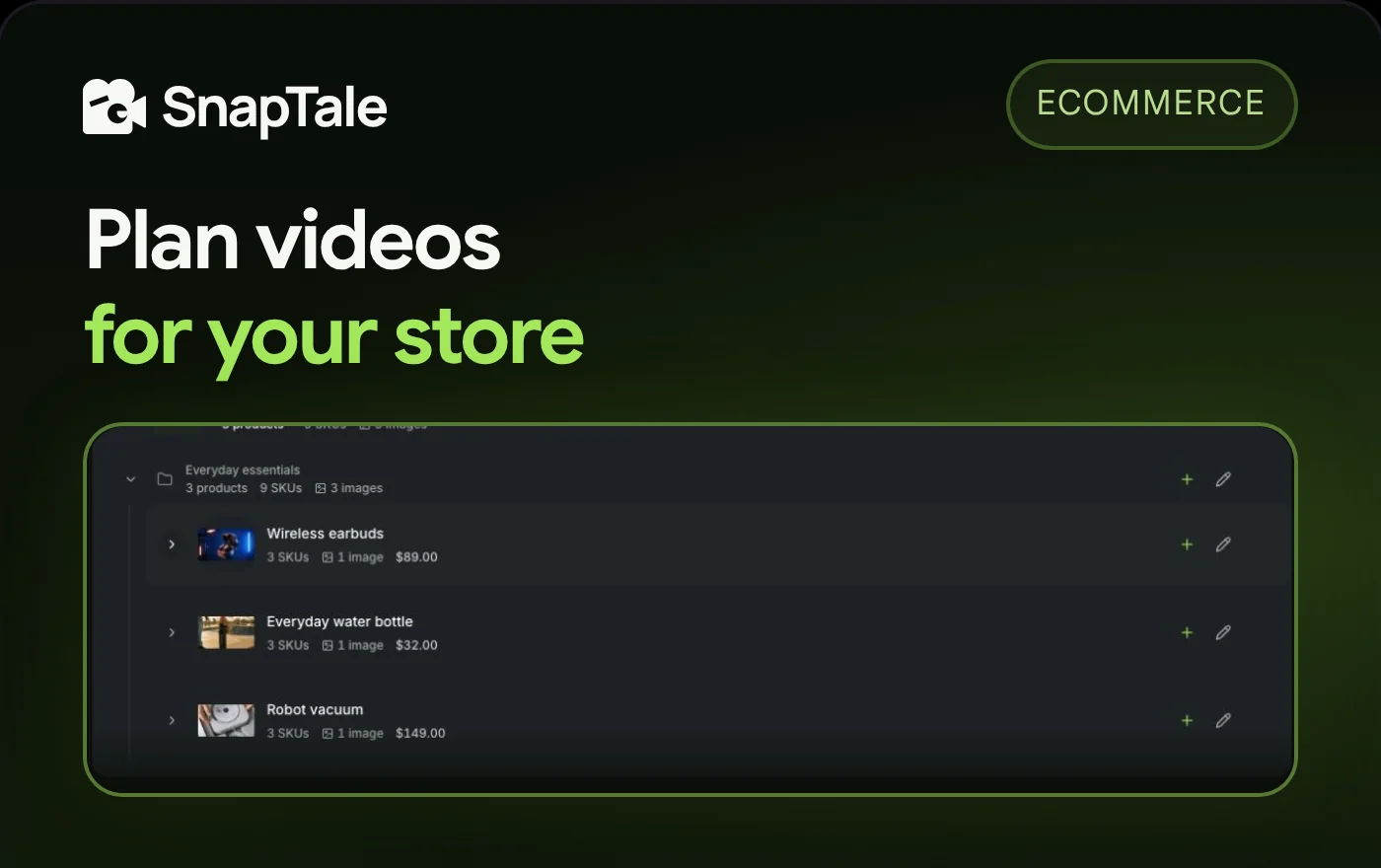
Snaptale reads your store, suggests a month of product video ideas, and lets you review each idea before turning it into a video.