Use cases
AI VIDEO ADS FOR DROPSHIPPING STORES
Make dropshipping video ads without a production team.
Selling products is enough to manage without becoming the video team, too. Start with suitable product references and a Recipe you can preview. Use Snaptale to create selected product ads without arranging a new shoot.
Create a product adLIMITED ASSETS. A FULL TO-DO LIST.
Run the store. Make room for better ads.
You’re choosing products, coordinating with suppliers and answering customers. Video ads are another job on the list—often with only product photos to start from. Snaptale gives you a visible creative starting point, so you can spend less time figuring out how to make the next ad.
Start with product photos
You may have supplier images before a sample arrives. Bring clear references of the item you sell, then choose a Recipe that works with those inputs.
See the creative direction
When you’re also the marketing team, a blank canvas slows things down. Watch a Recipe preview to see the presentation before preparing your own version.
Repeat less production work
A new item or promotion shouldn’t mean rebuilding your process. Reuse a suitable format and update the product references and message for the next task.
A VISIBLE STARTING POINT
Choose the format around what the ad needs to say.
An introduction, a closer look and an offer each give shoppers a different reason to pay attention. Start with the job, then find a Recipe that supports it.

Introduce the product
Give shoppers a clear first look at what you sell and one reason to consider it. Explore a product pitch format, with accurate product references and a focused message.
Bring details closer
Help shoppers notice the design, shape or visible details that a listing thumbnail can miss. Explore a close-up presentation that suits the item and the references you have.
Put the offer upfront
When a promotion is ready, make the featured product and confirmed offer easy to understand. Choose a promotional format and prepare the campaign details before creating.
KEEP IT MANAGEABLE
Turn the next store task into a focused ad.

Published Recipe previews · Different products and formats, not a same-product comparison.
A new item joins your store
The listing is ready, but you still need a video to introduce it.
What to make
A short product introduction built around one clear benefit.
What to prepare
Images of the exact variant, a supported product benefit and the destination listing. Choose a compatible pitch Recipe, then check that the result matches what customers can order.
Shoppers need a closer look
Your listing shows the whole item, but an important visible detail deserves more attention.
What to make
A detail-focused video—for example, a closer look at a pair of headphones’ earcups and headband.
What to prepare
Clear references showing those details. Choose a suitable close-up format and review the generated shapes and proportions against the product images.
A promotion is coming up
You have an offer and a launch date, but the creative still needs making.
What to make
A product-led promotional video with a clear offer and next step.
What to prepare
The selected item, confirmed discount and campaign dates. Explore Countdown Deal Promo, then review the wording against the offer on your store.
Make the selected product ad from a reusable format.
- 01
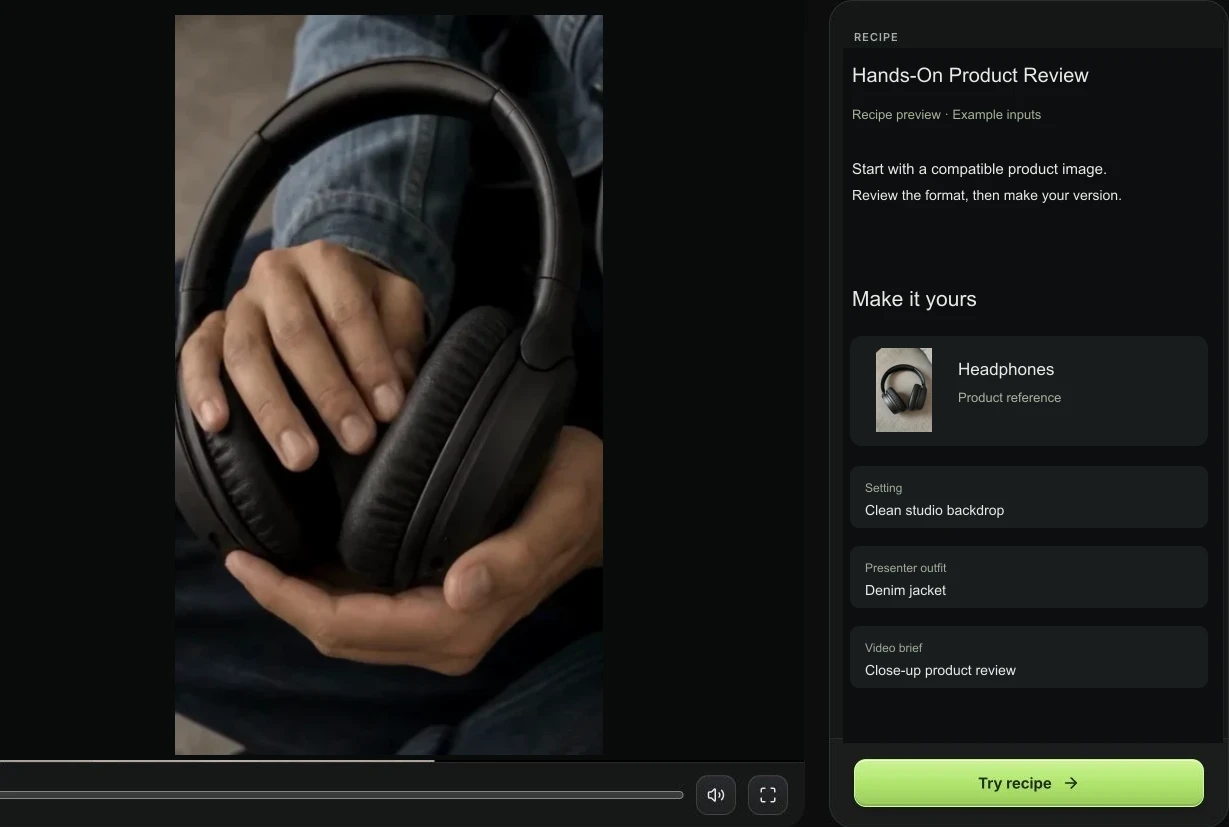
Choose a format and check the references
Start from a compatible Recipe and review its required inputs. Use suitable product images and confirm the item and variant. Keep labels, proportions and included accessories in view when choosing your references.

Illustrative UI · Example data - 02
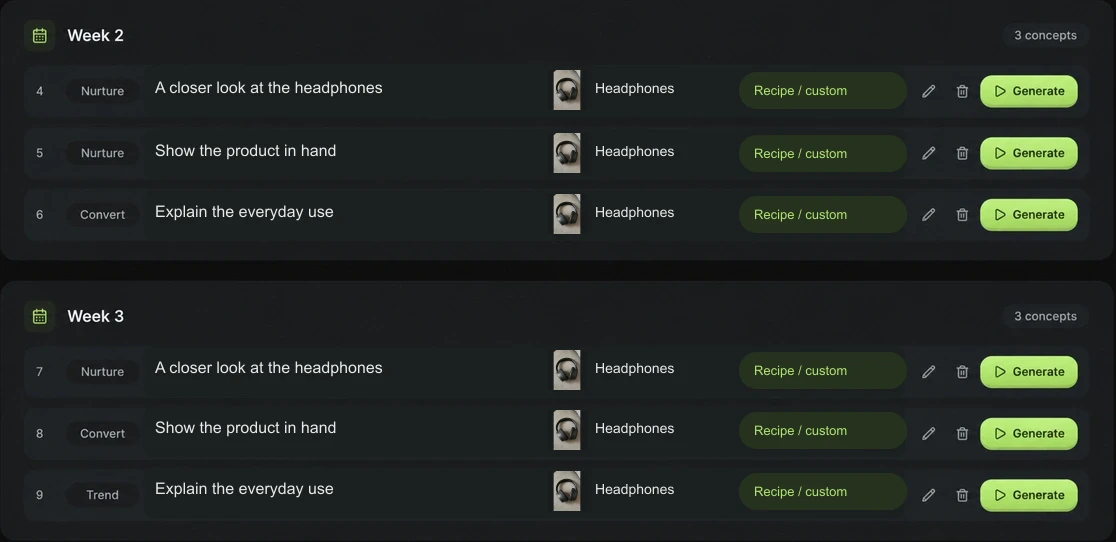
Prepare the message
Give the concept its opening, product benefit and next step. Review the script and visual direction in the project. Supply any confirmed offer details rather than expecting the system to infer the sale.
Illustrative UI · Example data - 03
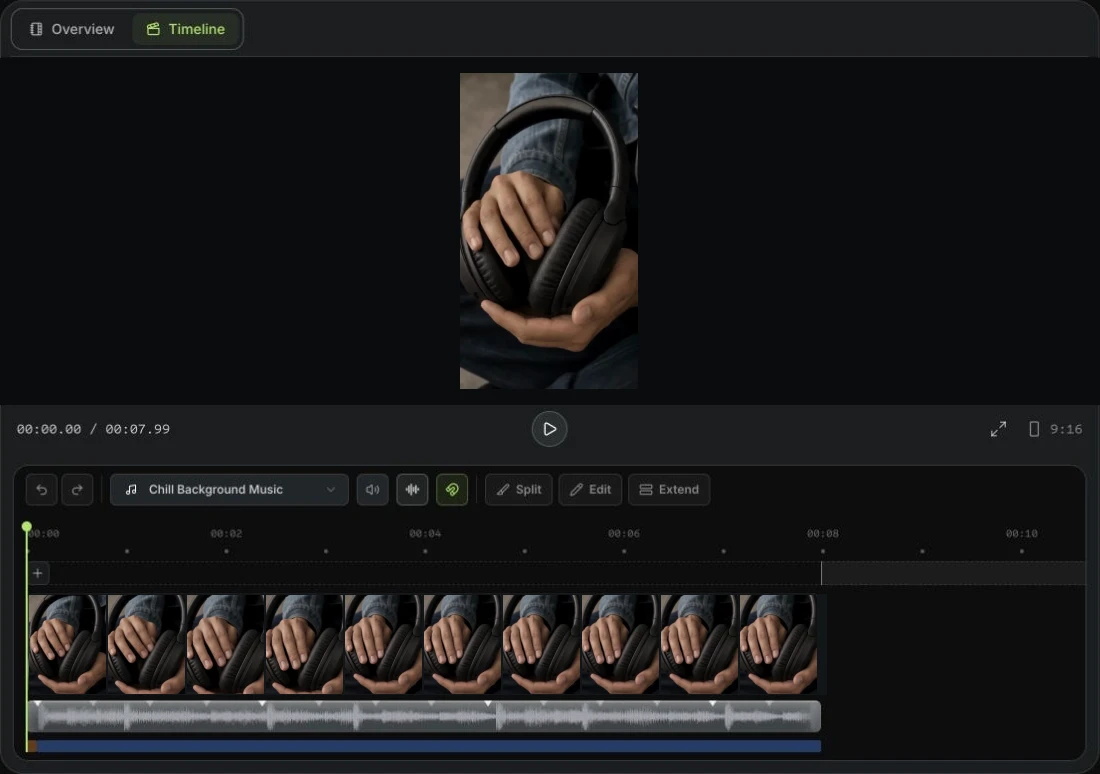
Generate, inspect and export
Review the product appearance, scenes, sound and final message together. Export the finished video for your own publishing and advertising workflow. Prepare another concept when you want a different direction.
Illustrative UI · Example data
PLAN WHAT COMES NEXT
Know which product video to make next.
Once the first ad is ready, the next task might be another product, a different presentation or an upcoming offer.
Start Planning with your store homepage to get proposed product topics and video ideas. Review them against your stock, priorities and promotions, adjust the concepts, then create the videos you choose.
Bring what you learn from your campaigns into the next brief—whether shoppers need a clearer introduction, a closer look or a different message.
Frequently asked questions
Can I make an ad when I do not have the product in hand?
You can start from suitable product references with a compatible Recipe. Obtain accurate images and facts for the actual item, check the required inputs and inspect the generated result. A generated video cannot verify product quality or replace hands-on testing.
Do I need video production experience?
A Recipe gives you a preview and a defined production starting point. Choose the format, supply its required references and review the result. You still decide whether it represents your product and message accurately.
Can I start without filming a new video?
Product photos can be a starting point. Review the inputs required by the chosen Recipe or format, supply suitable references and inspect how the generated video represents the actual item.
Can I paste a supplier link?
The Planning entry starts with your store homepage. Do not assume an arbitrary supplier or marketplace URL is supported. If you already have suitable product images, review the Recipe entry and its input requirements.
Does making more ads identify a winning product?
More creative directions give you more possibilities to evaluate. Product demand, offer, fulfillment, destination experience and campaign costs still affect the outcome. Use your own campaign and store evidence to decide what to do next.
Can I create AI UGC-style ads?
Explore compatible AI UGC Recipes when that presentation suits the product. AI-generated creator-style content is not evidence of a real customer’s experience.
Are the hero clips campaign case studies?
They are preview clips from published Snaptale Recipes. They demonstrate creative formats, not verified advertising performance or results for your product.
Get the next product ad off your to-do list.
Find a suitable Recipe, bring your product references and create the selected video for your store.
Create a product adKeep reading
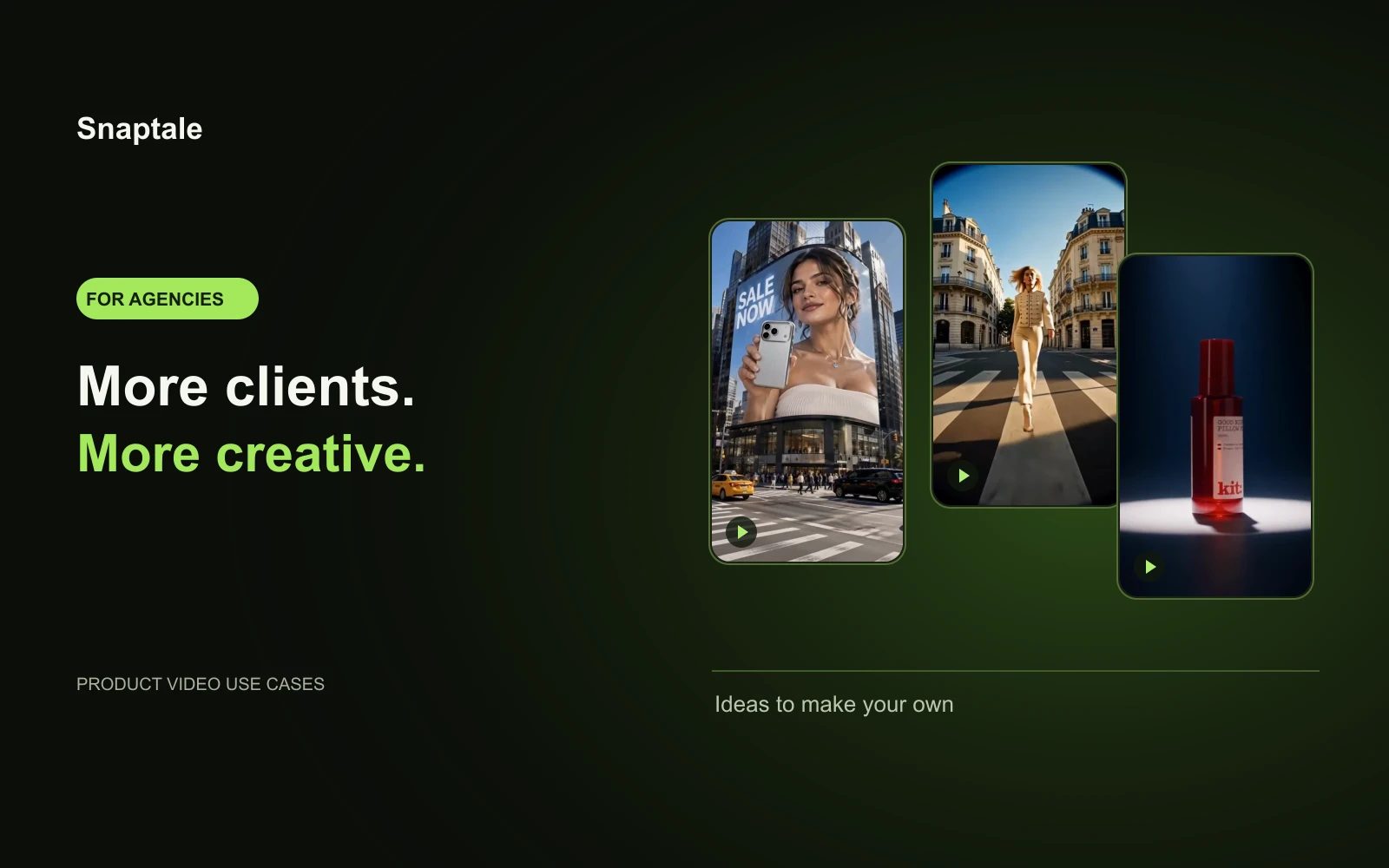
Scale your marketing video output across clients.
Create product branding and marketing videos across client accounts. Reuse visual formats and plan ongoing content with Snaptale.
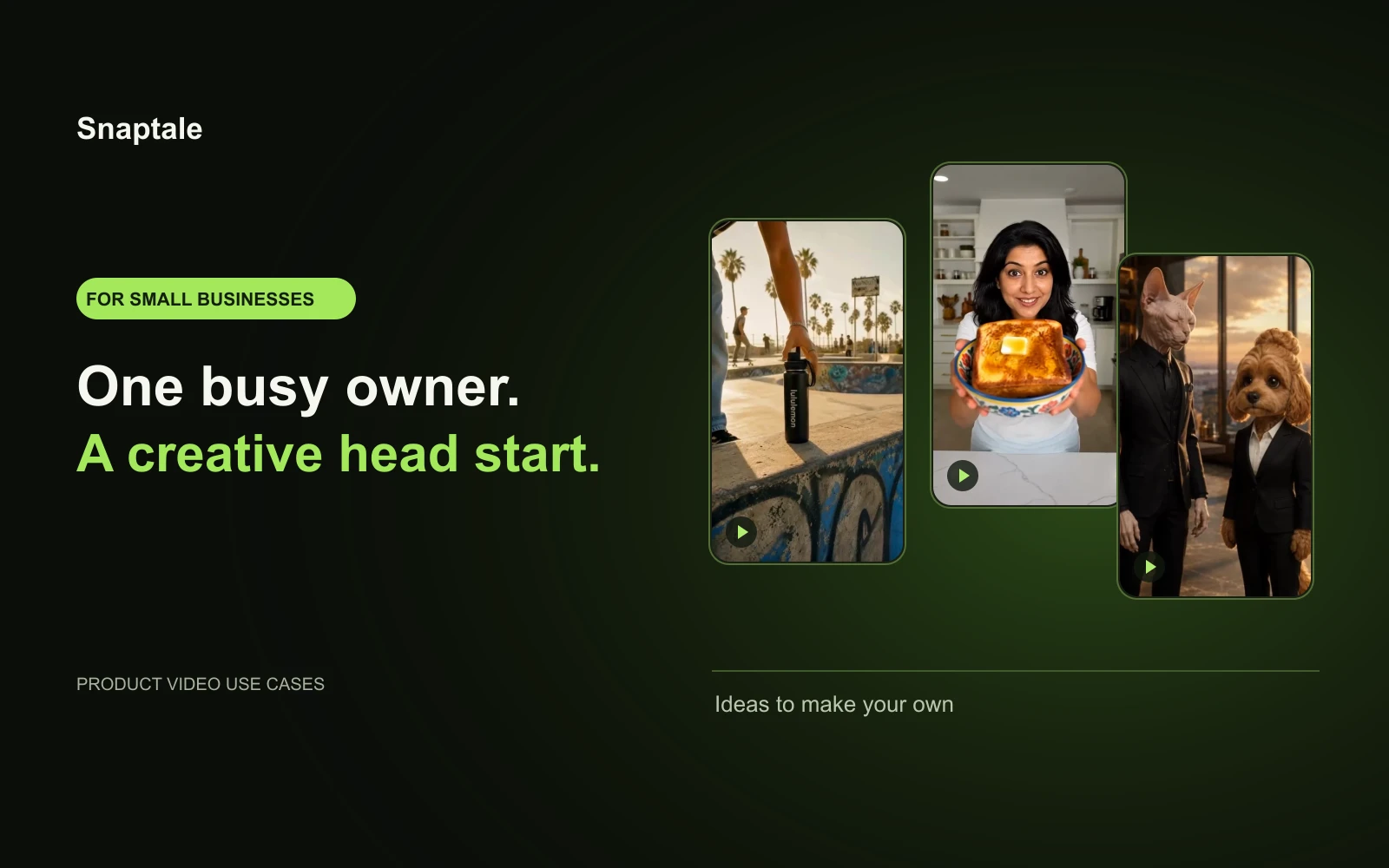
Make product videos without being the whole marketing team.
Make product videos for your small business with reusable Recipes. Preview a format, bring your product and create without a dedicated video team.
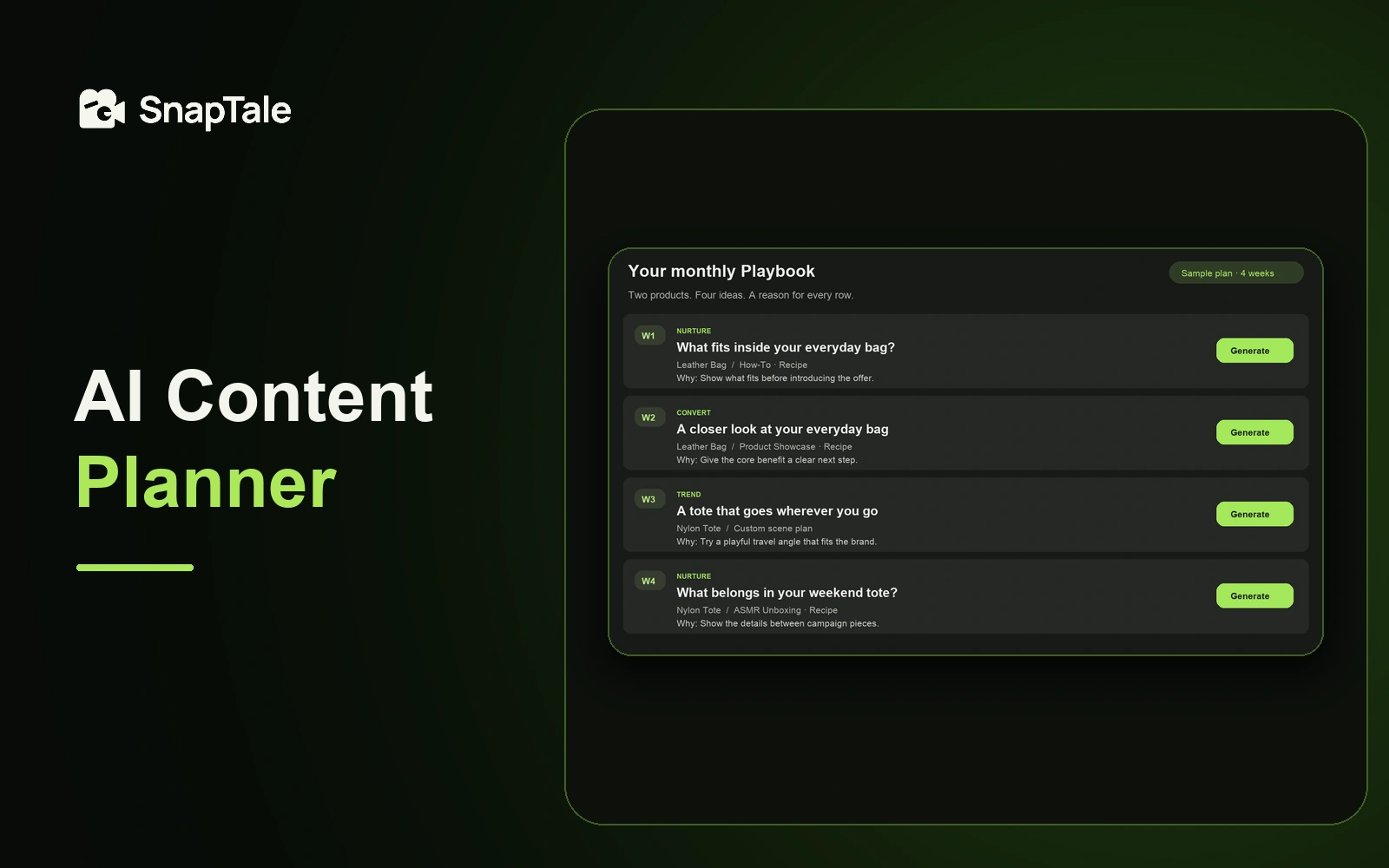
Plan a month of product videos from your store link.
Build a monthly video content plan from your store link. Review topics, products and weekly goals, adjust the mix, then make selected videos.
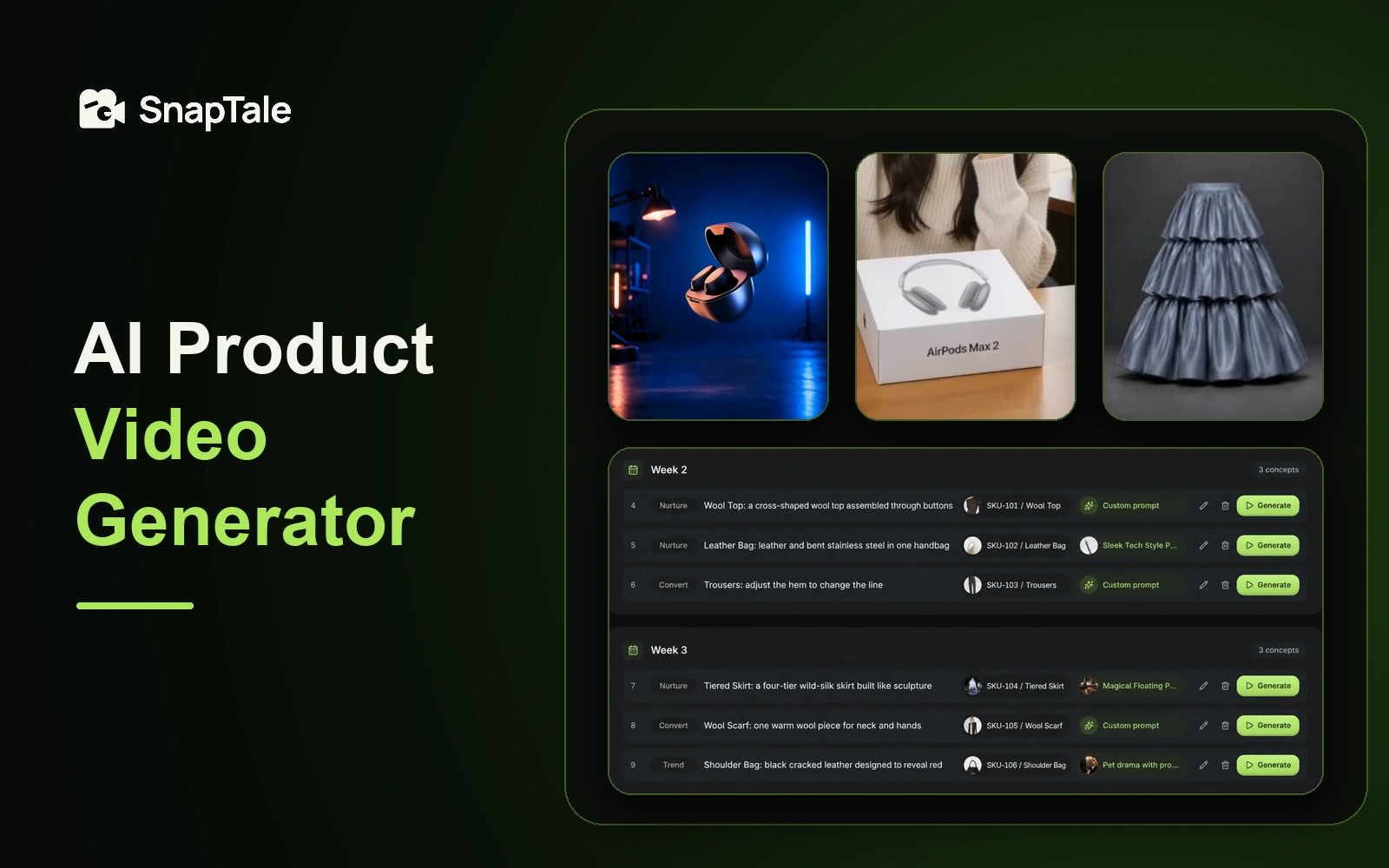
Create product videos from your store link.
Paste your store link. Snaptale reads your catalogue, decides which products need a video this month and why, then makes each one.
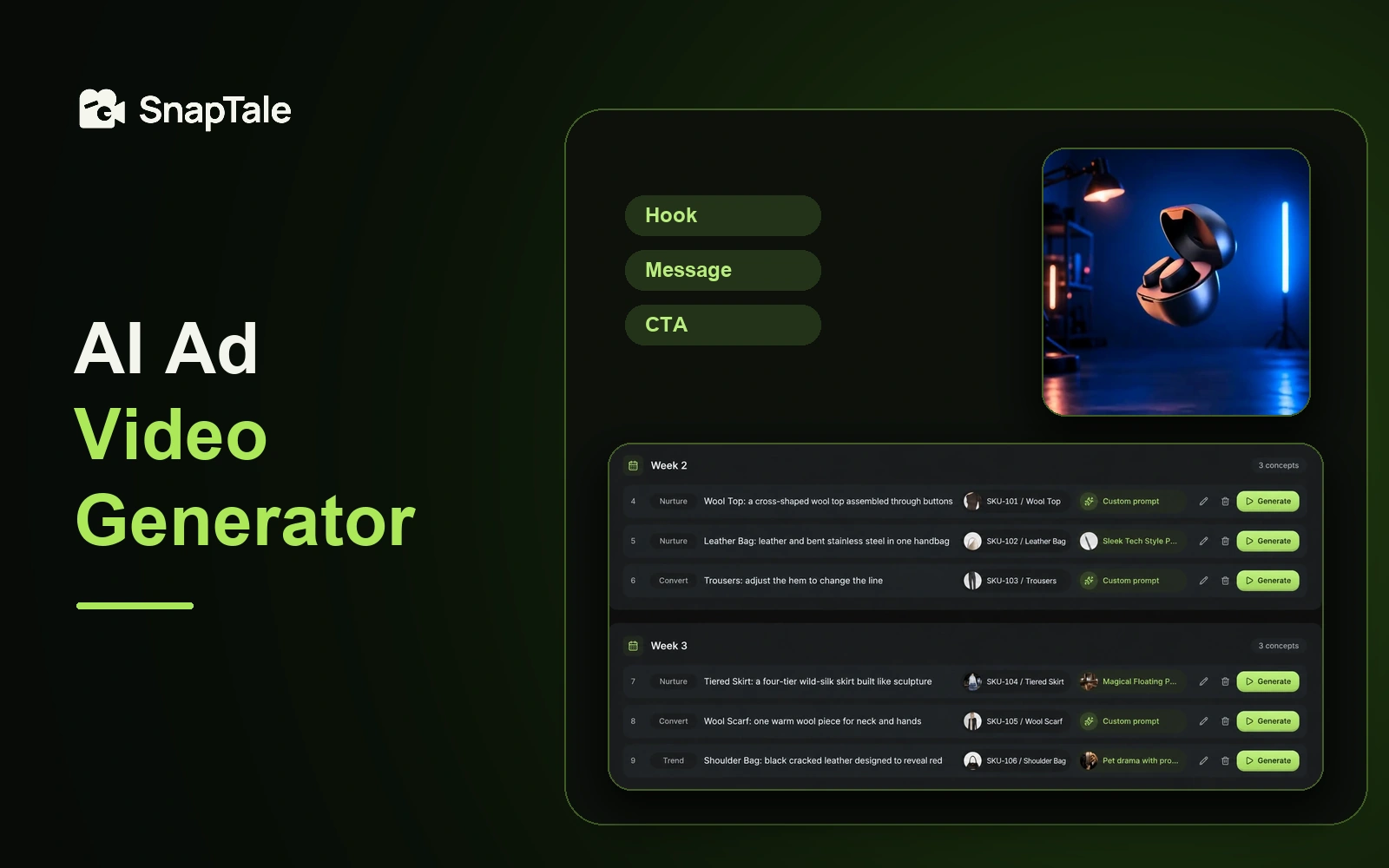
Create video ads with a clear hook, message and CTA.
Create ad creatives around your products and offers.