Use cases

FOR SHOPIFY STORE OWNERS

Turn your Shopify store into a product video plan.

Your Shopify products need more than a launch-day post. Start with your store homepage link to plan product introductions, useful explanations and offers, then create the videos you choose for your storefront and marketing channels.

Plan for discovery on social and a closer look on your product pages.

I already know which product video to make →
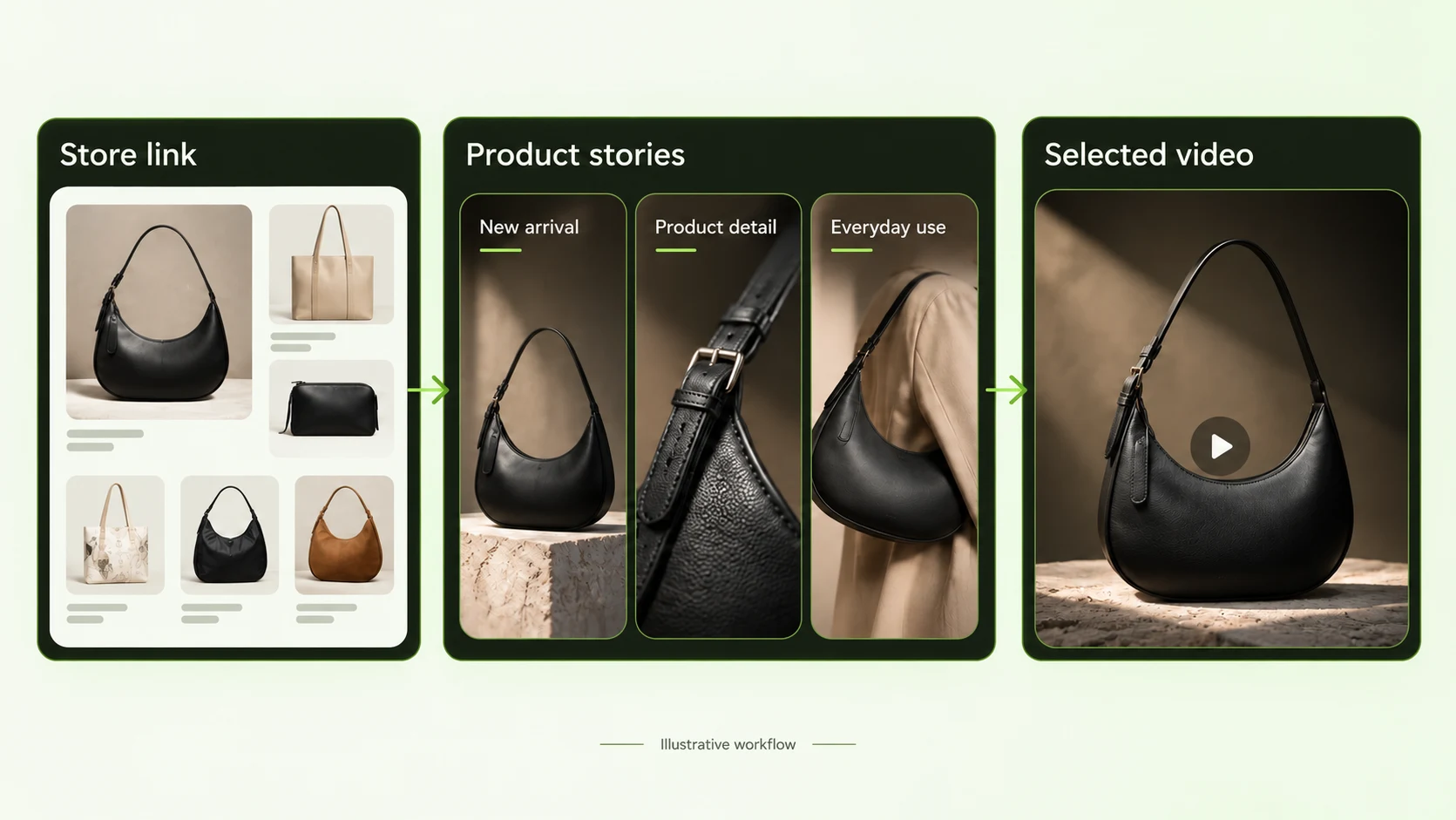
A bag collection moves from a store link to product stories and a selected video
Illustrative workflow · Anonymized product examples

SHOPIFY STORE MARKETING

Plan the story before and after the product-page visit.

A social clip can introduce a product to someone new. A product-page video can help an interested shopper understand it. Decide which job each concept should do before making it.

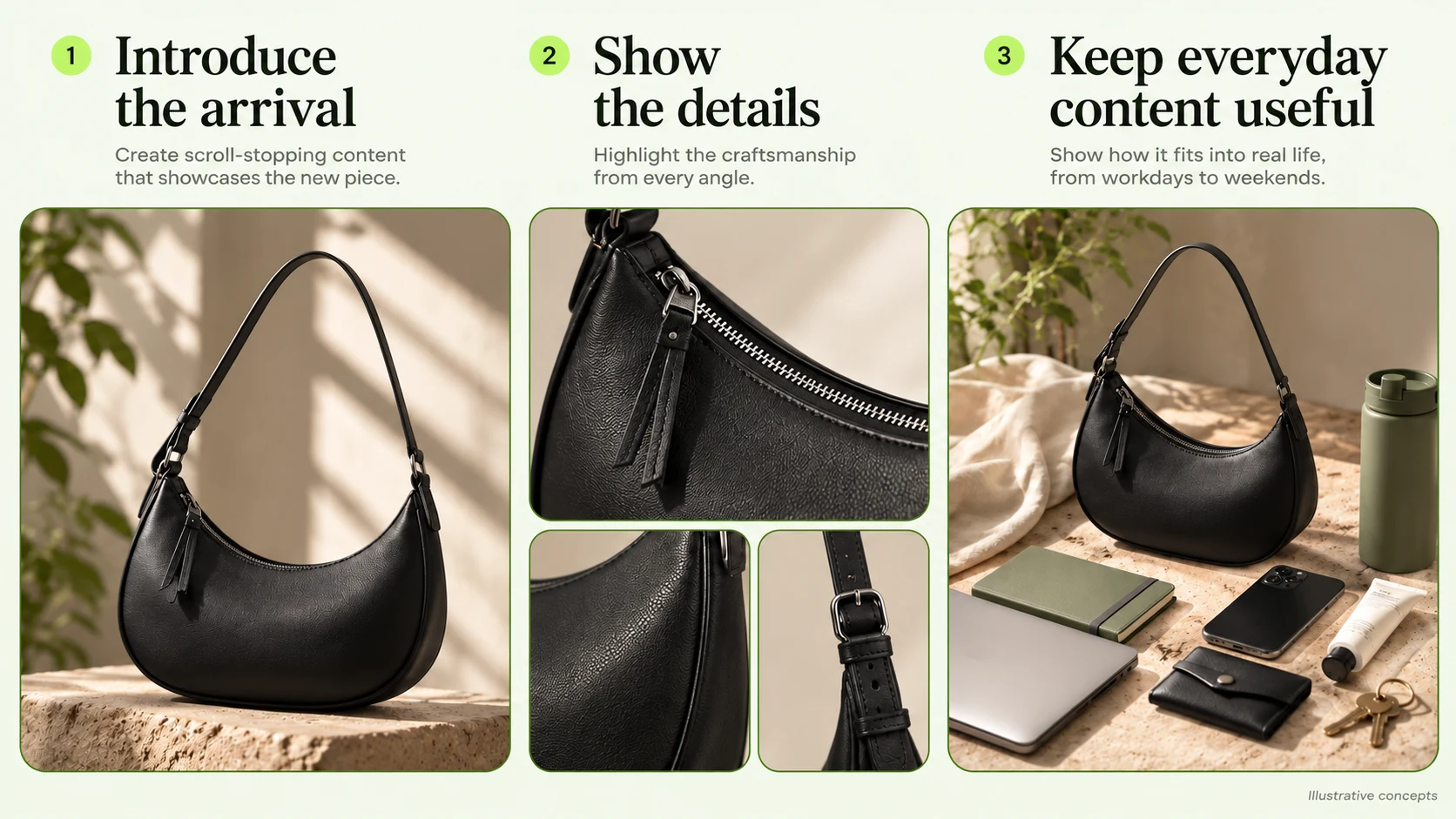
Bag content for a new arrival, craftsmanship details and everyday use
01

Introduce the next arrival

Choose a launch message around who the product is for and what is new. Review the concept and compatible format before making an introduction for your marketing channels, then plan a separate explanation when the product needs a closer look.

02

Answer the questions photos leave open

Use a product-page concept to focus on a feature, intended use or practical detail. Review the finished video against your product facts, then upload through your Shopify workflow using a theme that supports video.

03

Keep the quieter weeks useful

Fill the space between launches with product explanations and everyday use cases. Add an offer concept when it fits your campaign, with prices and dates you confirm. The weekly mix helps you avoid making every video another sale announcement.

From your Shopify storefront to a month of product stories.

Different products. A clear role for each in your content plan.

  1. 01

    Bring your catalog into the plan

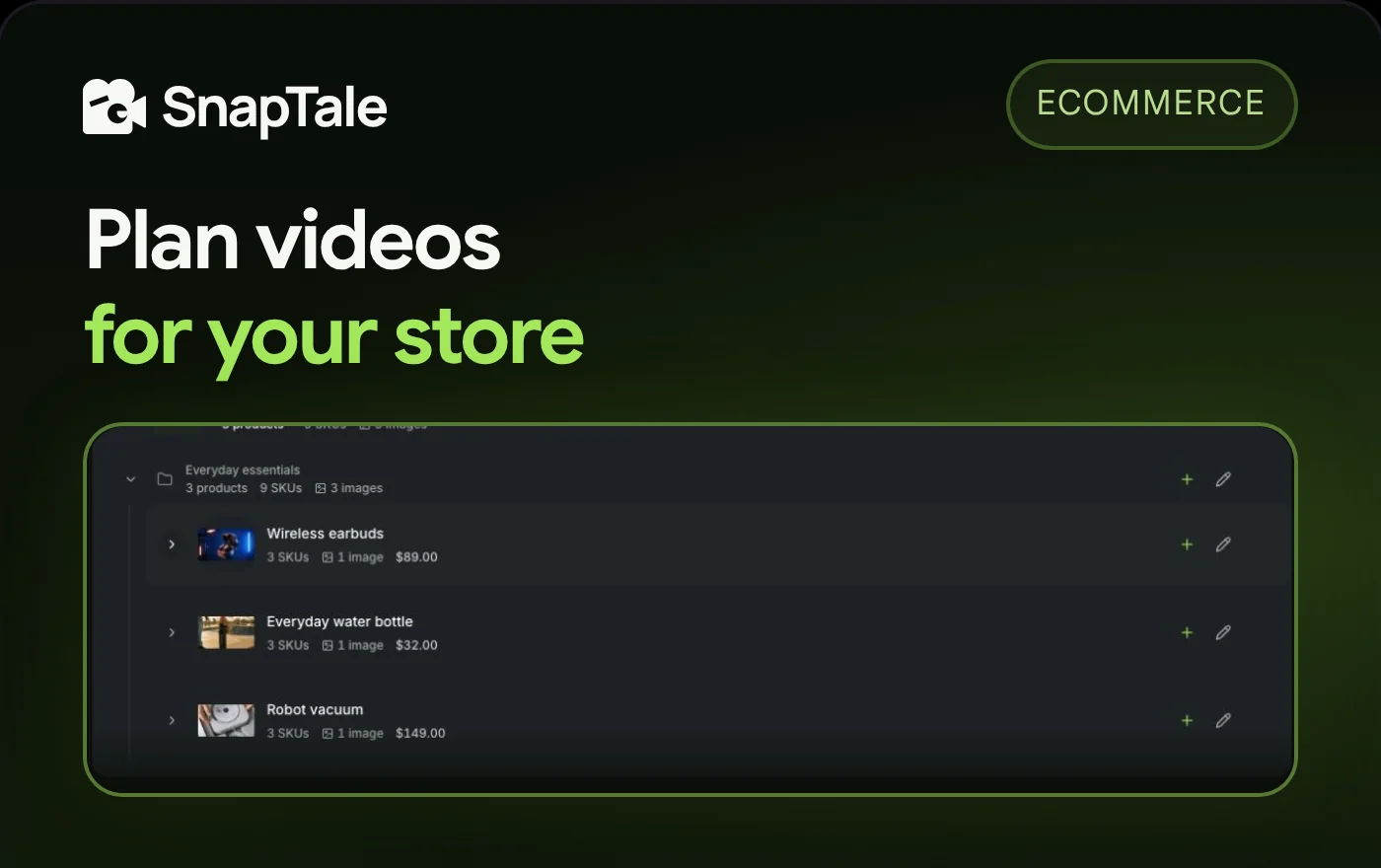
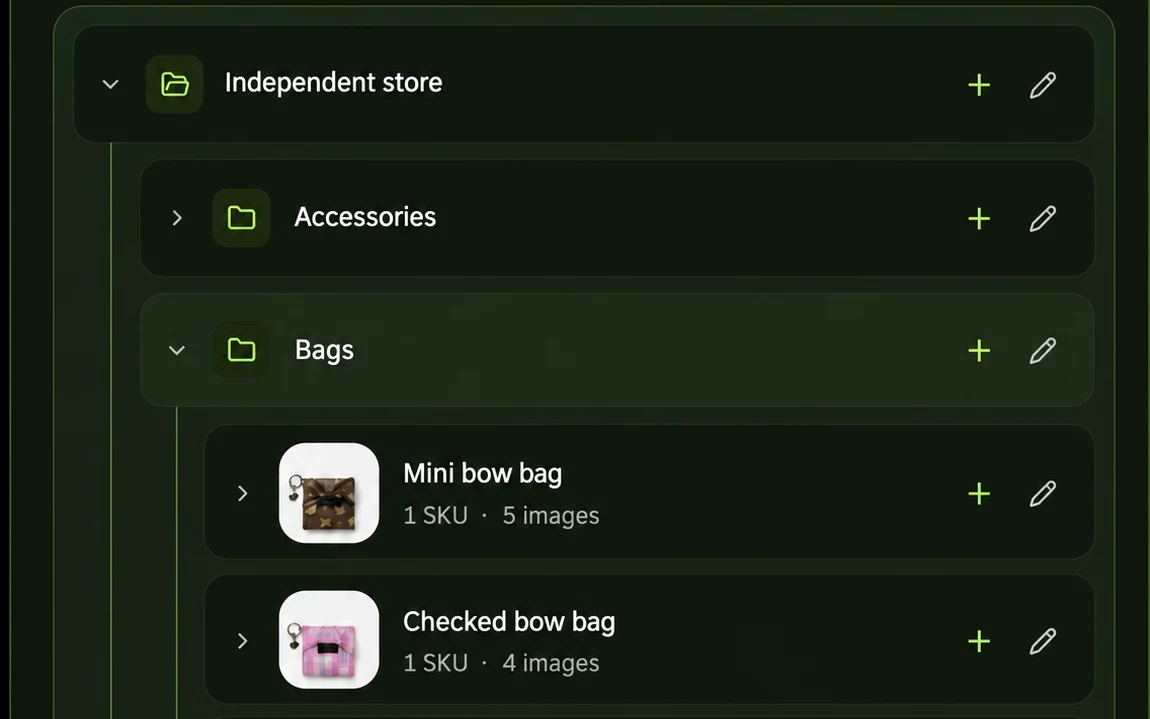
    Paste your public Shopify store homepage. Review the available products, descriptions and images, then confirm your product information and brand context before building the plan.

    Shopify example products imported into the Snaptale library
    Product UI adaptation · Anonymized example
  2. 02

    Give each product a role in your content plan

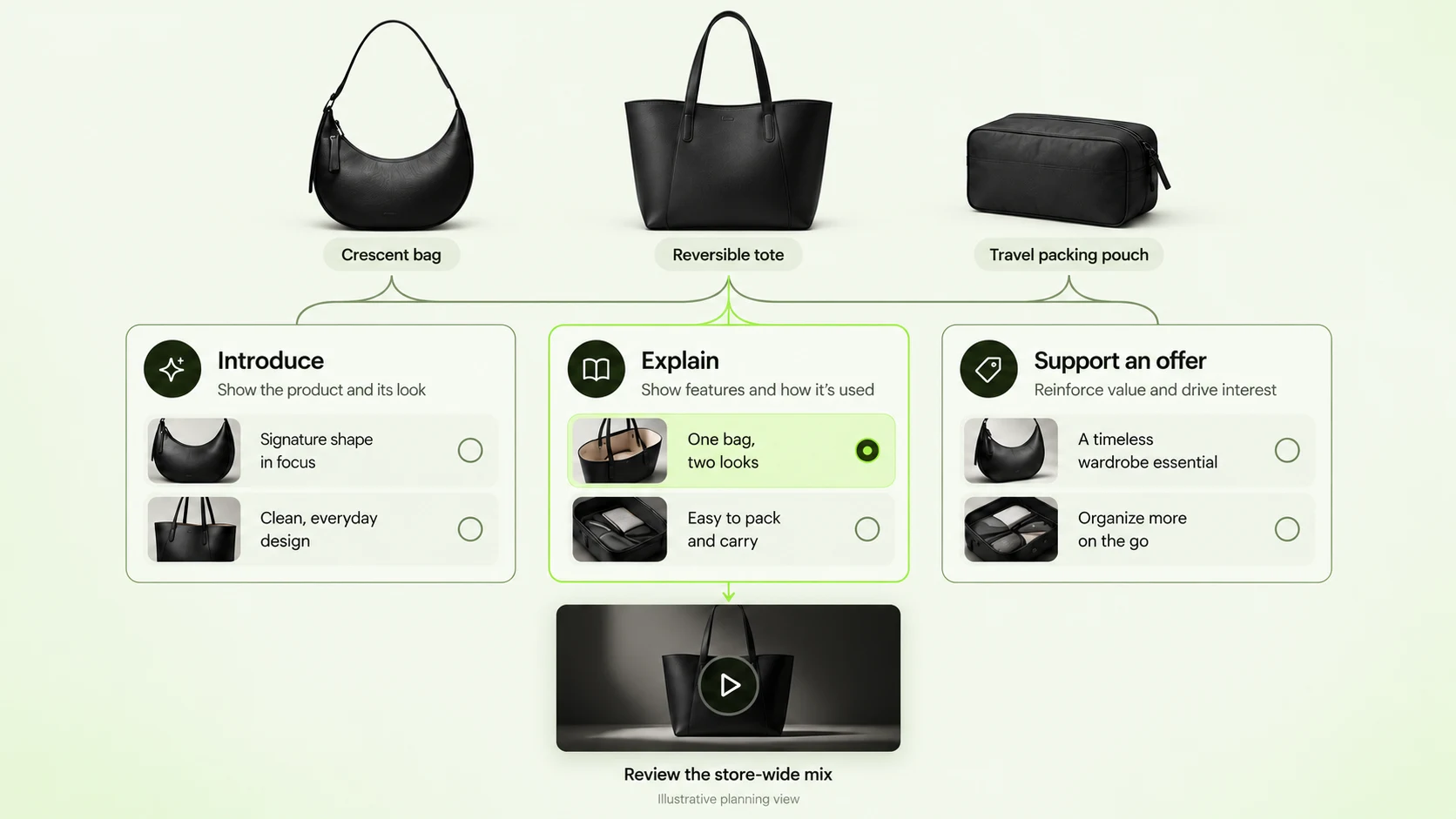
    Review the products and topics in your Playbook against your new arrivals, priority products and everyday content needs. Decide what to introduce first, which features need an explanation and where your own promotion details belong.

    Different bag products mapped to introduction, feature explanation and offer concepts
    Illustrative concept directions · Anonymized examples
  3. 03

    Create videos for the places you market

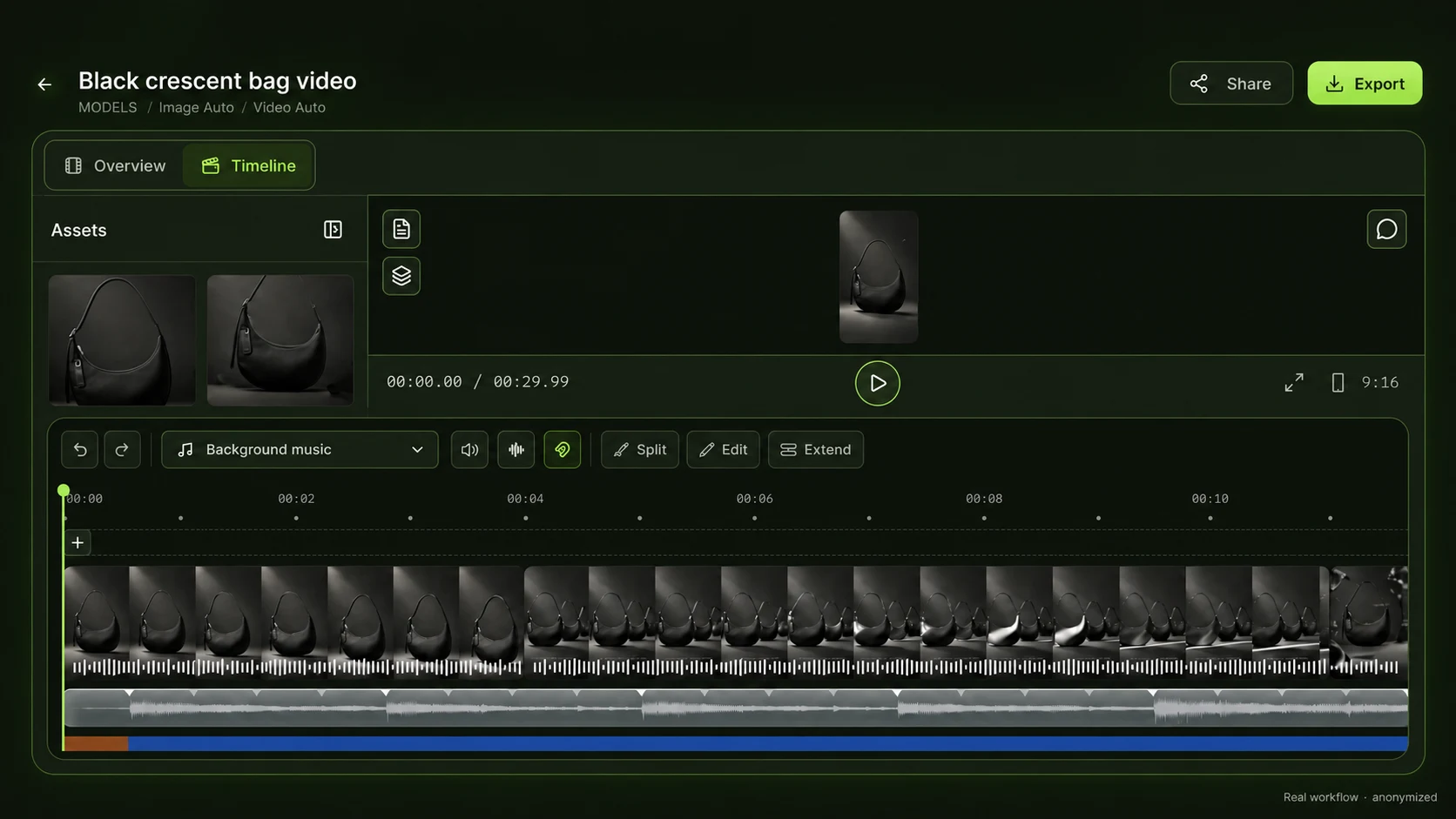
    Choose concepts and generate them individually. Review the product presentation, brand message and call to action, then edit and export each video for its intended product-page, social or advertising placement.

    An anonymized Shopify product video in the Snaptale timeline editor
    Product UI adaptation · Anonymized example

FROM STORE LINK TO VIDEO

See which products and moments your video plan covers.

Review the store-wide mix

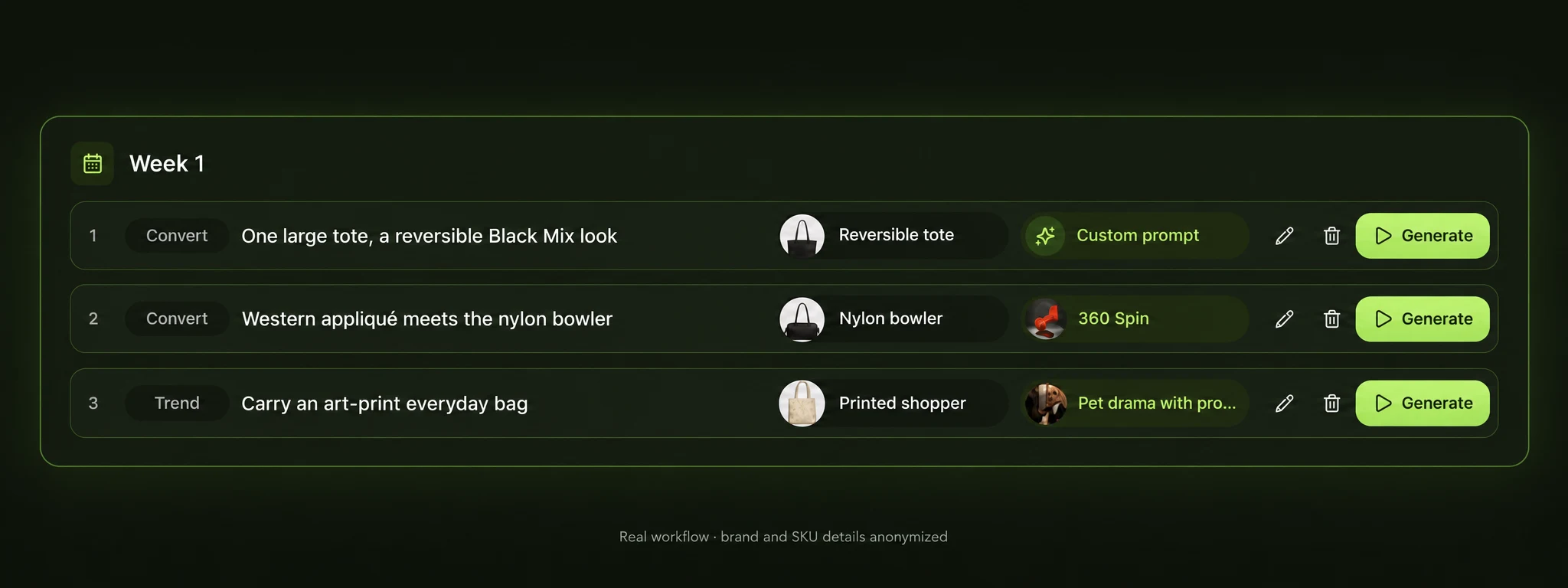
The Playbook connects each weekly concept to a product, topic, format and goal, with a reason for making it. Review that mix across your store before choosing which videos to create.

Shopify bag products and their proposed weekly video topics in Snaptale Playbook
Product UI adaptation · Anonymized example

Organize across the product range

Review introductions, explanations and offers together instead of treating each SKU as a separate blank brief. Refine the products and topics around the priorities you know.

Bring your own campaign details

Use your launch and promotion information to adjust the plan. Check prices, dates and claims before production; Snaptale does not read your Shopify campaign schedule.

Reuse the store context next time

Start another plan from a saved store group. Refresh the product information when the range changes, review the updated details and choose the next videos to make.

Why Snaptale

A catalog-based starting point

Bring available product information into one library, so the ideas begin with what your store actually sells.

A role for each piece

Decide whether a concept introduces a product, explains it or supports an offer before generating the video.

Production at your own pace

Choose the concepts you need first and continue editing in their projects. Upload or publish the finished pieces through your own channels.

Frequently asked questions

Can I create product videos for my Shopify business?

Snaptale helps turn store context into product video ideas and selected videos. Review the imported information, adjust the plan and make the concepts you choose.

Do I need to upload photos before planning videos for my Shopify store?

Start with your public store homepage and review the available images brought into the library. Add or replace a reference when the selected product or recipe needs something more specific.

Is this a Shopify app or a live catalog sync?

This workflow starts from a store URL. It does not require a Shopify app installation, and it should not be treated as a live connection to your catalog.

Can I plan content for my Shopify store before making videos?

Yes. Snaptale’s content planner proposes a month of product video concepts, organized by week. Review the products, topics, formats and goals, then adjust the ideas using your own launch and promotion details. Generate the selected videos when you are ready to make them.

Will Snaptale automatically know my promotion schedule?

Review and adjust the plan using your own campaign details. Check prices, offer dates and product facts before generating or using the videos.

Can I add the videos to my store?

Export the finished video and upload it through your own store workflow. For product pages, check Shopify’s supported file requirements and your theme’s video support. Social media and advertising placements have their own requirements. Snaptale does not upload the video or check placement compatibility for you.

Can I use the same store information again?

Choose a saved store group to plan from its existing information. When the products change, use the refresh flow and review the updated details before planning again.

Can I make videos across my Shopify catalog?

The plan can cover several products from your reviewed store information. Choose which concepts to generate individually. Store-wide planning does not mean every SKU is automatically imported, rendered or kept in sync.

What should your Shopify store talk about next?

Plan the new arrival, the useful explanation and the next offer from one store starting point.

Start with my store link

Keep reading