Explain what the listing photos cannot
Give a product detail page concept one practical question: how a compartment works, what comes in the package or how an item is used. Keep the explanation product-focused and review it against real details.
FOR AMAZON SELLERS
Decide what a shopper needs to understand before making another product video. Start with a public store homepage, review product-focused concepts in Snaptale’s content planner and create the feature explanations or use-case videos you choose.
For listing explanations and ad creatives, give each video a distinct job.
I have a product photo and know what to show →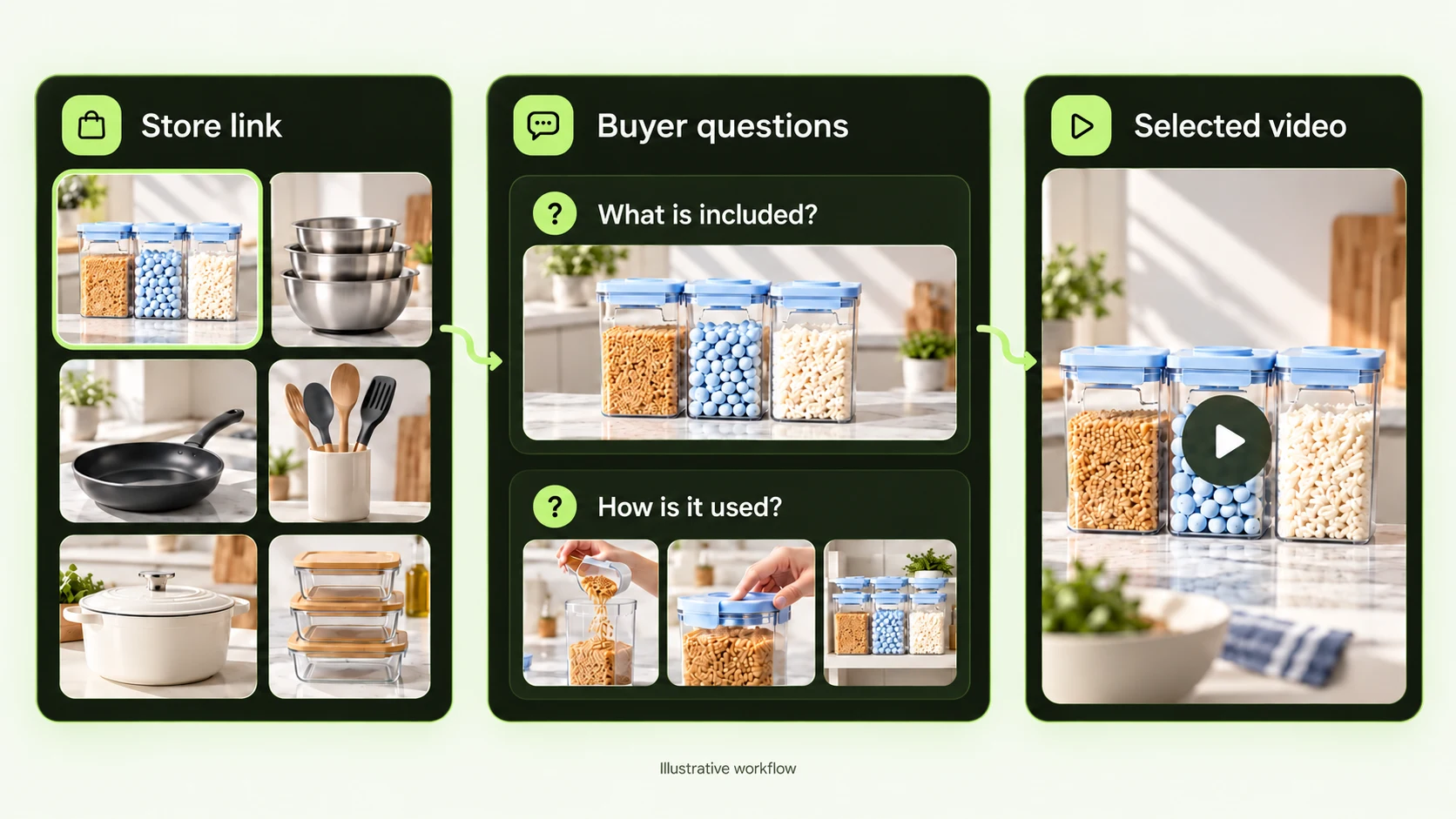
AMAZON PRODUCT EXPLANATIONS
Amazon shoppers may need to understand the item, its features or how it is used. Start with that question, then decide how the video will serve the placement you choose.
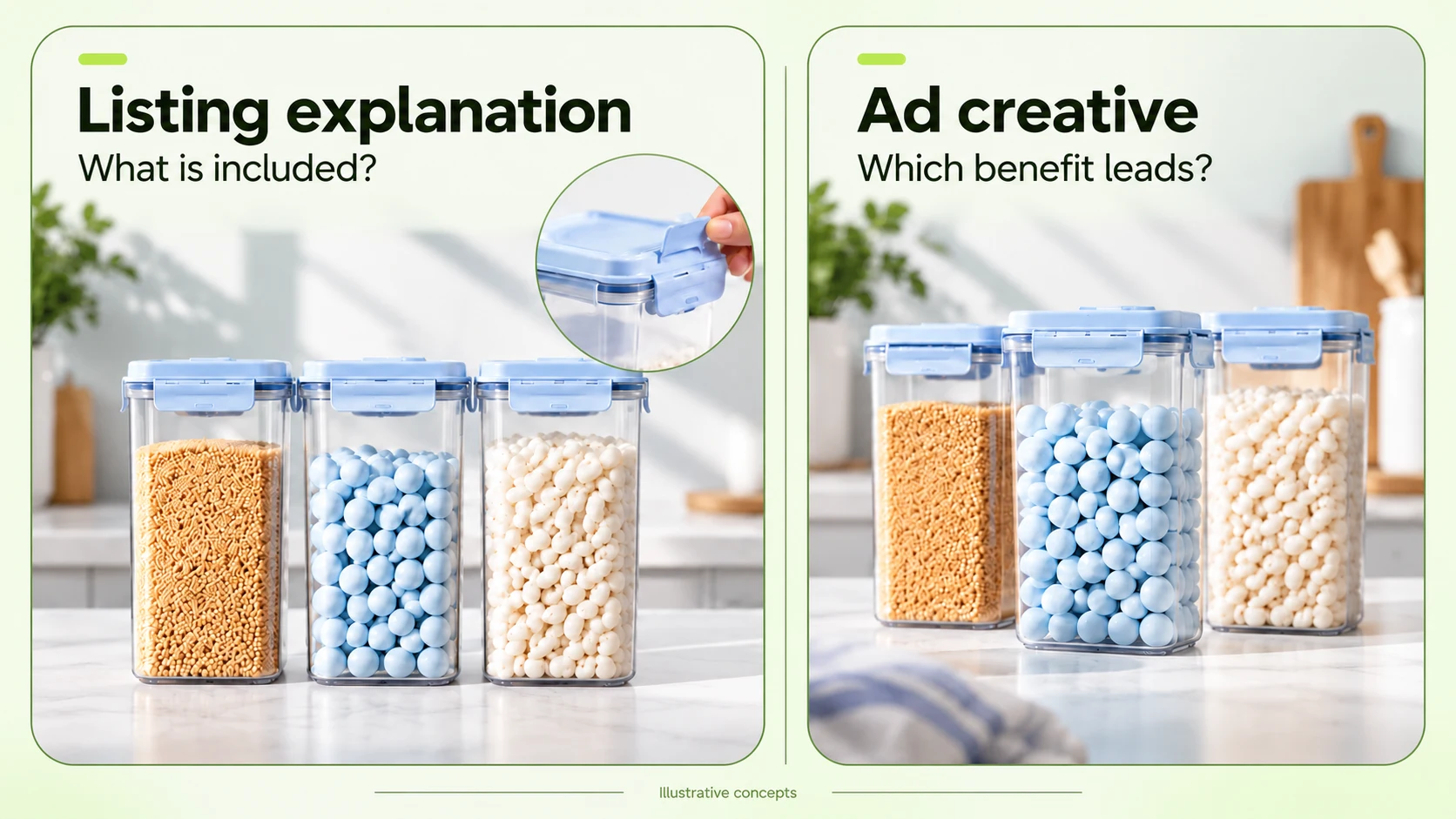
Give a product detail page concept one practical question: how a compartment works, what comes in the package or how an item is used. Keep the explanation product-focused and review it against real details.
For an advertising concept, choose the product benefit and message you want to introduce. Do not assume the same opening, claims or call to action belongs on a product detail page. Check the current rules for the ad placement you intend to use.
Review concepts across your products and prioritize the explanations you want to make. Add customer questions you already know; the planner does not automatically collect Amazon reviews or choose items from your sales data.
A buyer question. A focused product explanation.
Start with a public store homepage and review the available product information. Check specifications, included items and intended uses, then correct or add missing details before using them as the basis for a video concept.

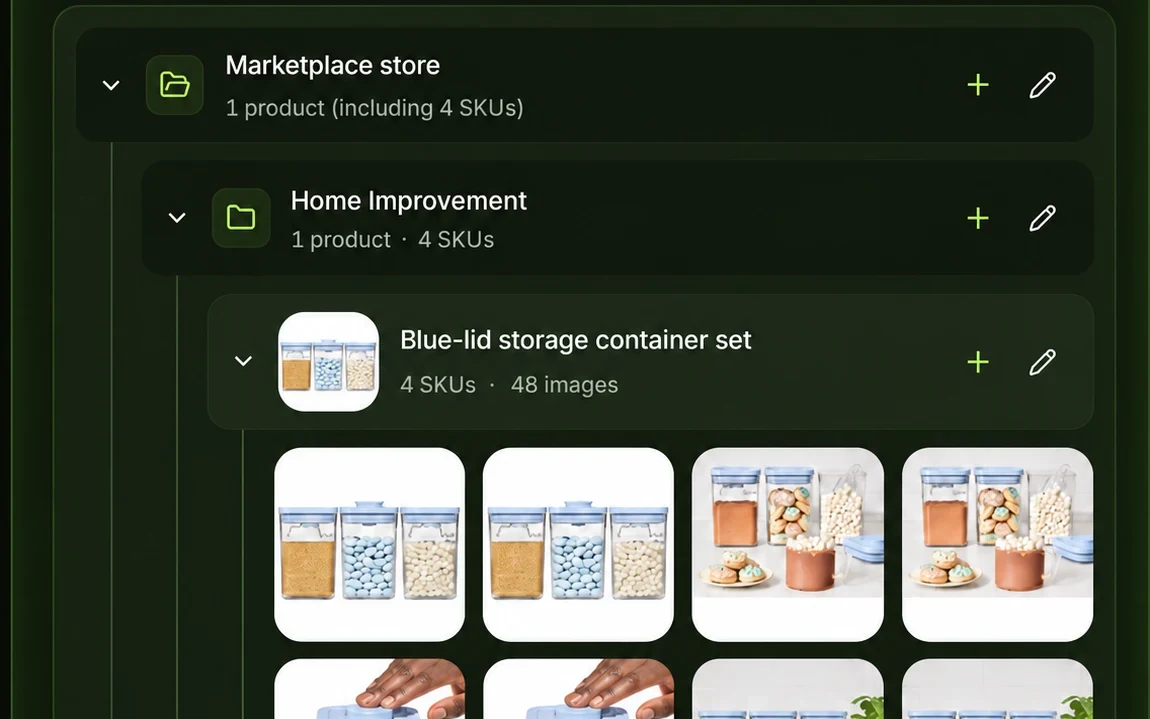
Review the proposed concepts around questions such as what is included, how the product is used and which details deserve a closer look. Choose or refine the explanation, then decide whether it is intended for a product detail page or an ad.
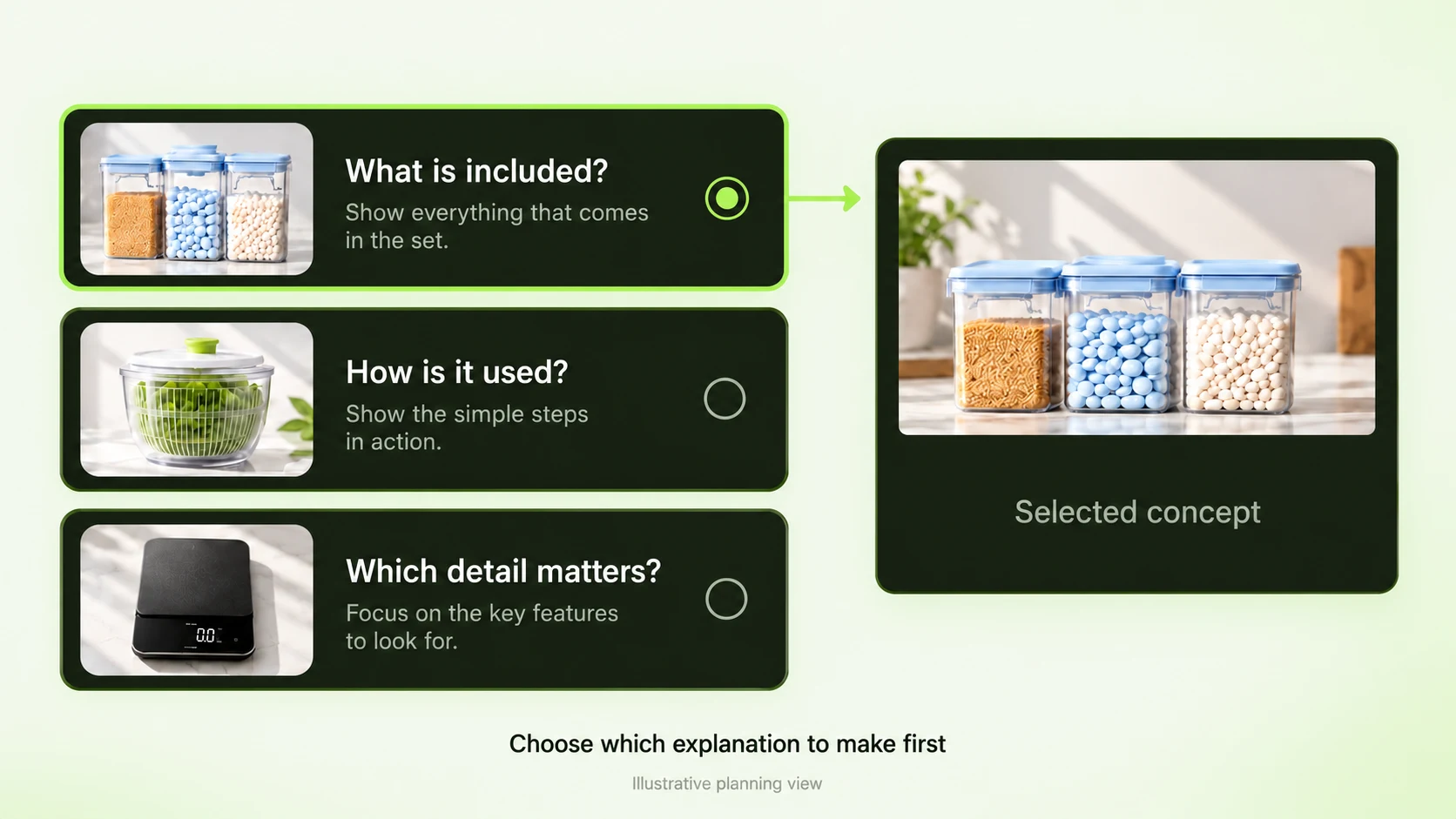
Generate the selected concept and check the product appearance, demonstrated actions and wording against your product facts. Refine the edit, export the finished video and check the requirements for its intended placement before uploading.
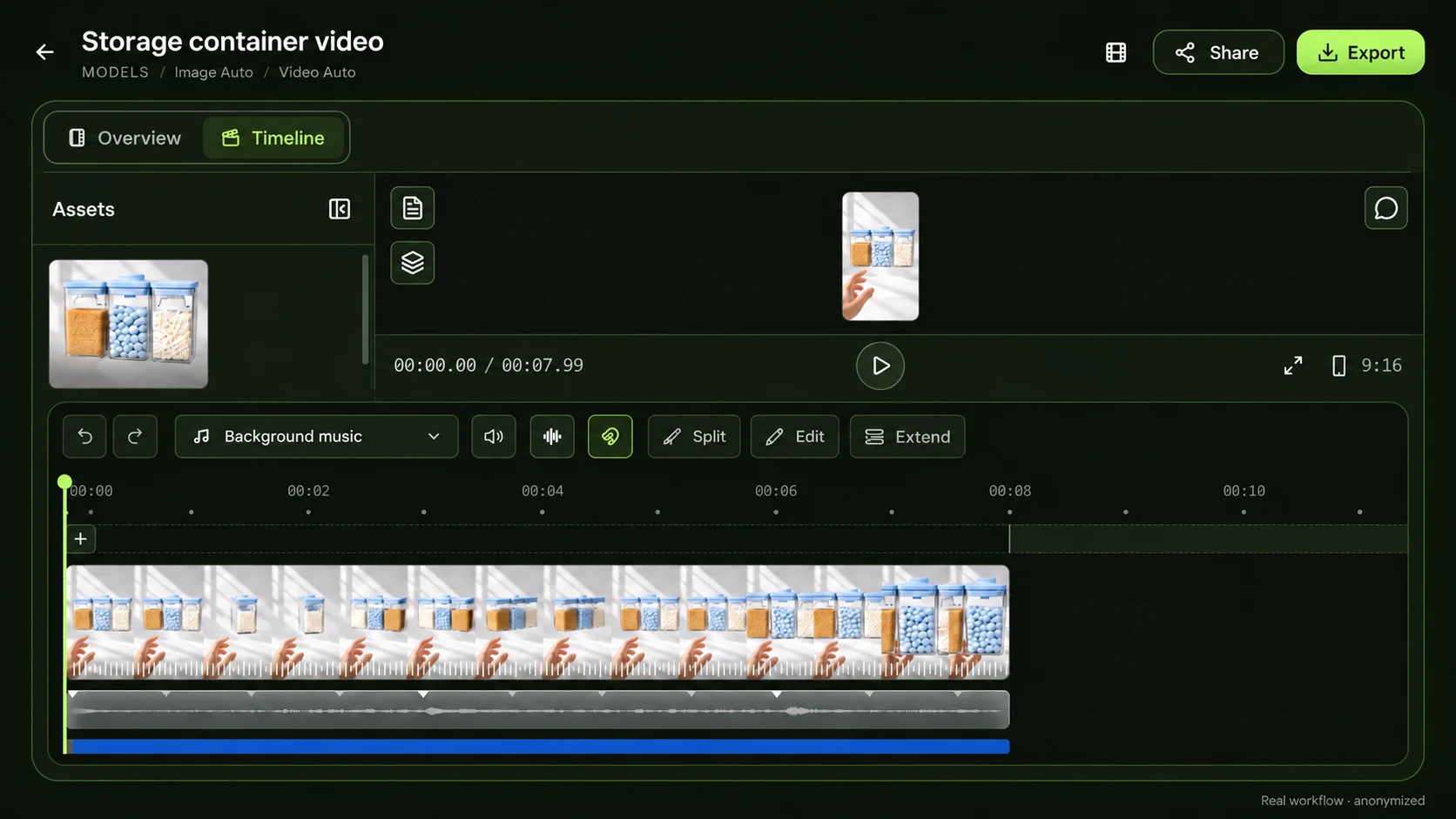
FROM STORE LINK TO VIDEO
Your Playbook groups proposed concepts by week, with a product, topic, format, goal and reason for each idea. Use it to organize production priorities, rather than a publishing schedule for Amazon.
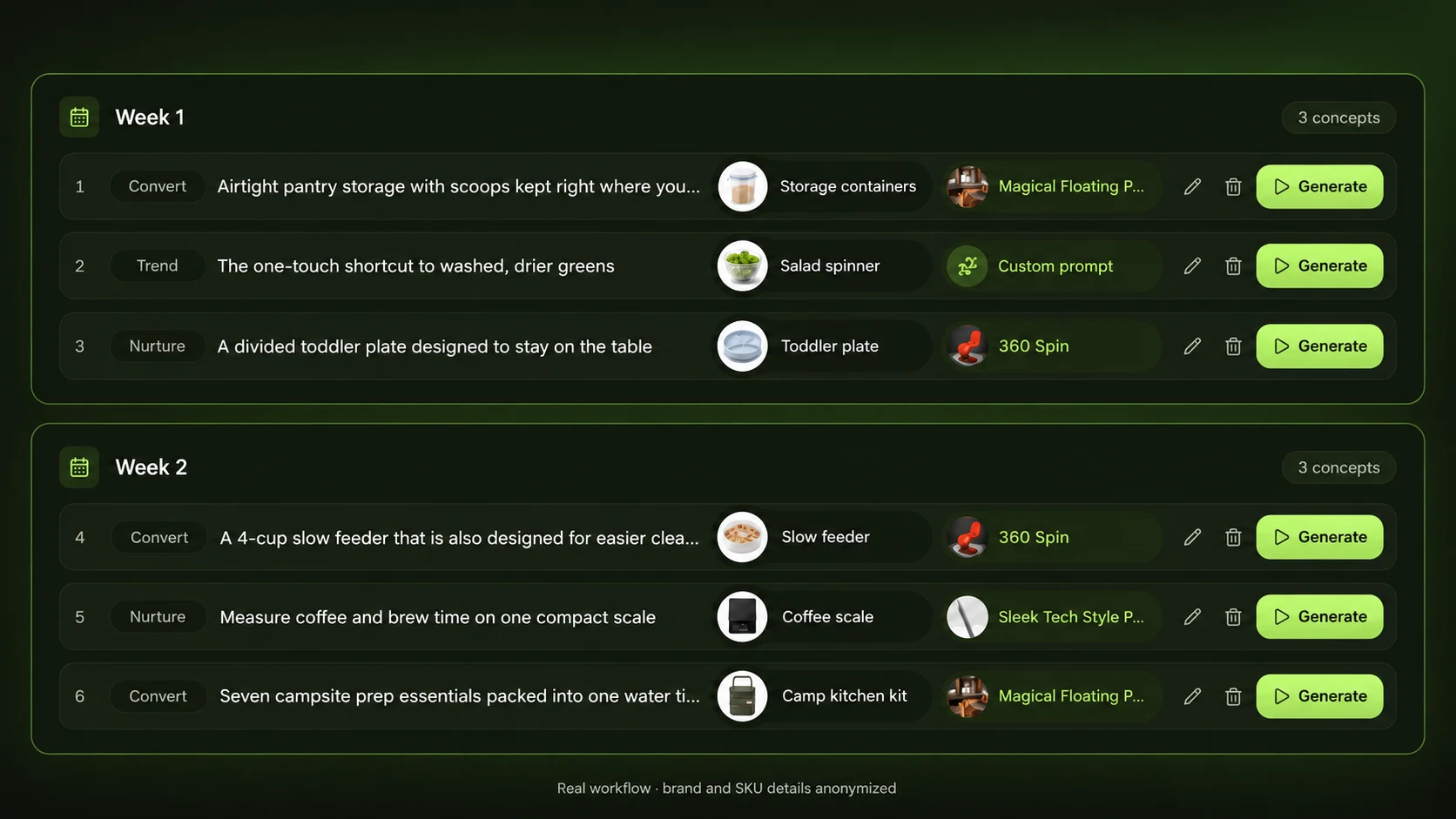
Use your knowledge of the product and your customers to refine the topic. Choose a feature or use case you can support with accurate information.
Check the product, included items, visible actions and spoken or on-screen claims. Use real footage when measurements, setup or performance need accurate demonstration.
Export the finished piece and handle upload through your own workflow. Product detail pages and ads have separate requirements; Snaptale does not approve the video on Amazon’s behalf.
Review source information and references before using a concept as the basis for an explanation.
Assess the topic, format and purpose together so every selected concept answers a useful product question.
Choose which product explanation to make first and return to its project to finish the edit before exporting.
No. Snaptale is an independent product for planning and creating videos. It is not the Amazon Ads Video Generator.
The store workflow starts with a public store homepage, rather than an individual product listing. Review the imported details before continuing. If you already have product references and a clear idea, you can start from a compatible recipe instead.
Yes. Use the content planner to review proposed products and topics together, refine each explanation and choose which concepts to generate first. Weekly grouping helps organize the work; it does not set an Amazon publishing schedule or choose priorities from sales data.
Check your eligibility and the current requirements for product detail page videos before uploading. An advertising video follows the rules for its own ad placement. Choose the intended use before production, then review the finished file and product claims; Snaptale does not guarantee platform acceptance.
Export the finished piece and use your own platform workflow. Snaptale does not upload it to your seller account in this workflow.
Choose a compatible AI-generated creator-style format and review its required references. Keep the script factual; do not present an AI character as a real customer giving a review.
Review product appearance, included items, demonstrations, claims, offer details and on-screen wording. Check the exported file and content against the requirements of your intended placement.
Review the available products and proposed concepts together, then choose the explanations to generate one at a time. The plan helps organize coverage; it is not a batch-render tool for every ASIN.
Review the product facts, choose the explanation and make a video for its intended placement.
Start with my store link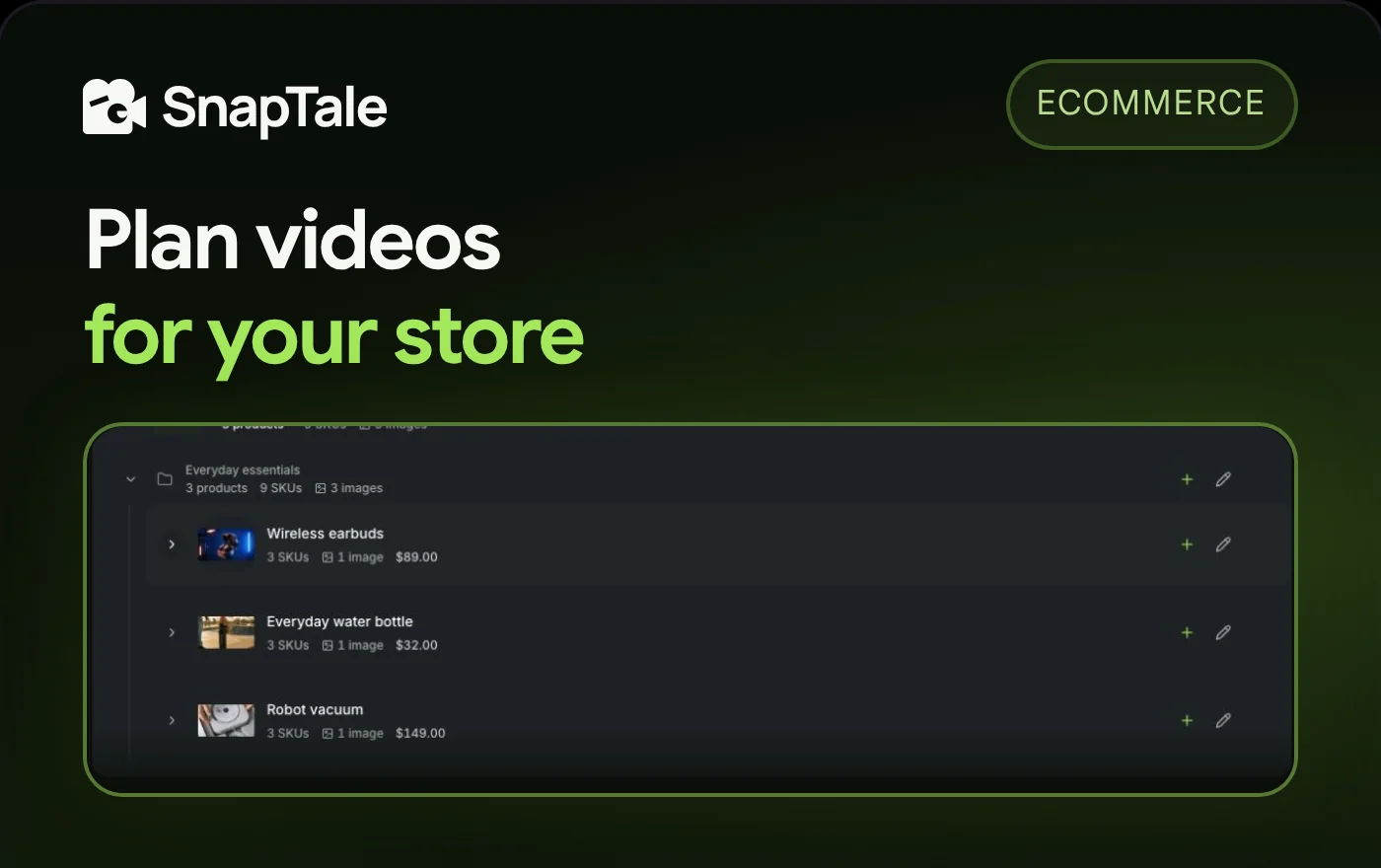
Snaptale reads your store, suggests a month of product video ideas, and lets you review each idea before turning it into a video.
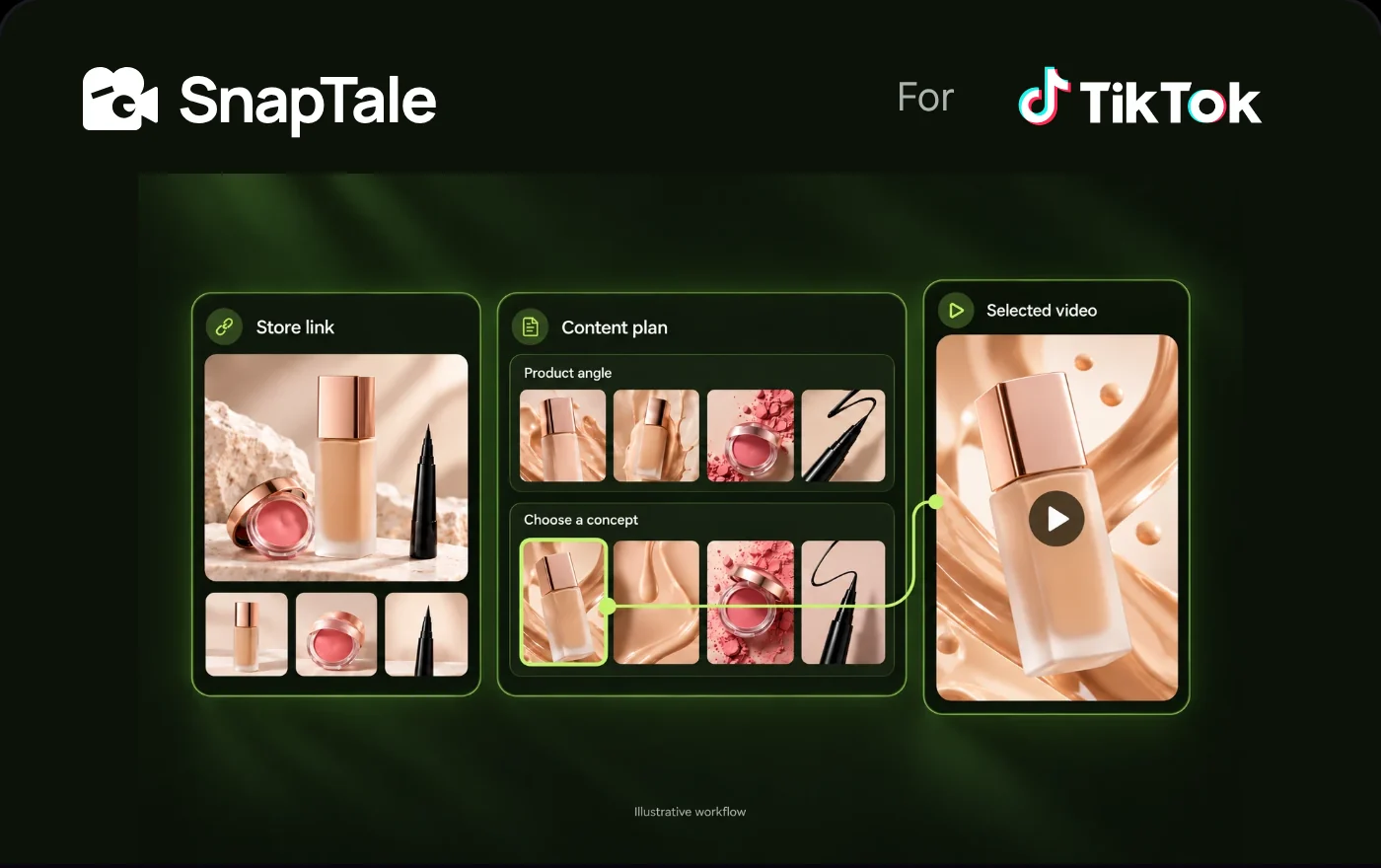
Plan and create TikTok Shop product videos from your store link. Explore different product angles in a weekly content plan, then generate selected videos.
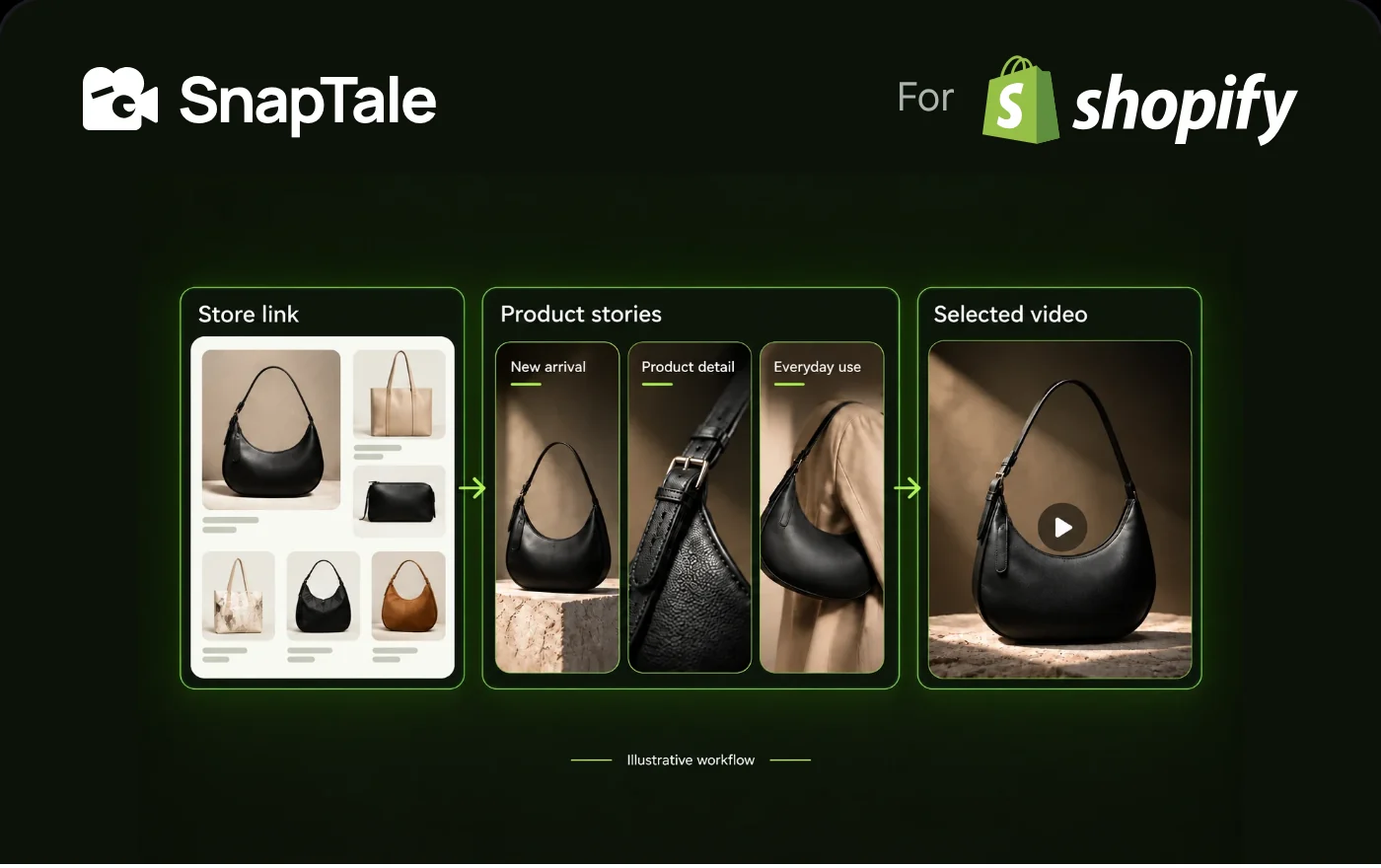
Plan Shopify product videos with an AI content planner. Organize new arrivals, product stories and offers by week, then create selected videos.