Use cases
BLACK FRIDAY PRODUCT VIDEOS
Make Black Friday videos for every stage of your sale.
Build interest before the sale. Explain the offer at launch. Answer buying questions through the weekend. Use Snaptale to plan product content and create the videos you choose.
Create a Black Friday videoPUBLISHED RECIPES
Open a recipe to make your own.
360° product spin
Products in context
The curated haul
Stop-motion reveal
THE BLACK FRIDAY RUN-UP
Give shoppers a reason to return at each stage.
Use this example run-up around your own sale dates. A shopper discovering your product needs a different message from a customer ready to redeem an offer. Prepare the next reason to watch, visit or buy.
01 · Build the shortlist
3–4 weeks before launch
Why now: Help shoppers decide which product belongs on their list before the discount arrives.
Prepare: A product-use story, a detail worth comparing and a warm-up creative inviting shoppers to join your store's early-access list.
02 · Re-engage your VIPs
1–2 days before public launch
Why now: Give subscribers or returning customers a reason to re-engage before the main sale.
Prepare: An invitation explaining who qualifies, when access opens and which products are included. Early access can be the benefit without a deeper discount.
03 · Open the public sale
Your opening day
Why now: The visitor needs to understand what is on offer and how to get it.
Prepare: A hero-product creative with the confirmed saving, eligible items, code or automatic-discount instructions, and the purchase destination.
04 · Help undecided shoppers
Through the sale weekend
Why now: A second view can answer a buying question instead of repeating the opening announcement.
Prepare: A fit, size, material or bundle explanation. Use the questions your customers actually ask to choose the next creative.
05 · Close the offer
Cyber Monday / your final day
Why now: Shoppers comparing offers need a clear cutoff for the decision.
Prepare: A final reminder with your actual end date, time zone and eligible offer. If Cyber Monday changes the deal, show exactly what changed; it need not mean a larger discount.
06 · Welcome the first order
First week after the sale
Why now: New customers have bought the product; their next question may be how to use or care for it.
Prepare: A setup, care or styling creative for your post-purchase channels. Introduce a relevant companion product when it adds to that use.
This is an example campaign sequence to adapt to your own calendar. You manage the audiences, sign-up pages, sending and publishing in your existing tools. See Klaviyo's BFCM sending guide for channel-specific timing.
THE OFFER BEHIND THE CREATIVE
Choose the offer for the job it needs to do.
Start with your goal: convert interest in a hero product, grow the basket or move selected inventory. Choose the eligible products and affordable incentive before putting a percentage into the creative.
A selected-product discount
Goal: convert interest in a hero product
Useful when you want a particular product to carry the sale. A percentage gives that item a simple price message while leaving other products at their own prices.
Show the eligible item and the saving together. Check how much the discount leaves after product and order costs.
A bundle with a reason to exist
Goal: build a larger basket
Combine products that solve one need, such as a skincare routine or a day-out kit. Explain why they belong together before showing the combined offer.
Compare the bundle's total cost and saving with the individual items. The creative should make every included product clear.
A reward above a threshold
Goal: give the next item a reason to join
A spend threshold, shipping incentive or gift can reward a larger basket. For example, $15 off a $100 basket is 15% at the threshold, not 15% off every order.
Set the threshold against your usual basket and the reward's cost. Explain the minimum spend and exclusions in the offer.

A lower price can make a first purchase easier to try. A bundle can give shoppers a useful reason to buy more together. A selected-stock offer can release cash tied up in inventory. A relevant return offer can bring a customer back. Choose the business change you want, then measure whether the additional value justifies the incentive.
Give the creative the same job: explain the entry product, show why a bundle belongs together, make the eligible stock clear or introduce a reason to return. Snaptale helps you prepare that message; your store and campaign tools manage the offer and measure its outcome.
Inventory, customer expectations and brand positioning also matter. A deeper selected-stock offer, a bundle and VIP early access solve different problems. Shopify's BFCM strategy examples show how brands make different choices rather than using one universal discount.
BLACK FRIDAY · PRODUCT EXAMPLES
Make the sale relevant to what you sell.
Carry the timing and offer into a specific product story. These illustrated examples show how the same Black Friday brief changes across a store's range.
Fashion & accessories

Build interest with knit texture and bag details before opening day. Follow with a separate offer creative that makes included styles and variants clear.
Beauty & skincare

Give a routine bundle a clear story: what each item does, what comes in the set and the combined offer. Show the products together so the saving has context.
Home & living

Help shoppers picture the lamp in their room before leading with a price. Use a follow-up creative to answer a real question about dimensions, materials or placement.
Tech & electronics

Give a shopper comparing deals one feature to evaluate. Make a separate version for the confirmed price offer, with the eligible model and terms easy to recognise.
Sports & outdoors
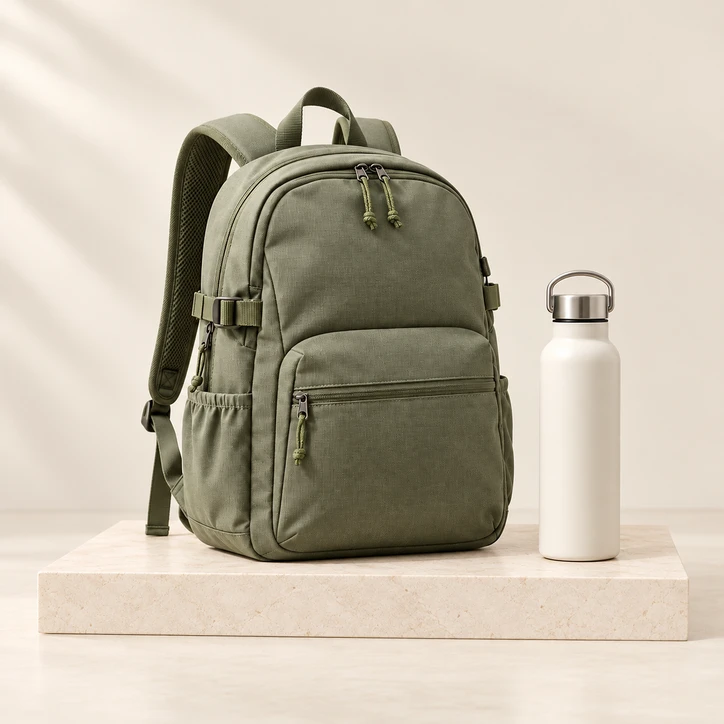
Show what the daypack carries and why the bottle fits the outing. If your offer pairs them as a kit, explain both the practical use and everything included.
Pet supplies

Make the bowl and stand easy to inspect in a selected-product offer. Follow the sale with a setup or care creative that helps a first-time customer use the purchase.
AI-generated product images with illustrative Black Friday labels. Add your own confirmed offers and terms.
From your product to a Black Friday video.
- 01
Choose the product and sale moment
Select the product or bundle you want to promote and check its references. Decide whether this creative is a warm-up, an early-access invitation, an offer announcement or a final reminder. Check the inputs required by your chosen format.

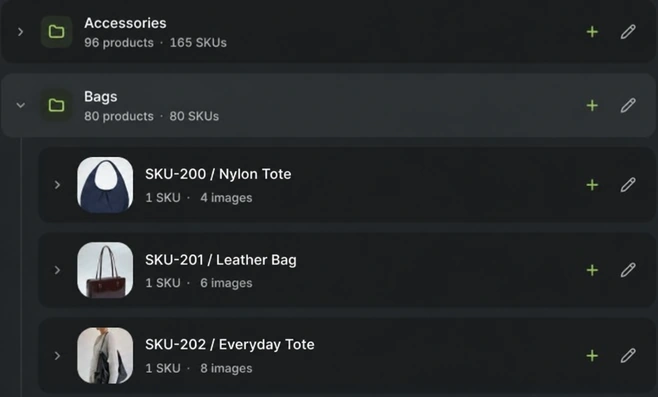
Product UI · Example product library - 02
Brief the offer and the next step
Review the selected concept's topic, product and format. Add your intended audience, opening, product benefit, confirmed offer and next step. A VIP invitation needs different words from a public launch. Review the script and visual direction in its video project before generation.
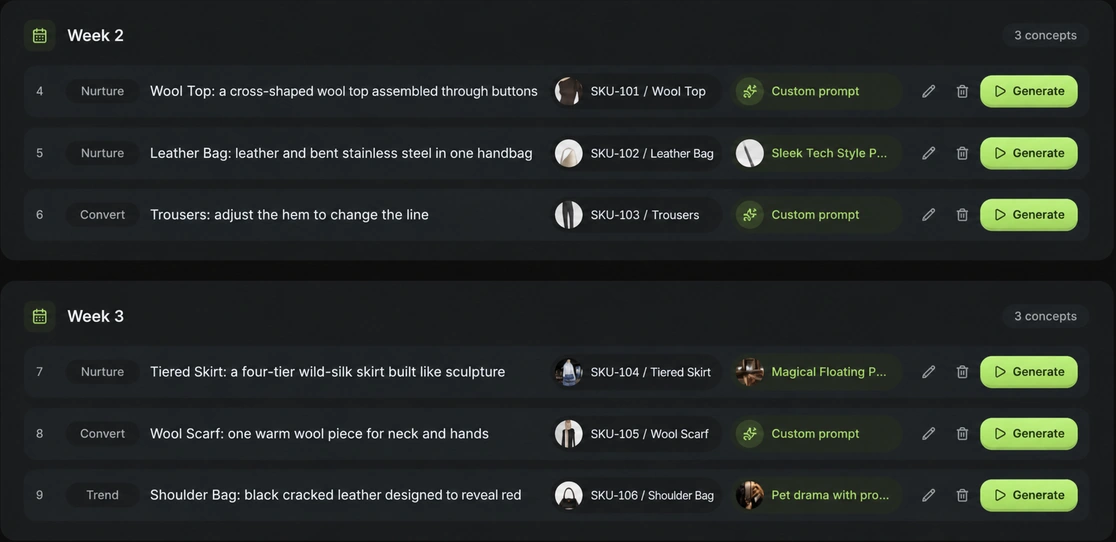
Product UI · General concept planning example - 03
Check the creative against the live offer
Generate the selected video, then review the product, offer, eligibility, deadline and time zone alongside the sound and final cut. Check that the landing page tells the same story. Export the finished creative for the channels you manage.
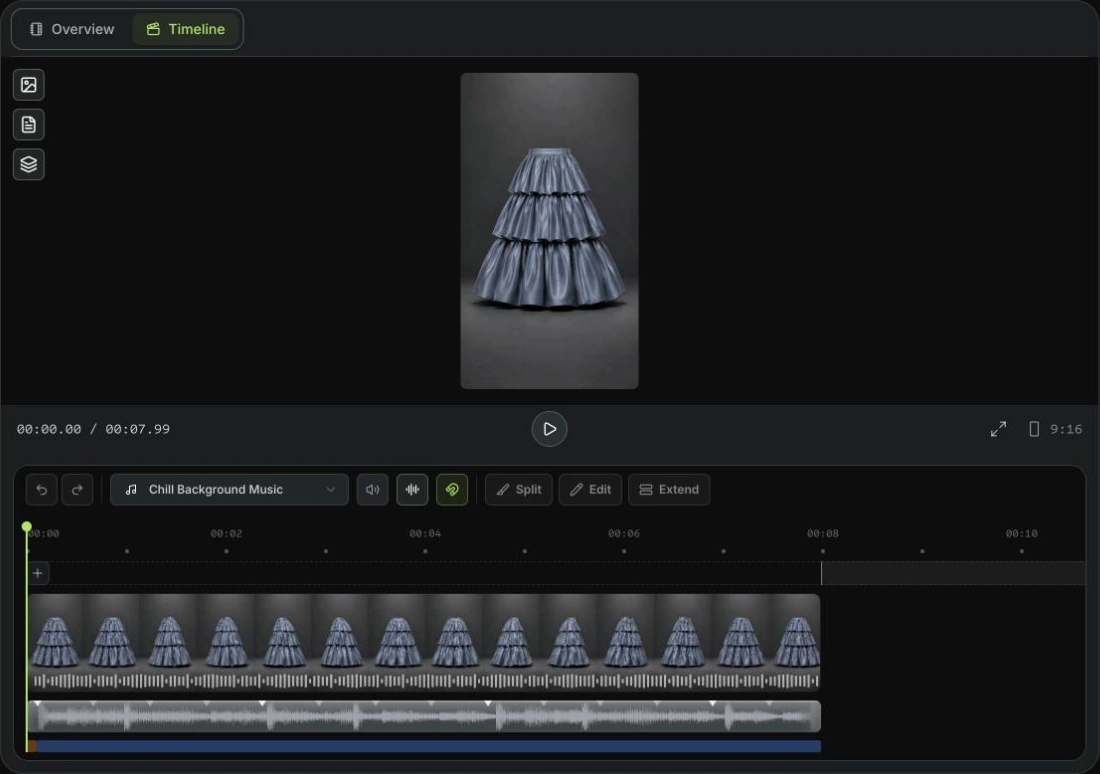
Product UI · General product video example
TURN THE STRATEGY INTO CREATIVE BRIEFS
One product can need more than one message.
A warm-up, a public offer and a final reminder give the same product different jobs. Use Snaptale's general monthly Planning to organise product ideas, then adapt selected concepts to your own sale.
Keep the product. Brief the next moment.
For the bag shown above, prepare one concept about its details for the run-up, another with your confirmed launch offer, and a final reminder with the actual cutoff. Keep the product reference consistent while changing the opening and next step.
Review the proposed topics, products and formats in Planning. Edit a concept or add your own, then review its script and visual direction in the video project. Choose which pieces to generate individually.
Planning remains a general product video workflow. You supply the Black Friday calendar and offers; use your campaign tools to manage audiences and publication.
Frequently asked questions
When should I start preparing Black Friday content?
Work backwards from your own opening date. The example sequence on this page starts with product discovery three to four weeks out, moves into early access, then public launch, weekend questions and final reminders. Allow time to confirm the offer, review references and revise the creatives before you need them.
What discount should I offer for Black Friday?
Start with the change you want: a first purchase, a larger basket, selected-stock sell-through or a returning customer. Choose an incentive that supports that goal, then compare its cost with the additional business it could create. There is no universal best percentage. Snaptale helps you prepare the creative; you set discounts and evaluate results in your store and campaign tools.
Can a lower price produce a better overall result?
It can if the additional business outweighs the incentive and other costs. As a simplified illustration, a $100 product with $40 product cost leaves $6,000 across 100 full-price units. At 20% off, 160 units leave $6,400 after product cost. The extra 60 units are an assumption, not a forecast; shipping, fees, returns and marketing costs still need to be included. Measure the incremental result against what would have happened without the offer.
Can I plan videos for several products?
Use Snaptale’s general Planning workflow to build a monthly video plan from available store and product information. Review the products and topics, then adapt selected concepts to your own Black Friday priorities. A hero product, a bundle and an accessory can each have a separate creative brief.
Does creating a plan generate every video?
No. Choose an idea to open its video project, then review and generate that video. You control which ideas move into production and can work through the plan one video at a time.
Can I start with product photos?
Yes. Product photos can be a starting point. Check the inputs for the recipe or format you choose, as some formats require additional references or other details.
Does Planning automatically create a Black Friday campaign?
No. Planning creates a general product video plan organised by week. The timeline and offer examples on this page are guidance for your own campaign. You choose the dates, audience and discount mechanics; Snaptale does not automatically schedule the sale, set store discounts, segment customers or publish the campaign.
How do I include a discount or deadline?
Provide the relevant details when preparing the video and review how they appear in the script and final output. Confirm that the price, terms and dates match your actual offer before publishing.
What do the product creative images show?
The recipe shelf at the top shows playable preview clips from published Product Shots Recipes. The static illustrations below show product presentation ideas across fashion, beauty, home, tech, sports and outdoor gear, and pet supplies. These examples are creative references, not verified customer results.
Prepare the next message your sale needs.
Choose the product, the moment and the offer. Plan your product content, then make the Black Friday videos you choose.
Start planningKeep reading
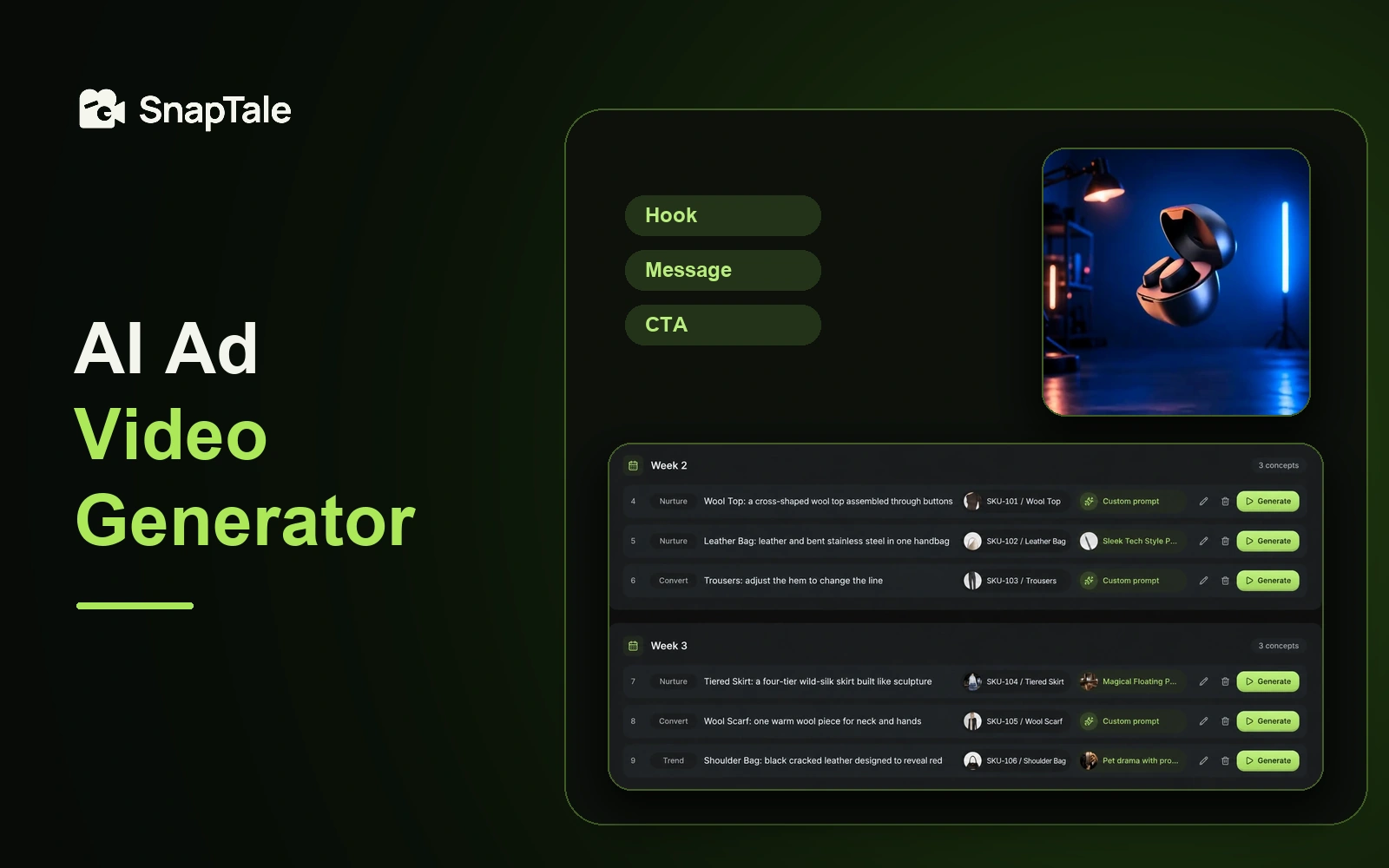
Create video ads with a clear hook, message and CTA.
Create ad creatives around your products and offers.
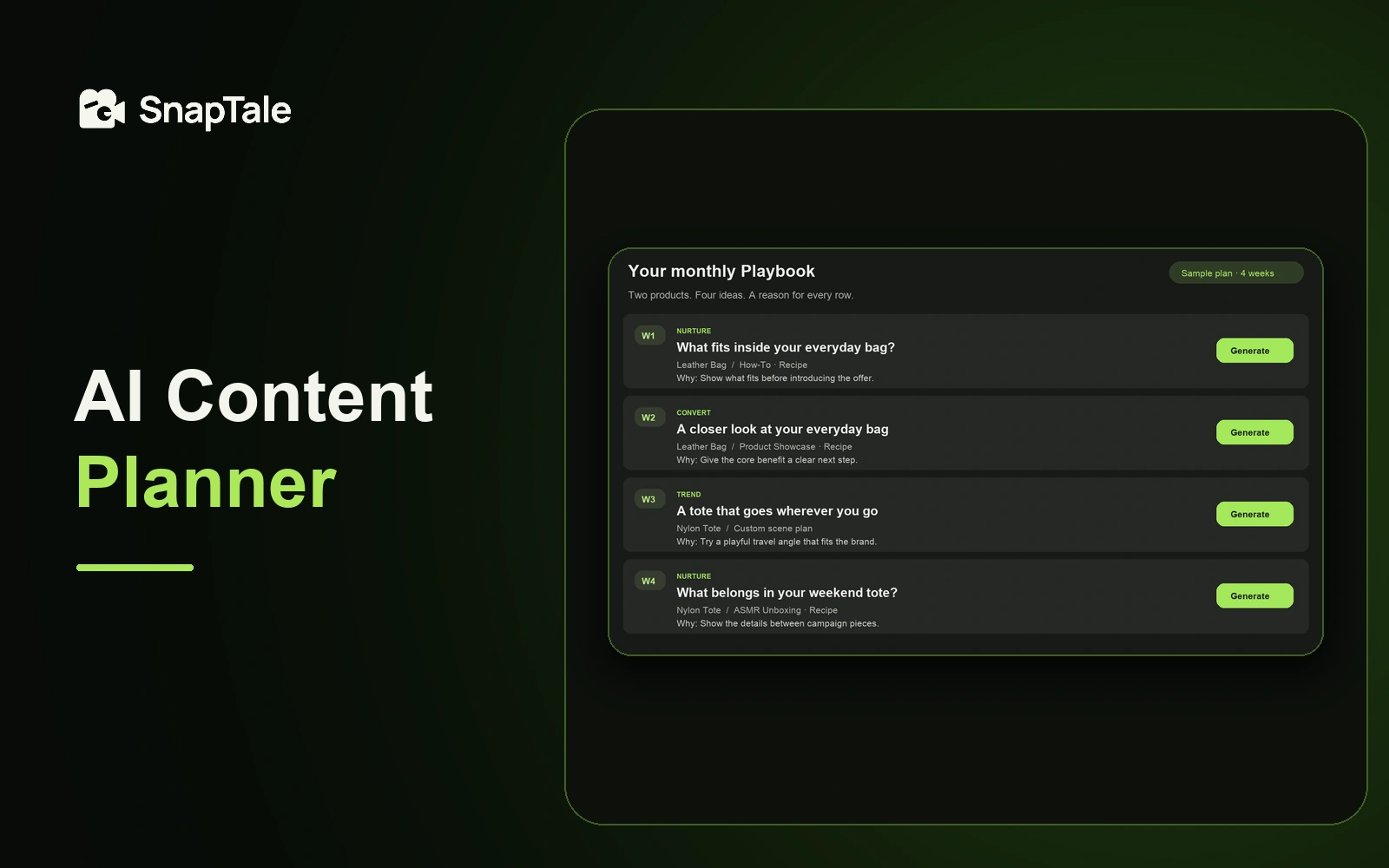
Plan a month of product videos from your store link.
Build a monthly video content plan from your store link. Review topics, products and weekly goals, adjust the mix, then make selected videos.
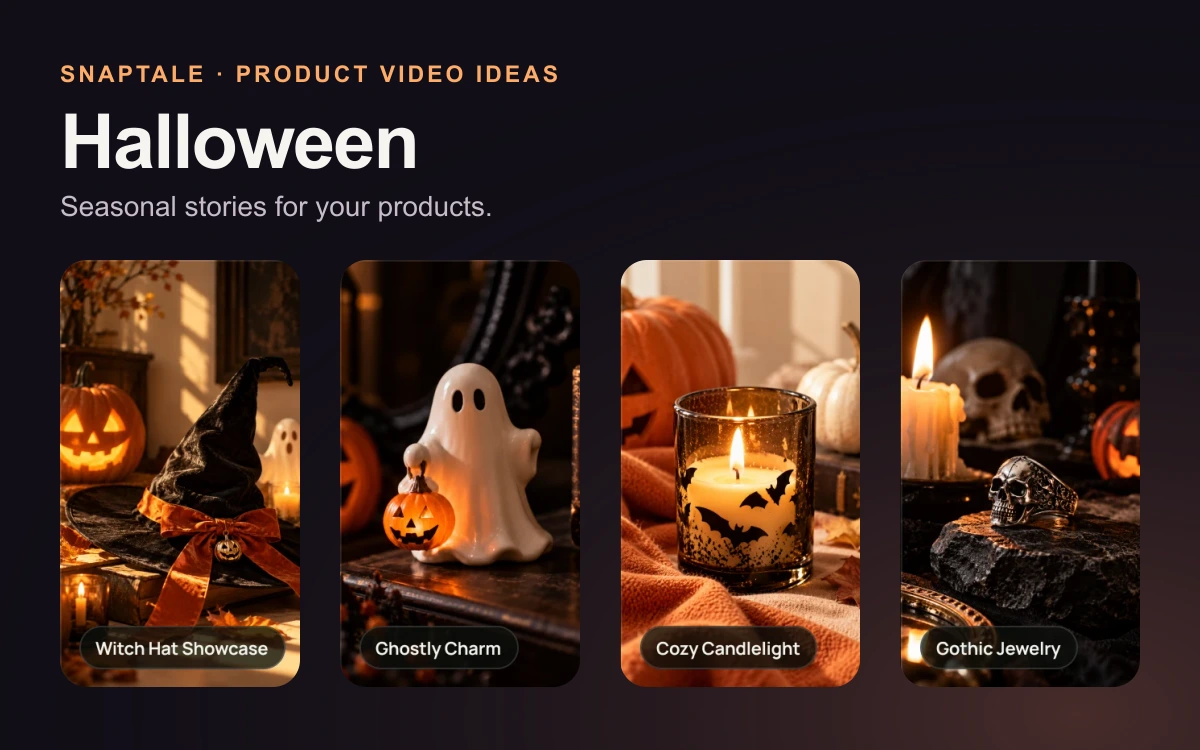
Create Halloween videos for every stage of the season.
Create Halloween product videos for costume ideas, party prep and the final order window. Plan content across your range with Snaptale.