Testimonial Ad
Social proof with a human point of view.
USE CASES › MARKETING
Snaptale reads your positioning, your product lines and your tone, builds the month's video content calendar, and makes every video in it.
For in-house marketing professionals who need campaign video, always-on video and a video for every product line — every month.
Working from a brief instead? Pick a recipe ›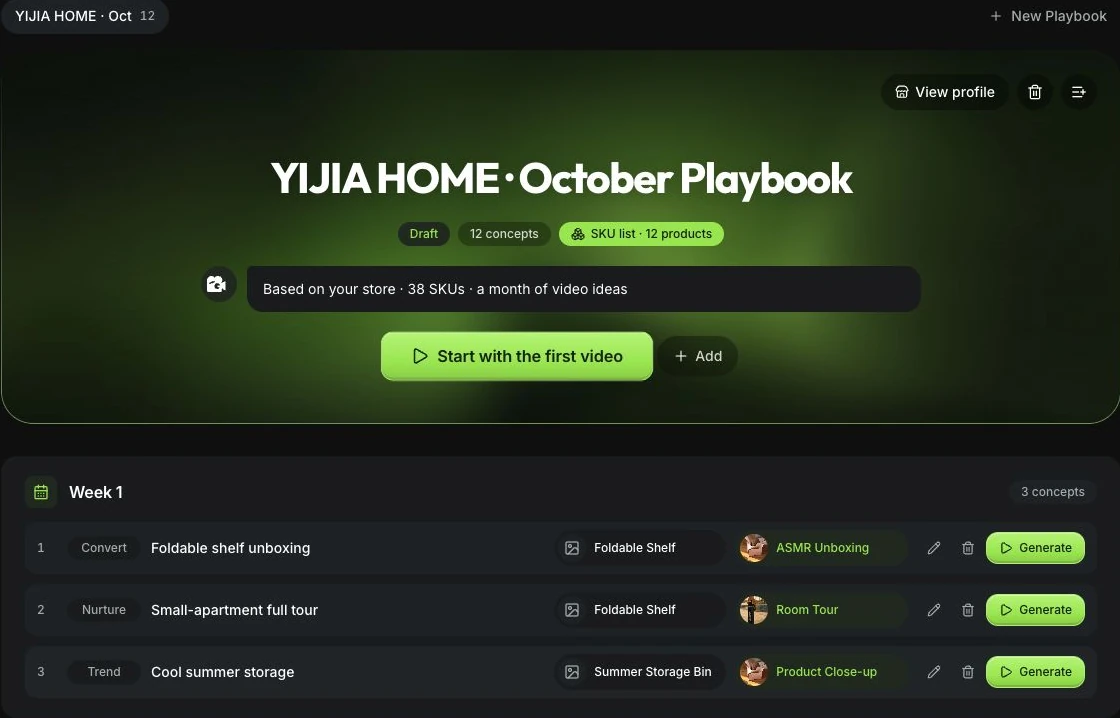
The best workflow designed especially for marketing professionals & teams.
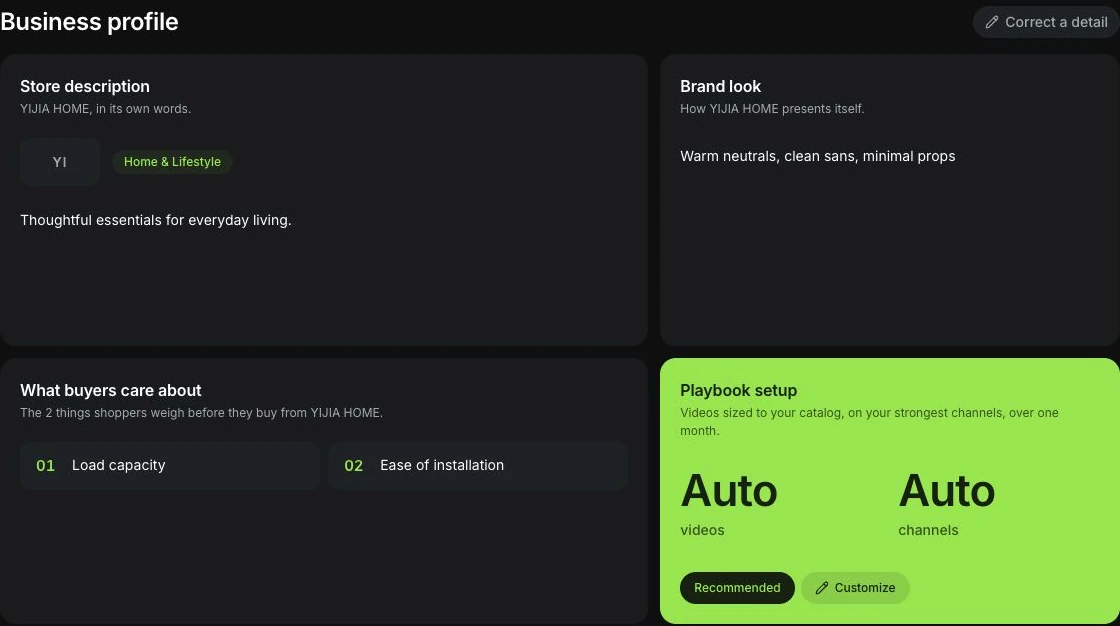
What you position on, who you're talking to, the tone you write in, how the site looks. Snaptale builds a profile of the brand and shows it to you — fix anything it got wrong before it goes further.

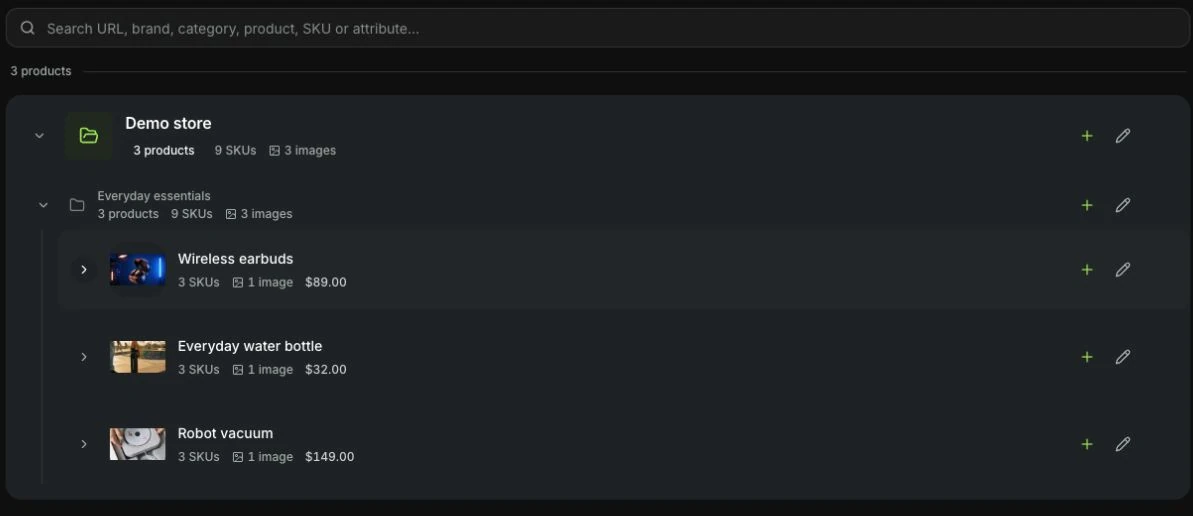
Every product line, SKU and offer on the site comes with the link — names, claims, imagery. No asset hunt, no briefing doc, no chasing the product team for specs. When you want a piece to feature something else, you pick from the portfolio it already read.
Snaptale calls it your playbook: a content calendar you can actually read, where every row is one video — the product line it features, the format it uses, the week it goes out, and one line on why it's there. Campaign videos and always-on posts sit in the same view, so you can see the mix — five to convert, four to nurture, three riding whatever's working — and change it before a single video gets made.
Keep it, swap a row, drop one, or tell it to lean harder on the launch. Then generate the ones you want.

Shots, voiceover, music on the beat, lip sync. They land in your assets area, ready to go out.
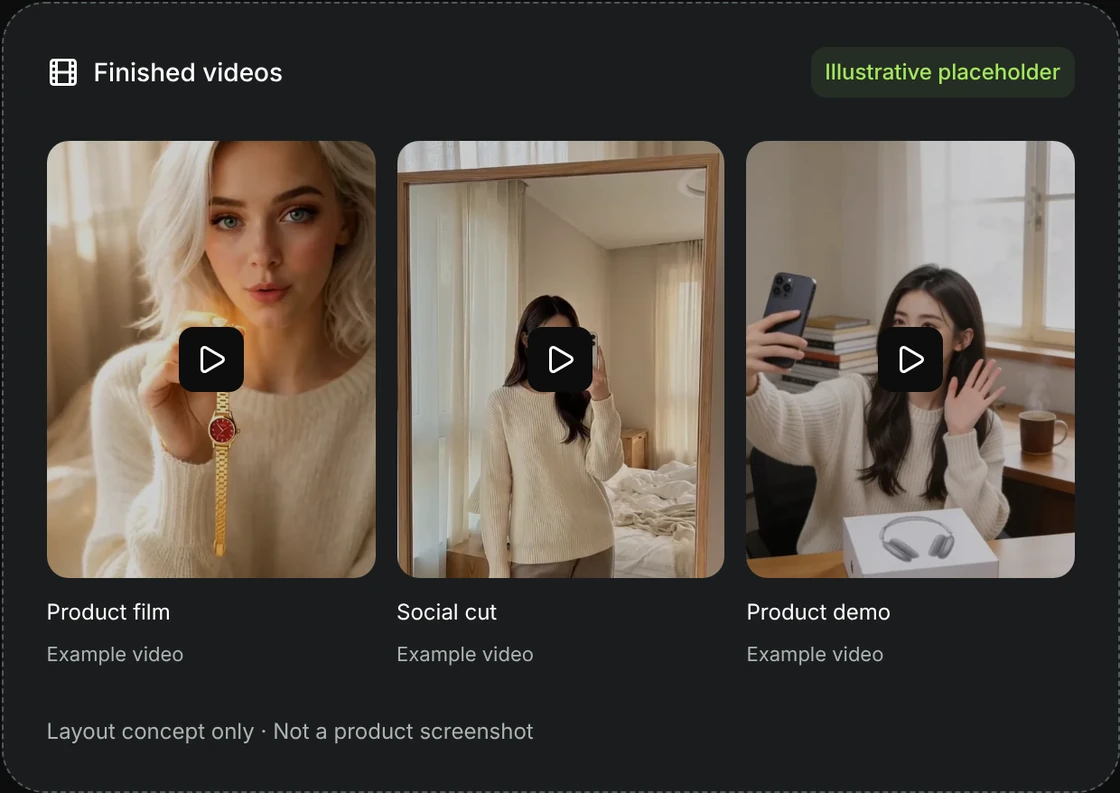
Campaign work, always-on posts, paid variants and product films — every recipe already knows the shots, the pacing and the sound. You bring the brand.
Turn the offer into an ad that converts.
Social proof with a human point of view.
Urgency, offer and end card in one cut.
Lead with the feature that earns attention.
Your product on screen — close-ups, unboxings, proof. Nobody on camera.
Clean movement built around the product.
Texture, sound and a satisfying reveal.
Show fit and movement without a shoot.
Handheld and unpolished. Doesn't read like an ad.
A casual outfit check from a familiar point of view.
Put the product inside an everyday moment.
Loose, fast and native to the feed.
Let a ready-made presenter deliver it. No filming, no talent booking.
A clear pitch from a consistent face.
Make the unfamiliar easy to follow.
One person, one point, no production day.
Walk people through it — explain it, tour it, show what's behind it.
Show the steps without slowing the pace.
Guide viewers through a space or system.
Make the process visible, one piece at a time.
A go-to-market week needs a dozen assets and all of them are due at once. Run the hero product through a reveal, a demo and a first-reaction piece, and the launch calendar fills with a week of content instead of one hero film and a lot of hoping.
Start with: Product Showcase · Secret Hack · Direct-to-Camera
The hero line gets the production budget. The other nine get a stock photo and a caption. When every product line is already on the content calendar, the long tail stops waiting for a shoot that was never going to get scheduled.
Start with: Product Showcase · ASMR Unboxing · Side-by-Side
Promo windows are short, the campaign calendar is fixed months out, and creative is always the last thing ready. These formats are built to be produced fast and swapped fast — change the offer, keep the structure, ship the next one.
Start with: Countdown Deal · Bundle Reveal · Side-by-Side
Between campaigns the feed still has to move, and always-on is the work nobody budgets for. A month of it gets planned in one pass and sits on the same calendar as the campaign work, so the quiet weeks aren't quiet.
Start with: POV · Talking Head · Photo Dump
Paid needs volume and variants, not one perfect cut. Run the same offer through several formats, hand performance a batch worth testing, and keep the ones the numbers like — without another round of creative briefs.
Start with: UGC Video · Testimonial Ad · Problem → Solution
Some pieces don't sell anything this week — they make people believe the business delivers. Explainers, process films and customer stories do that job, they survive brand guideline review, and they age well enough to run all quarter.
Start with: Behind the Scenes · Case Study · Testimonial Ad
How it works, what it's for, why it's better — the video every other team ends up asking you for. Give sales a clear product story for the deck and help shoppers understand the product on the PDP.
Start with: Explainer · How-To · Direct-to-Camera
You don't open a blank canvas at the start of every month. Snaptale reads the brand and hands you a playbook — campaign videos and always-on in one content calendar, with a reason on every row.
Positioning, tone, the whole product portfolio and the visual look come in from one link. No brief to write, no asset folder to dig through before anything can start.
The hero SKU isn't the only one with content any more. The calendar covers the portfolio, so the long tail stops waiting on a production budget that was never coming.
Voiceover, music on the beat, lip sync. The afternoon that used to go to BGM goes back in your pocket.
Snaptale fixes the style, the characters and the scenes before it shoots, so the portfolio doesn't come out looking like ten different brands — and brand guideline review stops being a bottleneck.
Save your fonts, colours and logo once, then drop them onto the next batch — the paid variants, the shorter cut for the PDP, the version sales asked for.
For creative testing, plan variants around the same offer. Keep brand consistency in view as your asset library grows from one campaign to the next.
A brand site with your product information on it — a page that actually lists what you sell. Snaptale reads the positioning, the product lines and the tone from there. A page with no products on it gives it nothing to build a month around.
A content calendar for the month: every row is one piece, with the product line it features, the format, the week and a one-line reason. Campaign work and always-on sit in the same view. You can change the mix or swap any row before anything gets generated.
That's what the playbook is for. Every line on the site comes in with the link, and the month gets spread across the portfolio instead of piling onto the one product that always gets the budget.
Snaptale reads how the site looks and holds that across the batch, and you can save your fonts, colours and logo as a brand kit so every piece carries them.
Change it. Swap a row, drop one, add the piece it missed, or tell it what to do differently — more conversion work, fewer trend pieces, focus on the launch.
No. This is for the volume underneath — the product line coverage, the always-on posts, the paid variants — the work that never justified a production booking in the first place.
Plan the next layer of your system with the content plan generator, see how the workflow serves ecommerce sellers, browse AI video ads and AI product videos, or return to all use cases.
Free to try. Paste your brand site and see next month's videos before you make one.
Get my plan