OpenAI's image model that follows instructions like a copy editor. Photoreal portraits, sharp text, references, posters — the kind of stills that won't make you whisper "please render the words right this time."
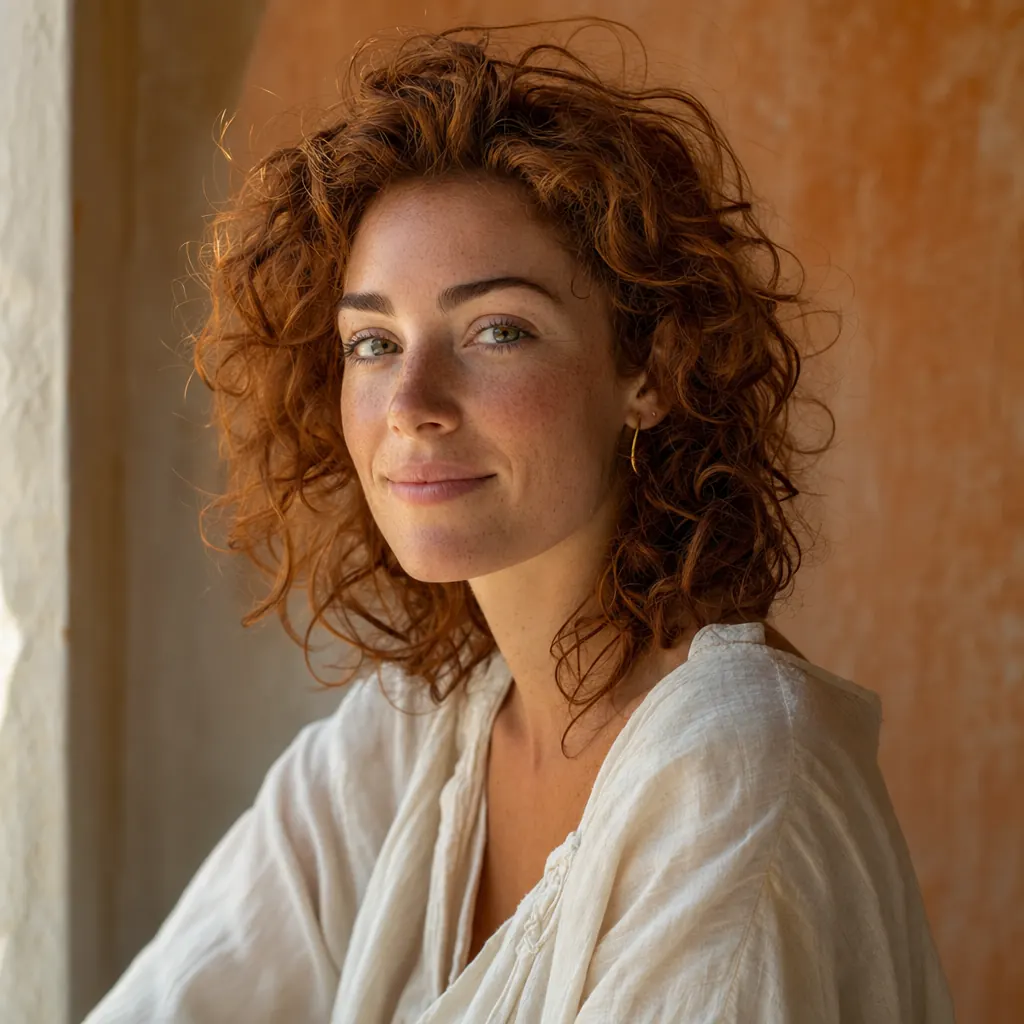
Brief the lens, the time of day, the mood — GPT Image 2 renders skin tones, fabric weave and ambient bounce at fidelity that holds up to a hundred-percent crop. The frames feel scanned, not synthesized.
Single render · still
02Prompt comprehension
Reads briefs the way an art director does
Stack constraints in a single sentence — three subjects in specified positions, a foreground prop, a particular palette — and the model honours all of them at once. No more re-prompting until something accidentally sticks.
Single render · still
03Type rendering
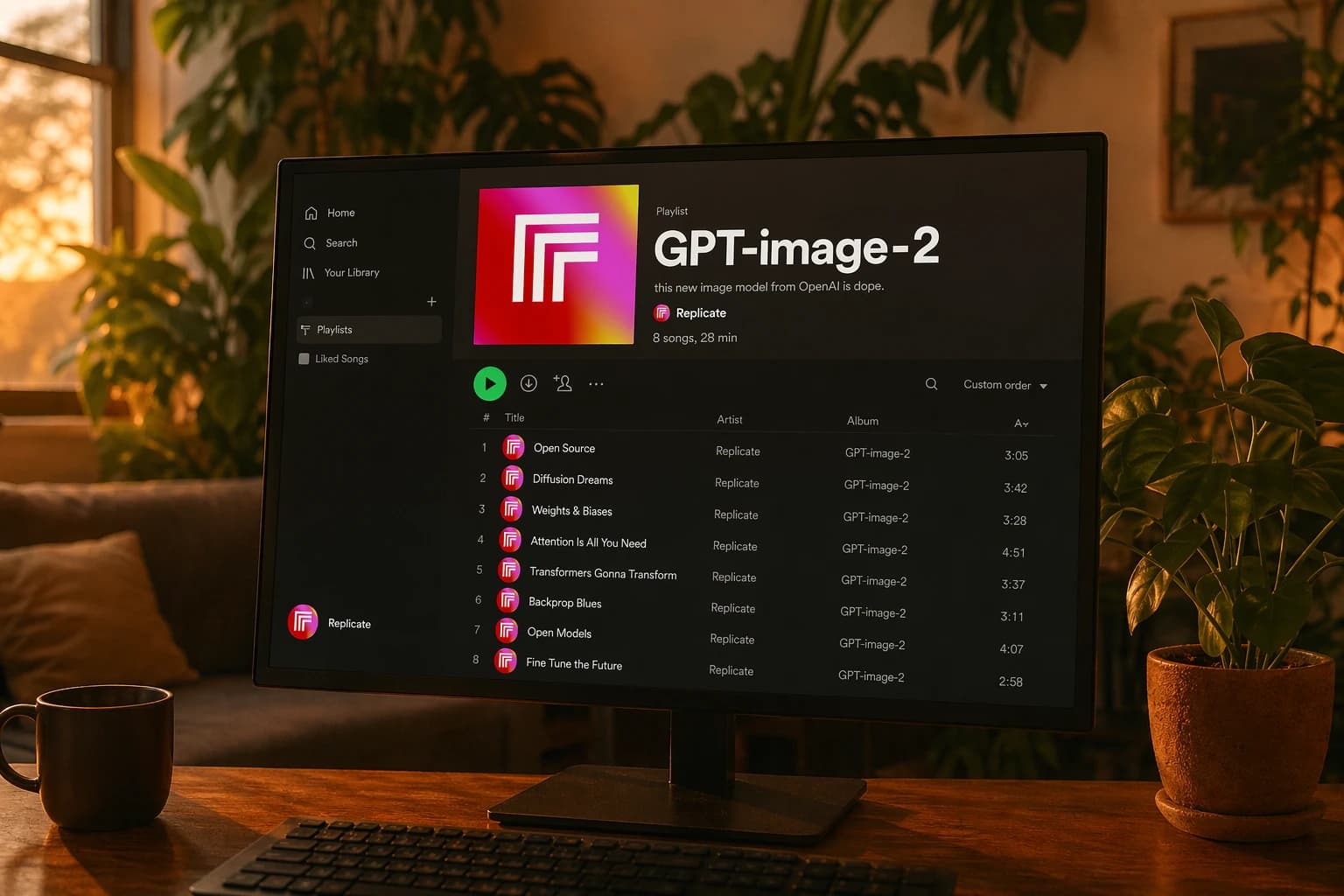
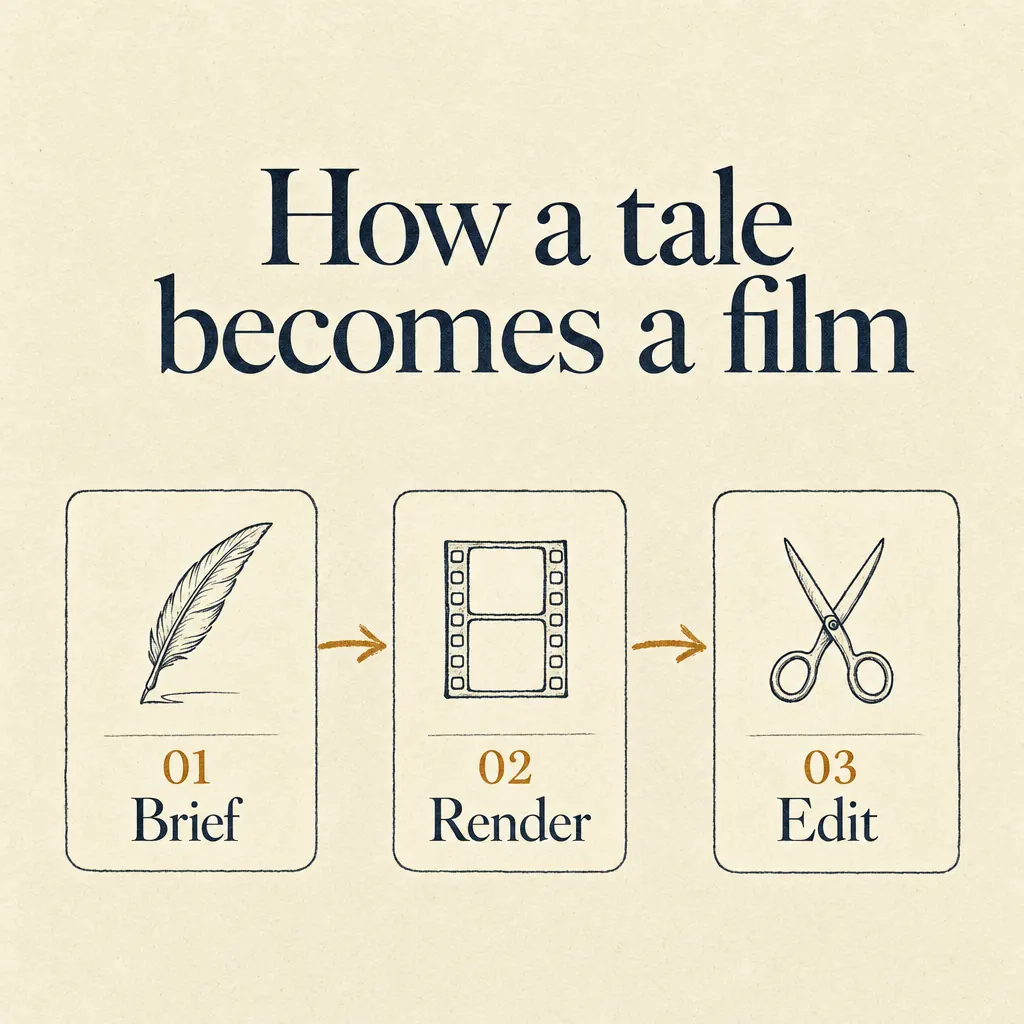
Type that's actually legible
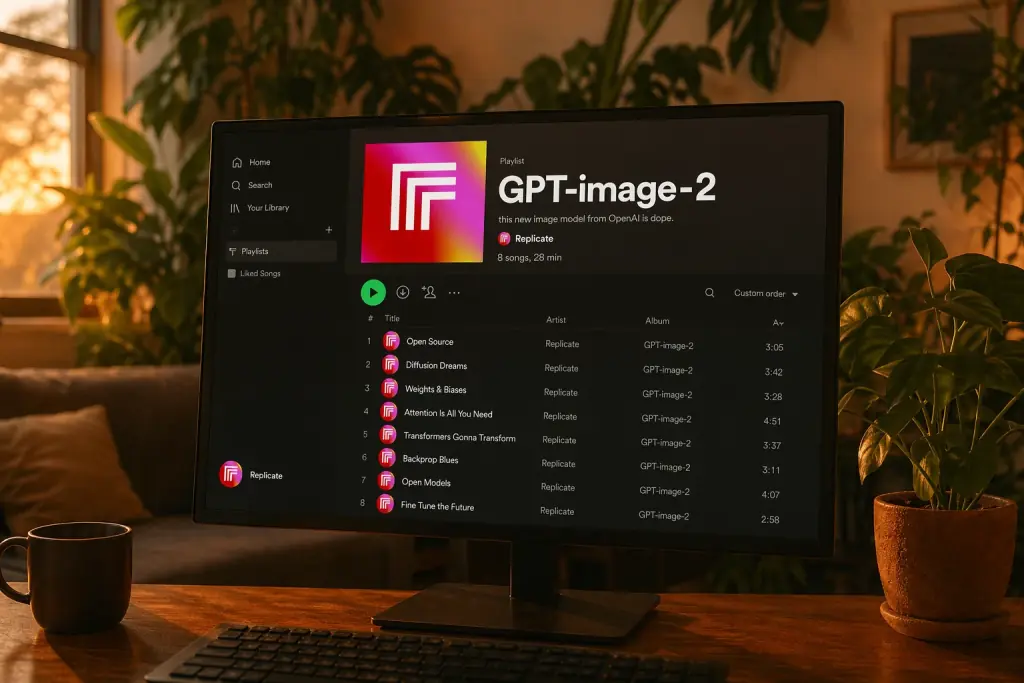
Quote the copy, name the typeface, and the text lands crisp at small sizes. Latin, Chinese, Japanese, Korean, Cyrillic, Arabic — same model, same workflow. No after-the-fact relettering in Photoshop.
Single render · still
04Targeted edits
Change one thing, keep the rest
Drop in any image, describe what should change. The model rewrites only the requested region — lighting holds, composition holds, identity holds. Useful for product variants, brand consistency, and unblocking shots that almost worked.
Single render · still
·01
·02
·03
05Style flexibility
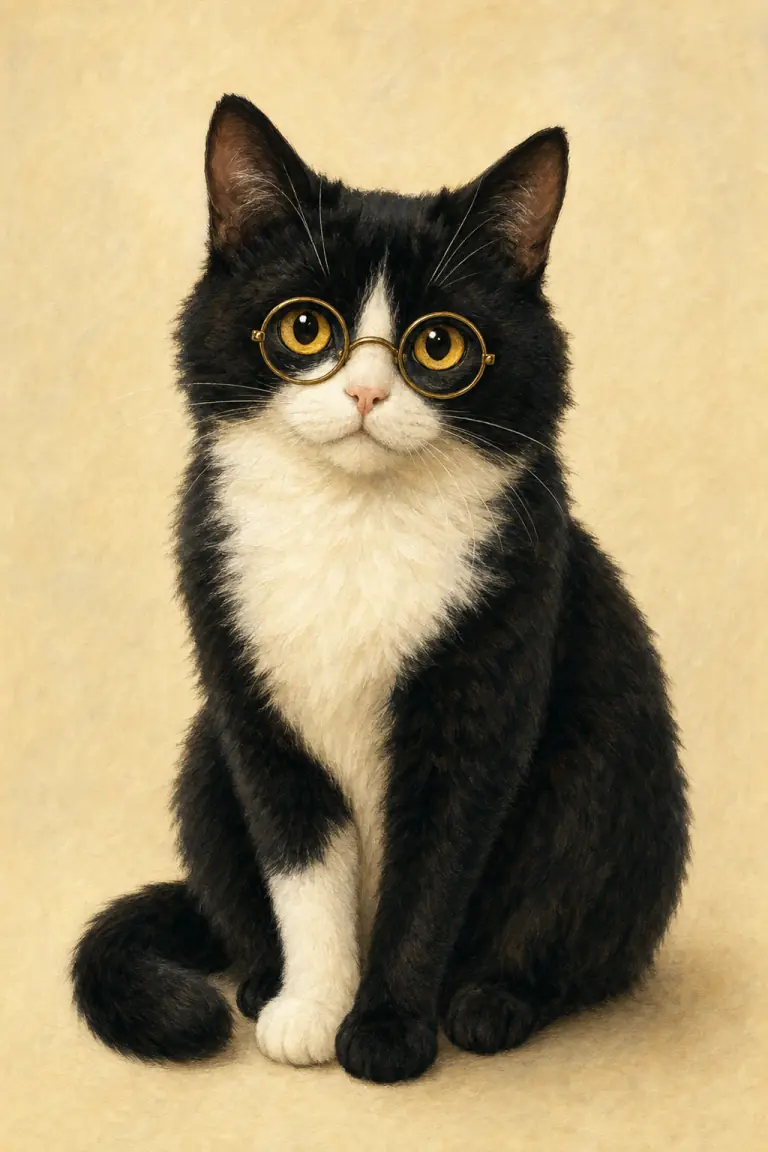
Photoreal to flat illustration, one model
The same prompt vocabulary moves the model across photographic, cinematic, watercolour, anime, vector and pencil styles. No stylistic fine-tunes to swap, no separate checkpoints — describe the look and it lands.
Three frames · same subject
03 — How it runs
Just talk. Snaptale routes.
No model picker, no provider key, no prompt engineering ritual. Describe the shot, the agent picks GPT Image 2 when it fits — and you stay in the conversation while it iterates.
an editorial portrait of Olive, soft window light, 50mm
GPT Image 2 — staging your reference + brief…
in-thread
01step / 03
Describe the still
Type the shot like you'd brief a photographer — lens, light, framing, mood. Drop in any reference image straight from your asset library if you want a face or a brand to stay on-model.
openai / gpt-image-2queued · 02 / 02
generation · 720p · audio off
render
02step / 03
Snaptale routes the request
The agent picks GPT Image 2 the moment your prompt looks like a still — poster, character ref, style card, key art. No model picker, no provider key, no copy-paste.
›title: ↑ 14% scale⌘1
›hat: navy velvet, keep brim⌘2
›preserve composition⌘3
refine
03step / 03
Refine in the same conversation
"Make the title bigger, swap the hat for navy velvet, keep everything else." Surgical edits stay surgical — no full re-roll, no losing the parts you liked.
04 — Real outputs
Made with GPT Image 2.
Square stills only — single rail, no decorative crops, no upscaled placeholders.
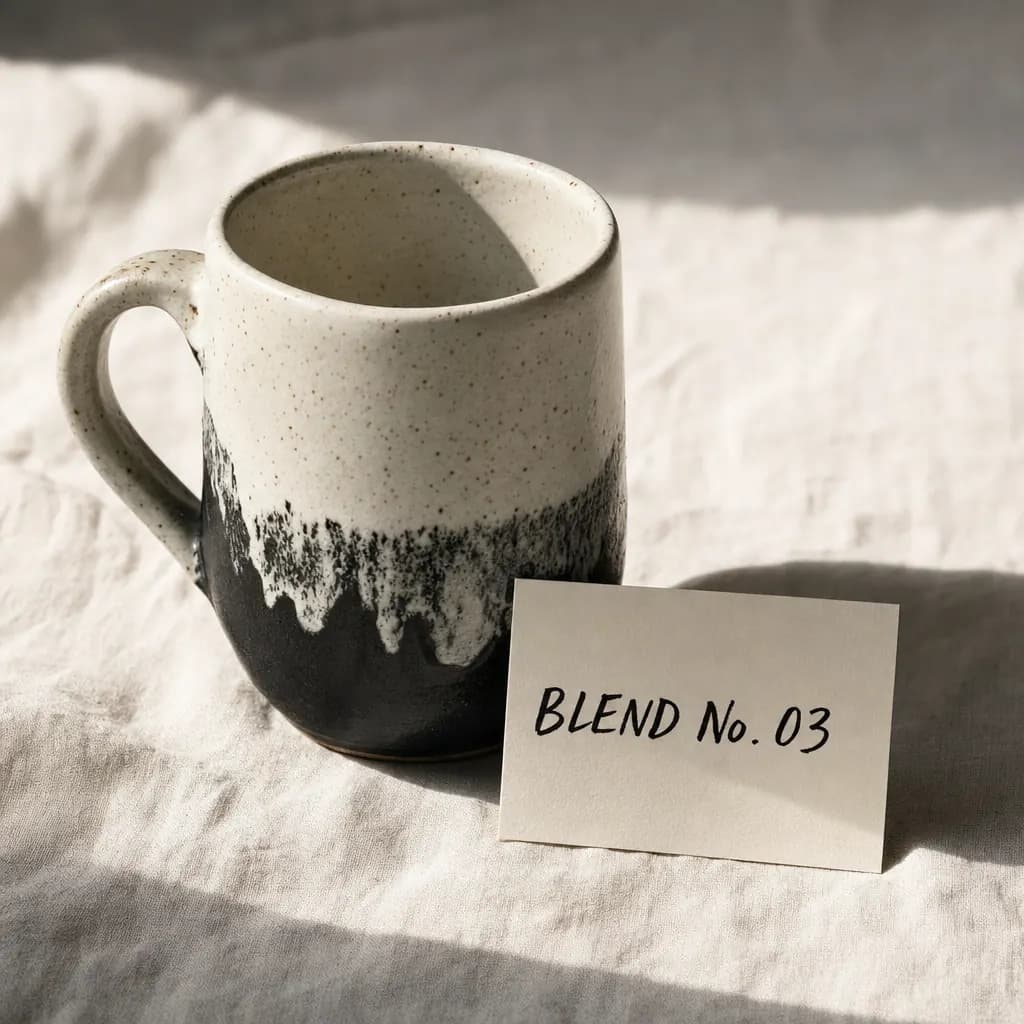
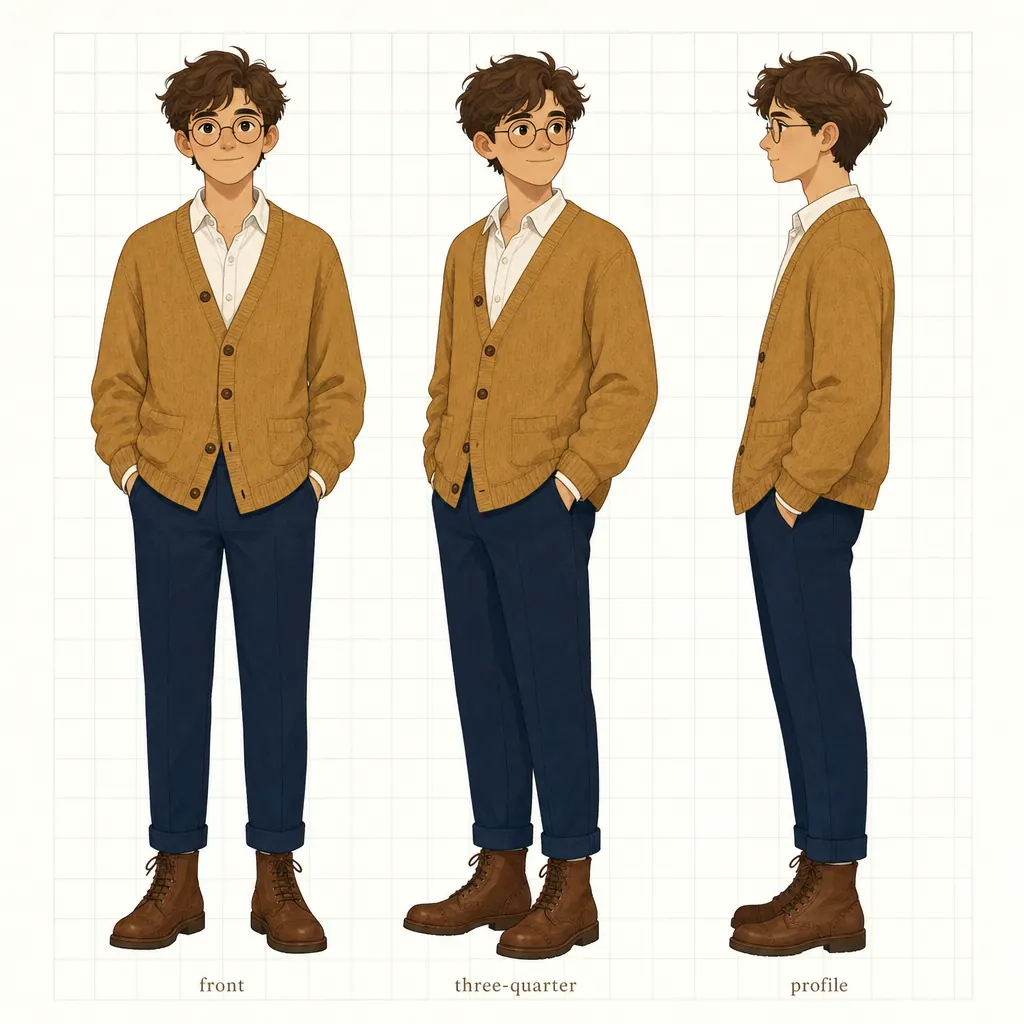
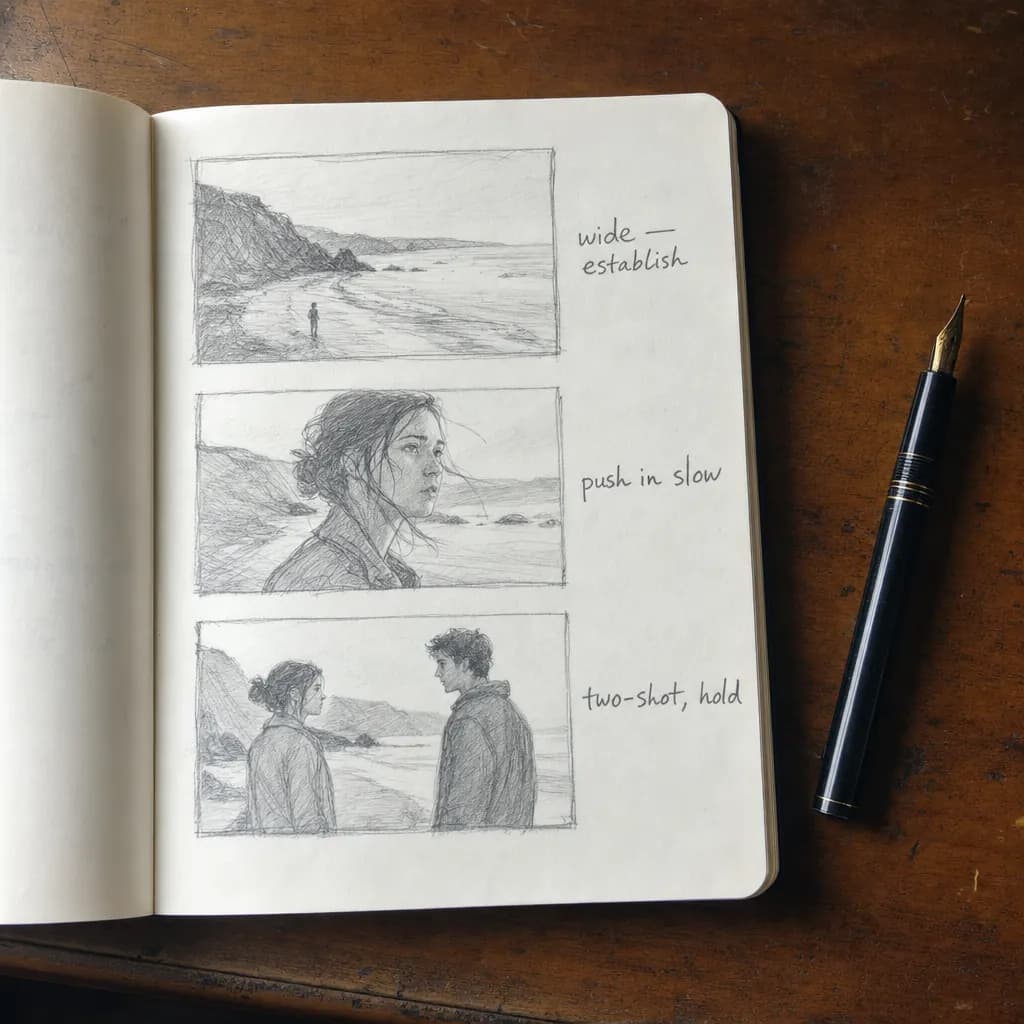
Product · still lifeCharacter · reference sheetStoryboard · notebook
05 — Inside Snaptale
Why run it here.
GPT Image 2 is great. Snaptale makes it directable — persistent assets, character locks, the studio and the agent all sharing one project.
01
Library · stays warm
Asset library at hand
Every character ref, product shot, brand mark you've ever uploaded is one @-mention away from the prompt. No drag-and-drop dance, no hunting through Finder.
02
Lock · scene to scene
Locks the look across scenes
Snaptale carries the same character/style anchor through every subsequent still and clip — even when you switch over to a video model later.
03
Edit · in-thread
Edit without leaving the chat
Targeted retouches stay in the conversation. No tab-hopping to a separate edit surface, no losing context between iterations.
04
Defaults · sensible
Sane defaults, override later
Aspect, quality, output format — Snaptale picks sensible values per use case. You can override, but you almost never need to.
06 — FAQ
Quick answers.
01Do I need an OpenAI API key?
No. Snaptale routes your request and bills the credits — you don't bring a key, manage rate limits, or worry about which version is current.
02Can it do transparent backgrounds?
GPT Image 2 itself doesn't render transparency. If you need a transparent PNG (logo cutout, sticker), Snaptale falls back to GPT Image 1.5 for that single render and stitches the result back into your project.
03How many reference images can I pass?
Multiple. The model treats them at high fidelity automatically — you don't tune a strength knob. Pass one to edit, or pass several to combine subjects, styles, or layouts.
04Best practice for readable text in the image?
Put the exact copy in “straight quotes” and describe the typography (“bold sans-serif, centered, high contrast”). Quoting is the single highest-leverage tip we know.
05Will my character look the same across multiple stills?
Yes — that's the workflow Snaptale is built around. Generate or upload a reference portrait once, lock it as a project asset, and every subsequent prompt that @-mentions it inherits the likeness.
06Image vs video — when does Snaptale switch?
The agent reads your intent. Static prompts stay on GPT Image 2; the moment you ask for motion ("a 5-second shot of..."), it routes to Seedance 2.0 (or Happy Horse 1.0 for real-people motion) and reuses your stills as first frames.